Knowing how to write a chatbot knowledge base is mostly knowing what to leave out. It is the set of short, self-contained entries a store assistant reads before answering: policies, shipping rates, product data, FAQs, size guides, warranty terms and seasonal notices. Answering nine in ten questions from it is a goal rather than a starting point. Below: what to load, how to format it for retrieval, what to leave out, and how to test and maintain it.
Start with what customers already asked
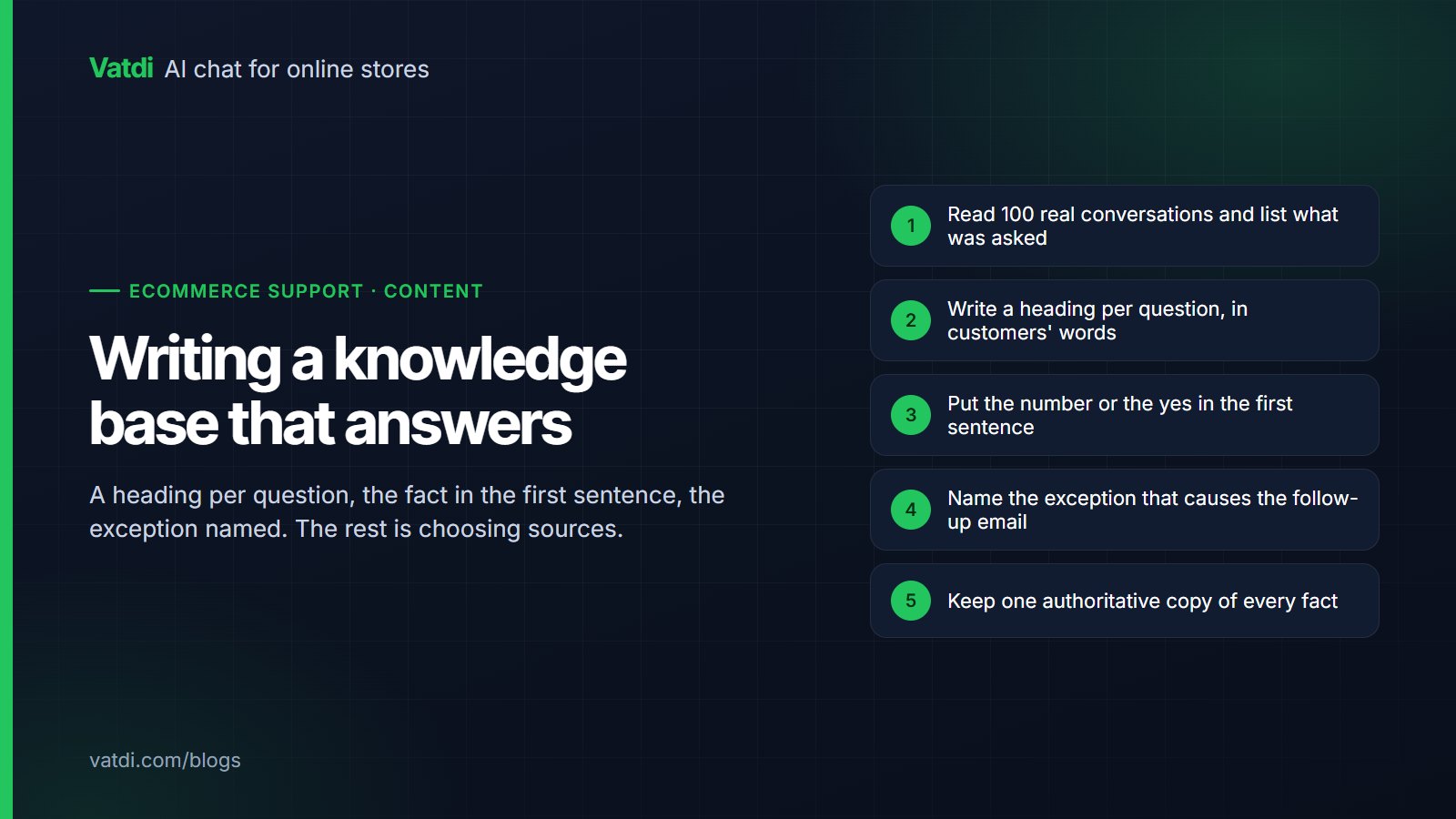
Begin by reading, not writing. Export your last 100 support conversations (email, chat, marketplace messages) into a spreadsheet, one row each, and tag each row twice. The first tag is the topic, from a short fixed list.
| Tag | Typical question |
|---|---|
| order-status | Where is my order? |
| shipping | How much and how long to my address? |
| returns | Can I return or exchange this? |
| stock | Is it available, when is it back? |
| product-info | Size, material, compatibility, difference between two items |
| discount | Do you have a code, why is mine failing? |
| payment | Which methods, instalments, currency |
| account | Password, address book, invoices, cancelling a subscription |
| warranty | What is covered, how to claim |
| complaint | Damaged, wrong item, late, rude courier |
| other | Anything that does not fit |
The second tag is the answer source: content (a page or policy could have answered it), order data (needed the customer's order record), or person (needed a decision or an action in your store). This tag sets the ceiling: if 12 of 100 conversations needed a person and 8 needed order data you do not expose, a content-only bot tops out at about four fifths of them. That goal is reached by expanding content and, where your platform allows, adding live order lookup, never by letting the bot guess.
A few topics usually dominate the rows; write those entries first.
The eight source types to load
A store knowledge base draws on eight kinds of source, each needing a slightly different format. The mechanism is described in what a RAG chatbot is: the bot retrieves the passages that match the question and writes from those only, so each passage must make sense on its own.
| Source | Must include | Format that retrieves well |
|---|---|---|
| 1. Policies (returns, refunds, terms) | Windows in days, conditions, exclusions, who pays, timings | One paragraph per rule, starting with the rule |
| 2. Shipping matrix | Zones by country name, services, prices, days, cut-off, free threshold, duties | One line per zone and service; never "worldwide" or "fast" |
| 3. Product catalogue | Title, price, variants, stock, attributes, description, category | Plugin sync where available; otherwise a CSV with one row per variant |
| 4. FAQs | The question as customers phrase it, then the answer | One question and answer per entry; import from CSV or Excel |
| 5. Size guides | Measurements in cm and inches, per brand, fit notes per product | A table per brand or category plus a one-line fit note on each product |
| 6. Warranty | Duration per category, covered and excluded, claim steps, proof needed | One paragraph per category, claim steps as a numbered list |
| 7. Account and how-to pages | Steps for password reset, address change, invoices, subscriptions, order cancellation window | Numbered steps with the exact menu names used on your site |
| 8. Seasonal notices | Holiday cut-off dates, delays, promotion terms, opening hours | Dated entries with an explicit expiry, removed when they expire |
1. Policies
Keep the legal page for the footer and write a plain version for the knowledge base: "You can return unworn items within 30 days of delivery. Return postage is £2.99 and is deducted from the refund. Refunds reach the original payment method within 5 working days of the parcel arriving." One rule per paragraph, none depending on the one above it.
2. Shipping matrix
Write every zone out with country names, because a customer asks "do you ship to Portugal", not "do you ship to Zone 2". Include service name, price, delivery window in working days, free-shipping threshold, cut-off time with time zone, and one sentence on duties per non-domestic zone.
3. Product catalogue
Use the native plugin where one exists; it keeps prices, sale prices and stock current and lets the bot show product cards. On a script-embed site, a CSV with one row per variant works, but its stock is only as fresh as the last upload. Descriptions should state what a product is for and what it is compatible with; comparisons fail when the differences only live in an image.
4. FAQs
Write the question the way a customer types it: "Do you ship to Ireland?" rather than "International shipping policy". One question, one answer, one entry. An existing page of 40 questions should be split, because the matching passage is buried among 39 others. FAQ import from CSV or Excel makes this a spreadsheet job. Treat AI-generated FAQ suggestions as drafts to review, not entries to publish unread.
8. Seasonal notices
Holiday cut-offs, courier strikes, promotion terms and changed hours belong in the knowledge base while true and must leave it the day they stop being true. Date every entry ("Valid 1 to 24 December 2026") so a stale notice is obvious. The Black Friday chatbot checklist covers which notices to add before a peak.
Formatting rules that make retrieval work
Retrieval finds passages, not pages; these rules follow from that.
- Short, self-contained paragraphs. Two to five sentences answering one thing without needing their neighbours. A paragraph that begins "In this case" or "As above" will be retrieved alone and read as nonsense.
- One topic per entry. Returns and exchanges are two entries; shipping to the UK and to the EU are two entries. Long combined pages are a common cause of "the bot answered a different question".
- Use the customer's words. Customers say "refund", "money back", "send it back", "swap". Include the phrases from your tagged conversations, not only your internal term.
- Numbers and dates explicit. "Within 30 days of delivery", "£3.95", "before 14:00 UK time", "valid until 24 December 2026". Never "soon", "a small fee", "during the holidays".
- Name the thing every time. "The Harbour Jacket" not "it", "standard UK delivery" not "this service". Pronouns break when a paragraph is retrieved alone.
- Headings as questions. "Can I change my delivery address after ordering?" matches the way the question arrives.
What to leave out
Every extra entry competes with the right one at retrieval time. Leave out:
- Internal process notes (picking rules, staff discount codes, supplier contacts). If it should never be said to a customer, it should not be in the base.
- Expired promotions and old notices. Last year's promotion page is the classic source of "the bot promised a discount that does not exist".
- Duplicates and contradictions. Two versions of the returns policy will be retrieved at random; a shipping page saying 3 to 5 days beside an FAQ saying 2 to 4 leaves the bot no way to know which is right. Fix the pages, then load one.
- Scanned PDFs with no text layer. Uploads work when the text is real text; an image of a page is not readable.
- Anything about brands you do not sell. The bot should compare only your own catalogue.
Write answers the bot can quote
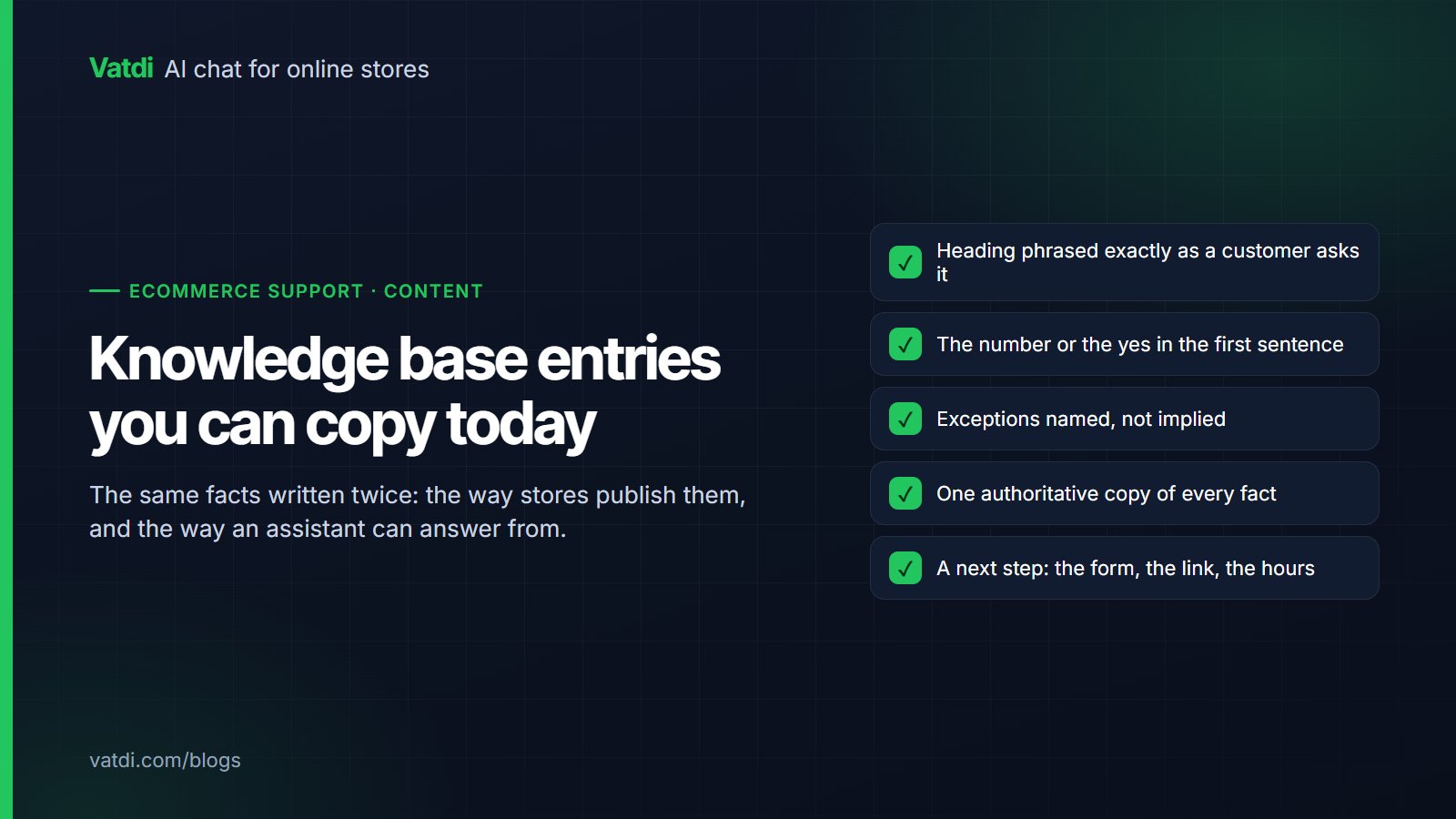
If the passage buries the answer, the reply will too. The pattern that works is answer first, conditions second, action third.
Before: "Our returns process is designed to be straightforward. Certain conditions apply and items must be in a resalable condition. Depending on the circumstances, a refund may be issued within a reasonable timeframe once the goods have been inspected."
After: "You can return most items within 30 days of delivery for a full refund. Items must be unworn with tags attached; underwear and personalised items cannot be returned. Refunds reach your original payment method within 5 working days of the parcel arriving. To start a return, go to Account, then Orders, then Return item."
The second version can be quoted in full, in part, or translated, and still be correct. Where an action must be taken by your team (cancelling an order, approving a warranty claim), the last sentence should say so; that sentence makes the bot hand over instead of promising. See chatbot human handover for how that offer should work.
A maintenance rhythm
A knowledge base decays quietly. Put the review in a calendar rather than waiting for a complaint.
| When | What to do | Time |
|---|---|---|
| Weekly | Read every conversation the bot could not answer or handed over; add or fix one entry per recurring gap. Read the low quality scores and their advice. | 30 to 45 minutes |
| Monthly | Re-run the 50-question test set (below). Remove expired notices. Re-check the shipping matrix against your carrier account. | 1 to 2 hours |
| Before each peak season | Add dated notices for cut-offs, delays and promotion terms. Re-test the top 10 questions. | 1 hour |
| On any policy or price change | Update the entry the same day and re-sync. Search the base for the old number to catch duplicates. | 10 minutes |
The test set method
Chatting casually with the bot proves nothing, because you know the answers and phrase questions kindly. A fixed test set fixes that.
- Collect 50 real questions from the audit, phrased exactly as customers wrote them, spelling mistakes included, in proportion to the topic counts, with at least five that should trigger a handover.
- Write the expected answer for each in one line: the number, date or rule that must appear.
- Ask all 50 in fresh conversations and record the reply.
- Score each 0 to 10 against the rubric below. A reply that is right but omits the number is a 6, not a 9.
- Fix the content behind every score under 8. The fix is almost always a missing, vague, duplicated or contradictory entry, not a setting.
- Repeat until the average is above 8 and nothing scores below 5, then re-run monthly.
| Score | Meaning |
|---|---|
| 10 | Correct, specific, includes the number or rule, offers the right next step |
| 8 to 9 | Correct and specific, minor omission that does not mislead |
| 6 to 7 | Right direction, missing the concrete number or condition |
| 3 to 5 | Partly wrong, out of date, or answered a neighbouring question |
| 1 to 2 | Wrong or invented |
| 0 | No answer where one existed in your content, or an answer where it should have handed over |
Keep the set stable so the numbers are comparable month to month; add questions only when a new topic appears in real traffic.
How many entries do you need?
Fewer than most people expect. A shipping matrix, split policies, 20 to 40 FAQs, size and warranty entries and a synced catalogue usually fit in well under 100 knowledge entries plus the products. The retrieval method behind all of this is described in Lewis et al., 2020, and the embedding step vendors meter content for is set out in OpenAI's embeddings guide. Vatdi's free plan allows 100 knowledge items and 200 synced products; paid plans raise that to 500 and 2,000, then unlimited items and 10,000 products, with the same features throughout; current allowances are on the pricing page. Loading each format (crawl, pasted URLs, uploads up to 10 MB, FAQ import, manual text) is covered in how to train a chatbot on your own data and the documentation.
Frequently asked questions
How many questions should a chatbot knowledge base answer?
Treat nine in ten as a goal, with the ceiling set by your audit: questions that need a person or order data you cannot expose are outside a content-only bot's reach. The largest gains come from the first 30 to 50 entries covering shipping, returns, stock and product information.
What format should chatbot knowledge base entries be in?
Short, self-contained paragraphs of two to five sentences, one topic per entry, with numbers and dates written out and the product named rather than called "it". FAQs work best as one question and one answer per entry, imported from CSV or Excel. PDF, DOC, DOCX, CSV, TXT and Markdown uploads work when the text is real text, not a scanned image.
Should I upload my whole website to the chatbot?
Crawl the pages customers need (shipping, returns, payment, size guides, how-tos, product pages) and leave out blog archives, press pages, expired promotions and legal boilerplate nobody asks about. Every extra page competes with the right one at retrieval time, and stale pages cause wrong promises.
Why does my chatbot answer a different question than the one asked?
Usually because the right answer sits inside a long page covering many topics, or two entries overlap and the wrong one was retrieved. Split long pages into one-topic entries and remove old versions. If two entries state the same fact differently, delete one rather than editing both, because a second copy will drift again within a few months and produce the same symptom.
How often should I update a chatbot knowledge base?
Weekly: read unanswered and handed-over conversations and fix one entry per recurring gap. Monthly: re-run a fixed 50-question test set and remove expired notices. Same day: any price, policy or courier change. Before each peak: add dated notices for cut-offs and delays.