1. Home
  2. /
  3. Blog

Guides on AI chat for online stores

Practical, tested advice on running an AI chatbot for an ecommerce store or website: what shoppers ask, how to answer it from your own data, what tools cost, and how to set it up on your platform.

Checklist for evaluating an AI chatbot on a BigCommerce store before installing it
Platforms & integrations
13 views

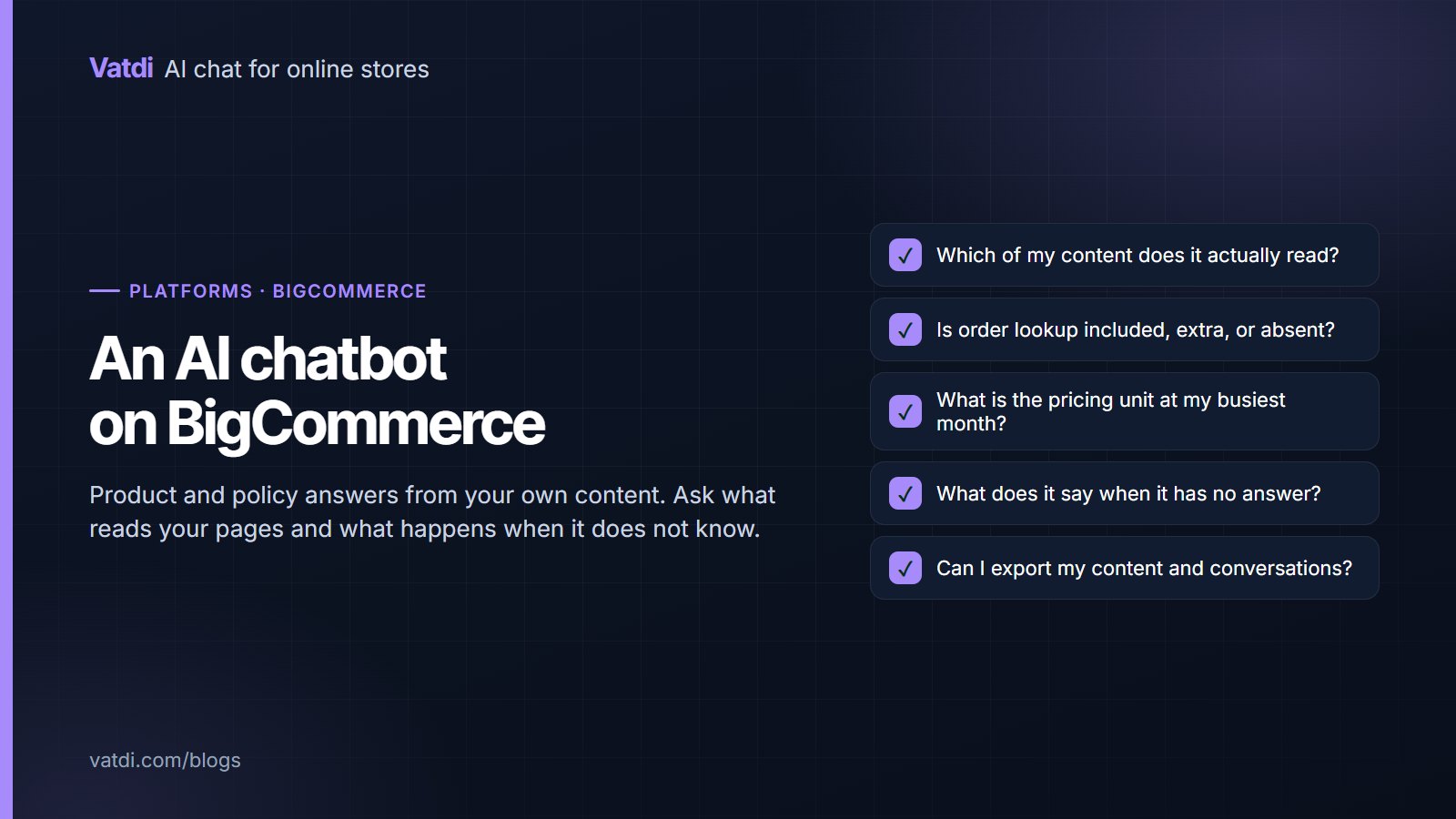
A BigCommerce store can have an assistant answering product and policy questions from its own content within an afternoon. What varies between tools is order lookup, pricing units and how much of the answer comes from your store rather than a script. This guide sets out what to expect, the questions to ask before installing, and how to judge any option in a single evaluation session.
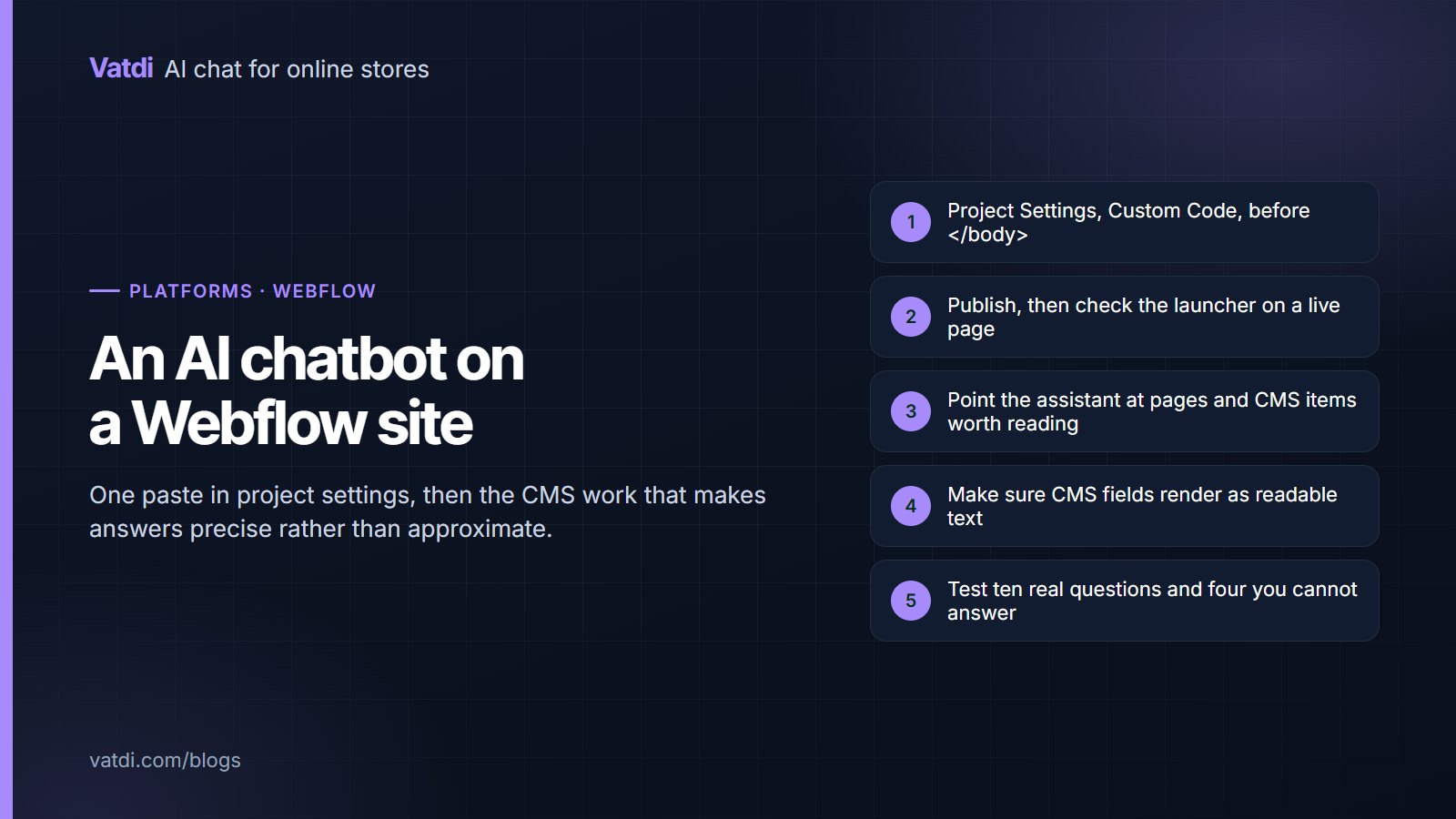
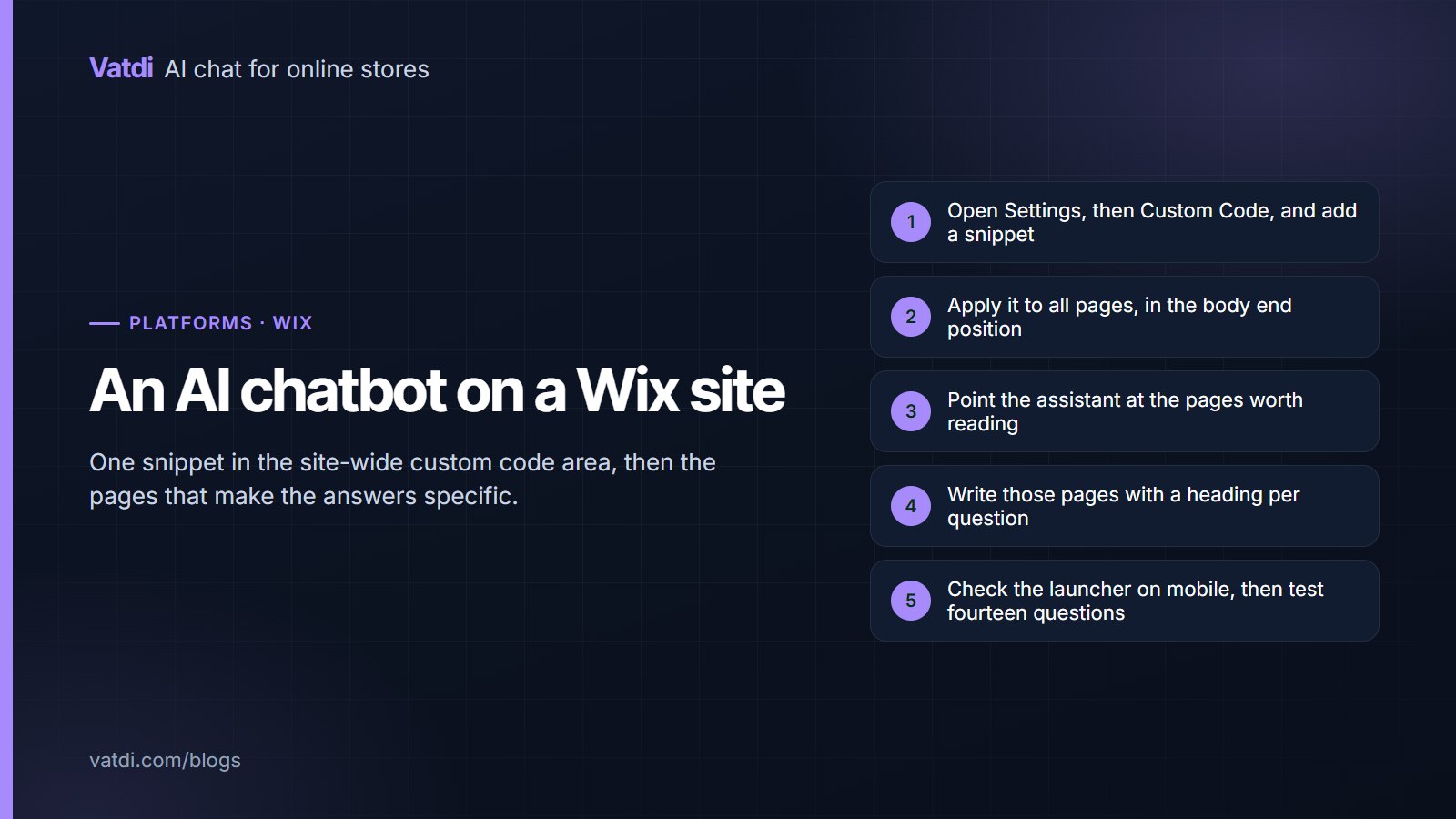
Adding a chat assistant to a Webflow site through project settings custom code
Platforms & integrations
25 views

Webflow gives you a site-wide custom code area, so adding an assistant is one paste and a publish. The interesting part is content: Webflow CMS collections hold structured data that makes answers precise, provided the fields render as readable text. This guide covers the embed, the CMS considerations, the interaction-heavy pages that hide facts, and the pre-launch checks.

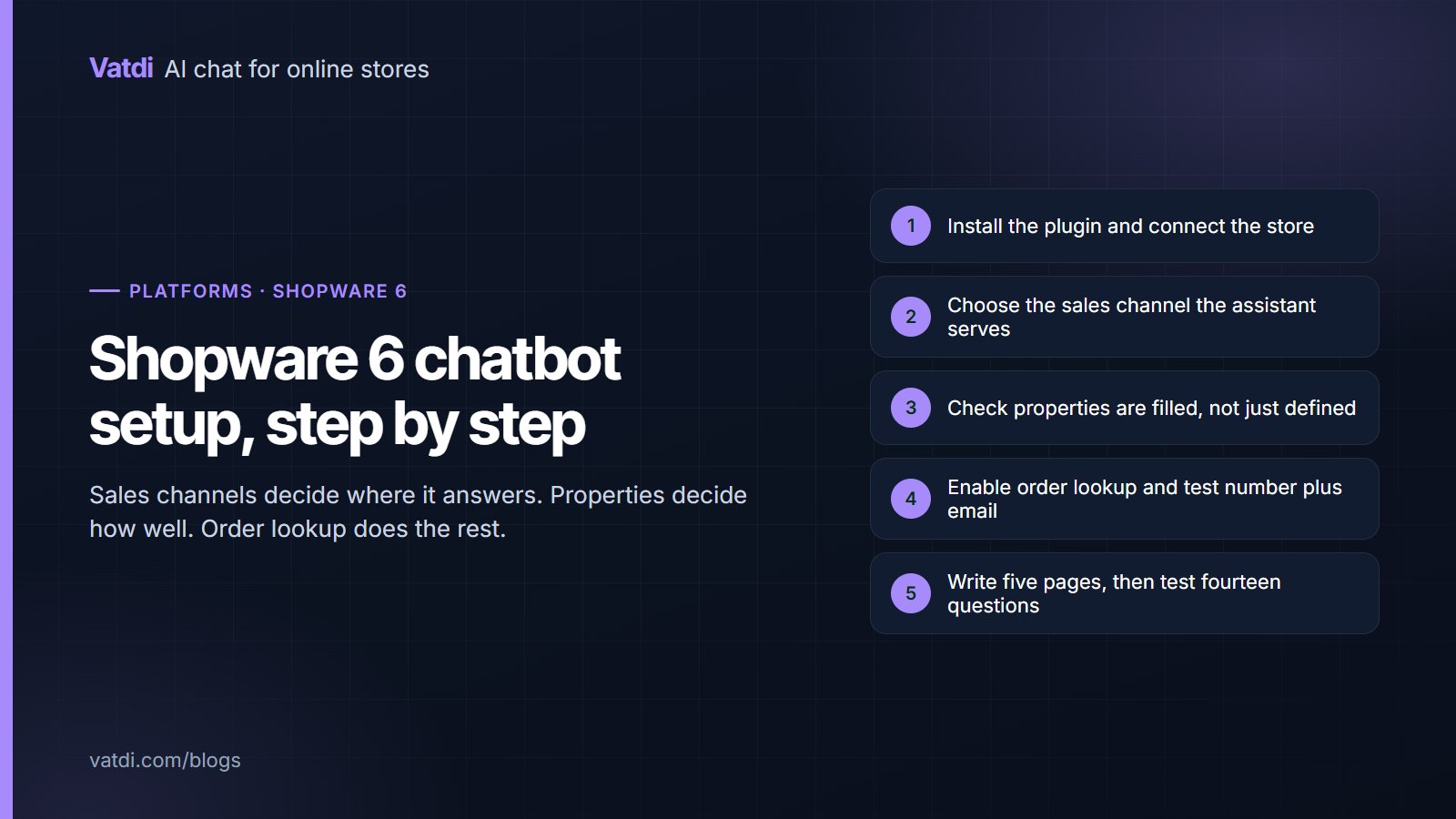
Five setup steps for a Shopware 6 AI chatbot from plugin install to tested answers
Platforms & integrations
37 views

Shopware 6 brings two specifics to chatbot setup: sales channels, which decide where the widget appears and which catalogue it answers from, and properties, which decide whether product answers are specific. This guide covers installation, the sales-channel decision, property coverage, order lookup verification, the content work and the tests to run before customers see it.

Black Friday preparation checklist for a store chat assistant covering content, rules and daily checks
Ecommerce support
39 views

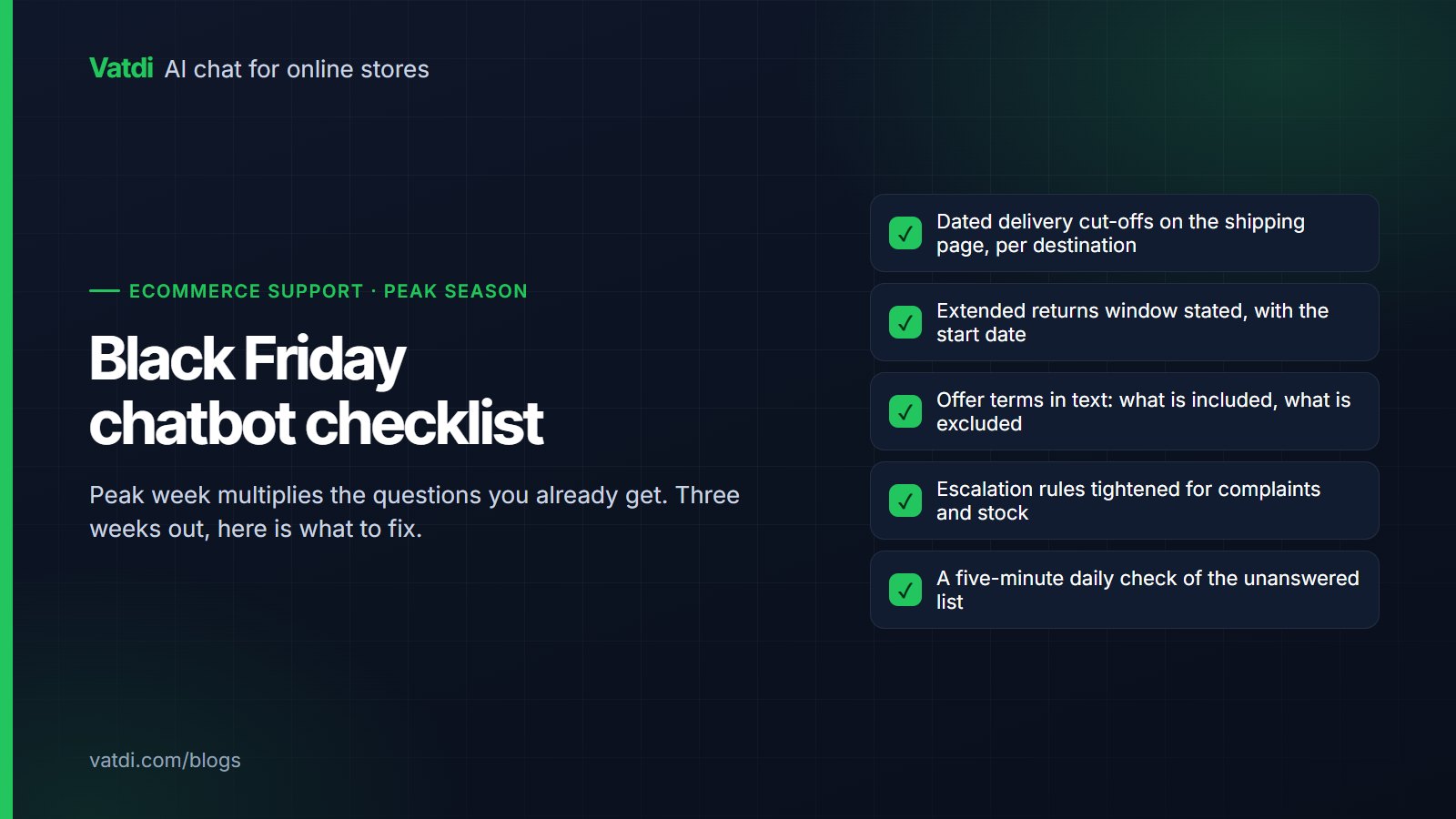
Peak week multiplies the questions you already get rather than creating new ones, which makes preparation straightforward. This Black Friday chatbot checklist covers the content to update three weeks out, the four questions volume brings, the escalation rules to tighten before the weekend, and the five-minute daily check that keeps answers honest while everything is moving fast.

Five steps to add an AI chatbot to a WordPress site from plugin install to testing
Platforms & integrations
54 views

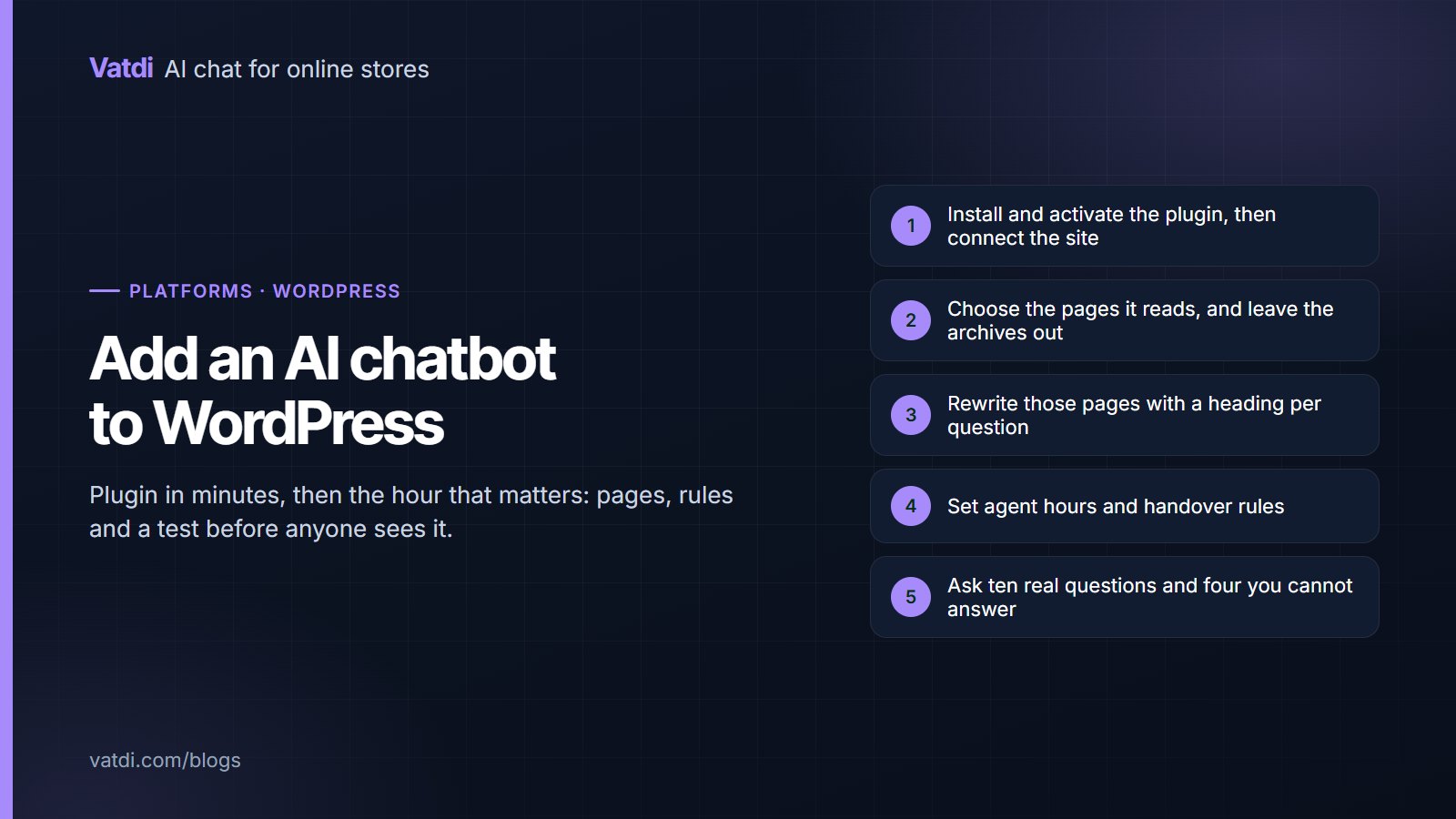
Adding an AI chatbot to WordPress takes minutes for the plugin and about an hour for the parts that decide whether it is any good: choosing the pages it reads, writing those pages as questions, setting handover rules and testing before anyone sees it. This guide walks through each step for both plain WordPress sites and WooCommerce stores, with the checks that catch problems early.

Ready to Add AI Chatbot to Your Store?

Join thousands of ecommerce stores using Vatdi for 24/7 customer support, lead capture, and sales automation.

Free plan available No credit card required 5-minute setup