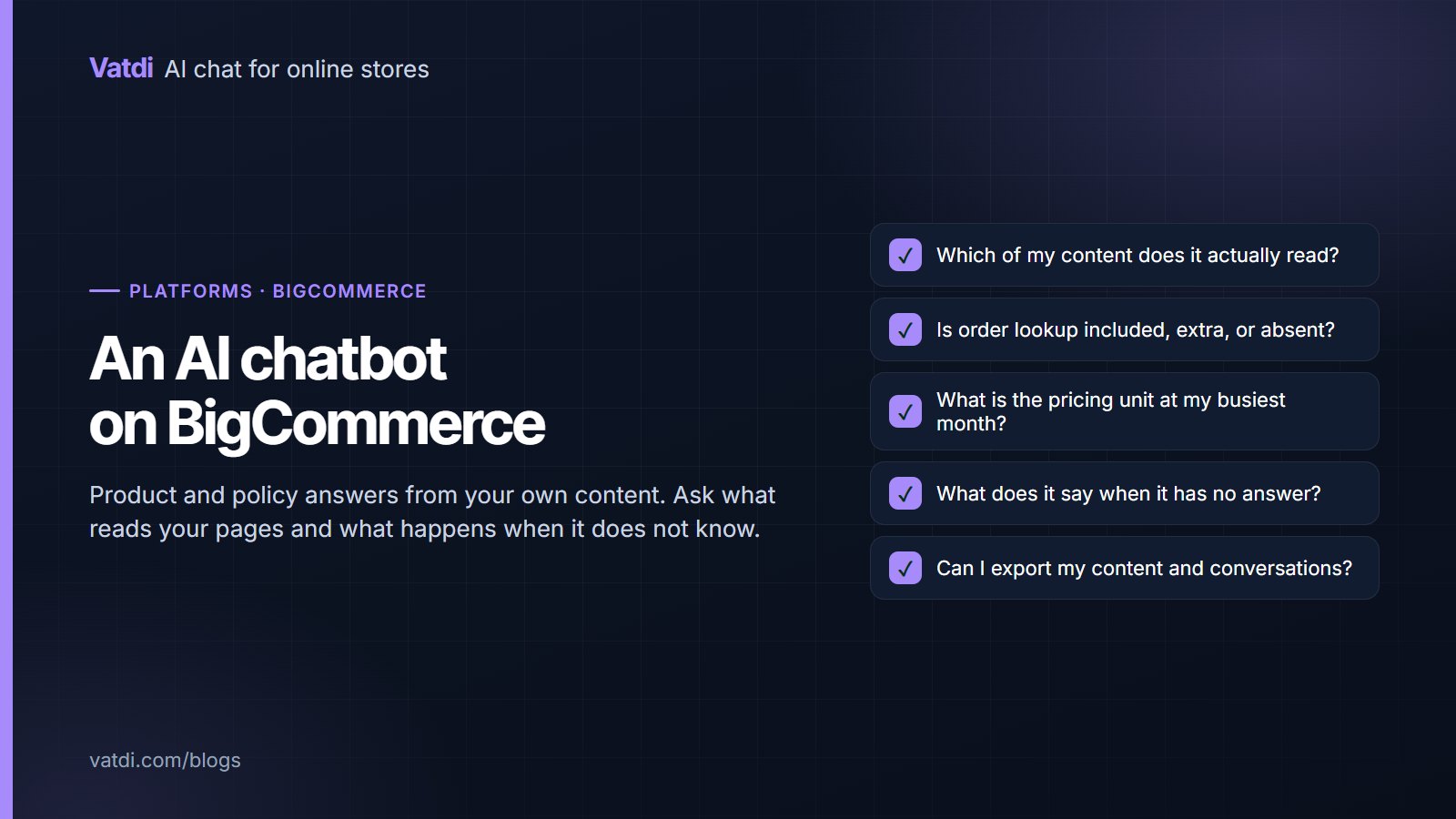
An AI chatbot for BigCommerce can be answering product and policy questions within an afternoon, using your own catalogue and pages rather than a scripted tree. What differs between options is narrower than the marketing suggests: whether order lookup is included, what the pricing unit is, how much of the answer comes from your store, and what happens when the assistant does not know.
What to expect
| Capability | What is normal | What to verify |
|---|---|---|
| Product questions | Answers from your catalogue: price, variants, specifications | Whether variants and custom fields sync, not just titles |
| Policy questions | Answers from shipping, returns and sizing pages | Which pages are read and how they are chosen |
| Order lookup | Varies by tool; the biggest functional difference | Whether it is included, extra, or unavailable |
| Handover | A route to a person with the transcript | Whether the reply lands in the same conversation |
| Languages | Replies in the shopper's language | Whether widget labels are translated too |
| Pricing | Per conversation, per resolution, per seat or flat | The bill at your busiest month, not your quietest |
Stated plainly: Vatdi's widget embeds on a BigCommerce storefront and answers from your content, and live order lookup is available through our plugins on WooCommerce, OpenCart, PrestaShop, Magento, Shopware, Joomla and Drupal. If order status is the task you most want automated, ask every vendor, including us, what they support on your platform before committing.
Questions to ask before installing anything
- Which of my content does it read? Products only, or products plus pages plus documents? A tool reading only the catalogue cannot answer a returns question.
- Is the answer grounded or generated? Ask what it does when your content is silent. "It answers anyway" is a warning, not a feature.
- What is the pricing unit? Per resolution and per seat behave very differently from flat plans as volume grows; the comparison is in chatbot pricing models explained.
- What is gated behind higher tiers? Analytics, handover and languages are sometimes upsells.
- What happens at the plan ceiling? Does the widget stop, queue, or bill overage?
- Can I export content and conversations? The knowledge you write should be portable.
Where BigCommerce stores lose answers
The fifth is placement: with several apps competing for the same corner, the chat launcher can end up behind a popup on mobile. Check that before deciding the assistant is unpopular. The content format that resolves the rest is in how to write a chatbot knowledge base, with worked rewrites in chatbot knowledge base examples.
Multi-storefront and B2B considerations
BigCommerce is often chosen by merchants running several storefronts or a mix of retail and trade. Both change the setup. With multiple storefronts, decide whether they share content: share only when catalogue, currency and policies genuinely match, because one knowledge base cannot hold two different returns windows without answering confidently about the wrong market. With trade pricing, the assistant should describe how pricing works rather than assert a figure the logged-in customer would not see. A confident retail price quoted to a wholesale buyer reads as being given the wrong number, not as a technicality. Where you publish quantity breaks openly, put them in text so they can be quoted; where pricing depends on the account, say so and route the customer to their account or to a person.
Judging it in one session
Install on a free plan or trial where one exists, connect what can be connected, add your five policy pages, then ask ten questions your customers actually send plus four you cannot answer. Use their wording, typos included, rather than tidy sentences: shoppers write "does this run small" and "wheres my order", and a tool that only handles well-formed questions will look better in your test than in production. Score each reply as correct, incomplete, wrong or declined well; the method is in how to test AI chatbot accuracy. One confident fabrication among the four is disqualifying, however polished the rest looks, because a tool that invents an answer in a test will invent one in front of a customer.
Content that does the heavy lifting
- Shipping: cost and days per destination, the dispatch cut-off with a time zone, who pays duties.
- Returns: the window and what it counts from, conditions, exclusions by name, refund timing.
- Sizing: measurements as text rather than an image.
- Payment: methods accepted and any restrictions.
- Contact: hours with a time zone, so promises match reality.
- Product fields: the four attributes customers ask about, filled on your best sellers.
That list takes an afternoon and improves search and conversion regardless of which assistant reads it, which is the argument Google makes about helpful content.
The first fortnight
Expect a quiet first week while shoppers notice the launcher, and a useful second week once the unanswered-question list has something in it. On BigCommerce stores that list usually names the same three gaps: a sizing detail that lives in an image, a shipping rule configured in settings but never written on a page, and a custom field left empty across a whole category. Each takes minutes to fix and each removes a recurring failure. Reading twenty real conversations in that fortnight also tells you more about why people hesitate on a product page than a month of analytics will, and several of those observations have nothing to do with chat at all. Act on the three most frequent gaps, then leave the settings alone and let the next fortnight tell you what else needs writing.
What it should cost
Chat for a small BigCommerce store should be a few dollars a month rather than a per-agent SaaS bill. As of September 2026 Vatdi is free for 15 conversations a month with every feature included, $4.49 for 150 and $7.49 for unlimited, with badge removal the only paid extra; see pricing. Compare that against whatever unit an app listing quotes, and do the arithmetic for your busiest month. The underlying method that lets any of these answer from your store rather than a script is described in Lewis et al., 2020, and the setup order that applies whichever tool you pick is in the AI chatbot implementation guide.
Frequently asked questions
What can a BigCommerce chatbot answer?
Product questions from your catalogue and policy questions from your shipping, returns, sizing and payment pages. How well it does either depends more on your content than on the app: empty custom fields and image-only size charts produce weak answers in every tool on the marketplace.
Can it look up orders?
That varies by tool, so ask rather than assume. Vatdi provides live order lookup through its plugins for WooCommerce, OpenCart, PrestaShop, Magento, Shopware, Joomla and Drupal; if order status is your main need, confirm platform support with any vendor before you commit to a plan.
How long does setup take?
Connecting is quick. The work that matters is content: an afternoon to rewrite five policy pages as questions and fill the fields customers ask about on your best sellers. Stores that skip that step and then blame the app are describing a content problem no switch of tool will fix.
What should I watch in the pricing?
The unit and the ceiling. Per-resolution pricing rises exactly when the assistant succeeds, and per-seat pricing rises with headcount. Also ask what happens at the plan limit, because a widget that stops mid-season is worse than a small overage you knew about in advance.
Will it slow my storefront?
A well-built widget loads asynchronously and should not block rendering. The practical risk on BigCommerce is the accumulated weight of several apps rather than any single one, so check a product page with your usual apps active rather than on a bare theme.
How do I know if it is working?
Read the conversations weekly and watch the list of questions it could not answer, which is your content work queue. Then track the share answered without a person and the ratings on those conversations. The metric set worth keeping is small and is covered in our KPI guide.