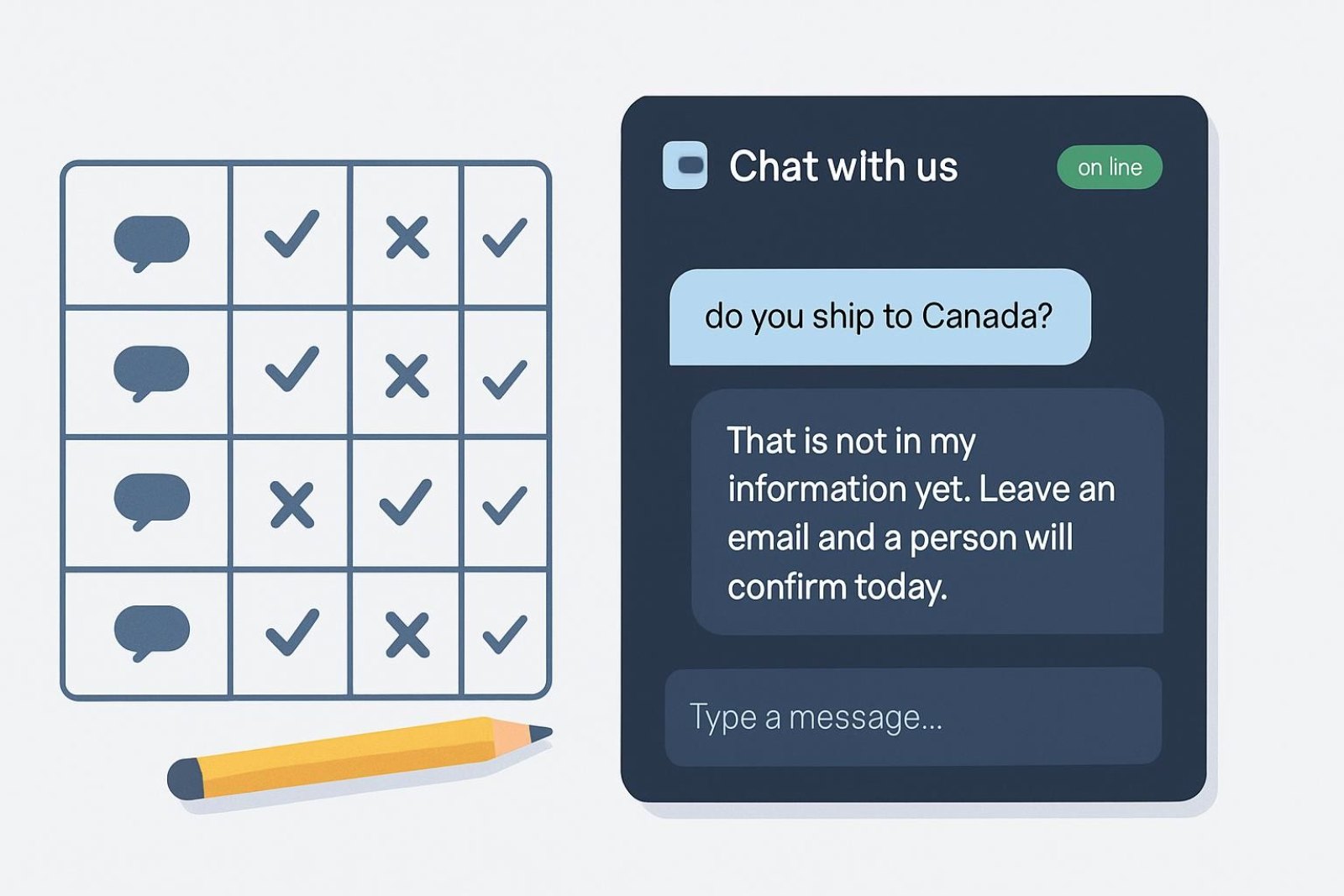
To test AI chatbot accuracy properly you need a fixed question set, not five minutes of chatting with it. Twenty real questions from your inbox, four cases where the correct answer is "I don't have that", and a scoring sheet that separates wrong from incomplete. Run it before launch, re-run the same set after every content change, and you will catch the failures customers would otherwise find first.
Why ad-hoc testing misses things
Chatting with your own assistant is a poor test for three reasons. You ask in your own words, which are the words the content already uses, so retrieval looks better than it is. You ask about things you know are covered. And you have nothing to compare against next month, so you cannot tell whether a policy edit improved or broke an answer. A fixed set solves all three: customers' wording, coverage you did not choose, and a stable baseline.
Building the question set
| Group | How many | Where they come from |
|---|---|---|
| Top questions | 10 | Last month's inbox and chat transcripts, in the customer's own wording |
| Product specifics | 4 | Real attributes: size, material, compatibility, what's in the box |
| Policy edges | 3 | Sale items, extended holiday windows, exclusions, international |
| Order and account | 3 | A real order number, a wrong one, and an order with no email match |
| Negative cases | 4 | Things you genuinely cannot answer, where declining is correct |
Copy the wording exactly as customers wrote it, typos included. If your customers write in more than one language, include two questions in each. Keep the set in a document with the expected answer beside each question, so anyone can run it.
The negative cases matter most
Four questions you cannot answer belong in every set: a competitor's price, a delivery promise you do not make, personal advice ("will this fit my seven-year-old?"), and something outside your business entirely. The correct behaviour is an honest "I don't have that" plus a route to a person, not a plausible-sounding guess. An assistant that invents an answer here will invent one in front of a customer, and that is the failure that costs you a refund or a complaint. Vatdi answers from your own content and says when it lacks something, which is exactly what these four questions verify.
Scoring
- Correct: right, complete, and carrying the link, number or next step the customer needs.
- Incomplete: true but missing what was actually asked, for example the returns window without the exclusions. The fix is the page, not the assistant.
- Wrong: contradicts your policy or states something your content does not support. One of these blocks launch until fixed.
- Declined well: admits it lacks the answer and offers a route to a person. On negative cases this is the pass condition.
Record the answer text next to each score. Next month you will want to compare wording, not just marks.
Reading the results
- Every wrong answer traces to content. Either a page contradicts another page, or a policy changed and one copy was not updated. Find the two sources and remove one.
- Incomplete answers mean the page is not written as questions. Rewrite the heading as the question and put the specifics in the first sentence; the pattern is in how to write a chatbot knowledge base.
- Product questions that fail are usually empty attributes, not a model problem. Fill the attribute on the product and re-ask.
- Order questions that fail point at the plugin connection or the email-matching rule rather than the content.
- A negative case answered confidently is the most serious result on the sheet. Check what content it drew on; usually a marketing page is making a promise the business does not.
A worked example of one failed question
A shopper asks "can I return a sale item?" and the assistant replies with the standard thirty-day window. That scores incomplete, not correct, because the store excludes final-sale items and the answer would produce a refused return and an angry email. Tracing it takes two minutes: the returns page states the window in its opening line and puts exclusions in a paragraph three screens down, under a heading that says "Other information". The fix is to add a heading phrased as the question, "Can I return sale items?", with the answer in the first sentence and the exception named. Re-ask the question and the reply now carries both the window and the exclusion. Nothing about the assistant changed; the page got clearer, which is the shape almost every accuracy fix takes.
When is it ready for customers?
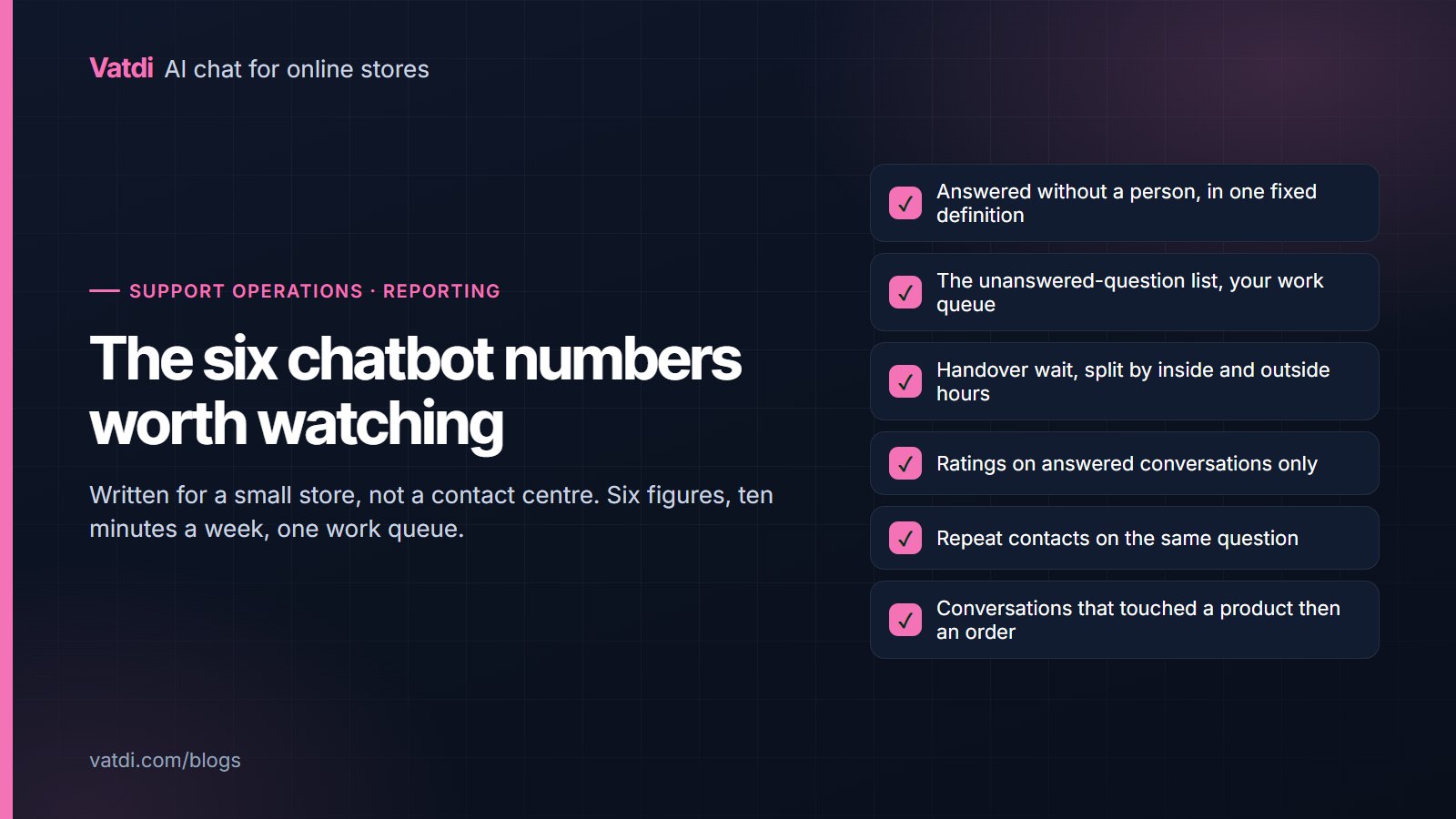
A practical bar: no wrong answers, all four negative cases declined well, order lookup working on a real order, and at most a handful of incompletes with a fix already written. Do not wait for a perfect sheet, because the remaining gaps are found faster by real conversations than by guessing. What matters is that the failures left are omissions, not fabrications. After launch, the unanswered-question list becomes the ongoing version of this test, as described in the six chatbot KPIs worth watching.
Re-running the set
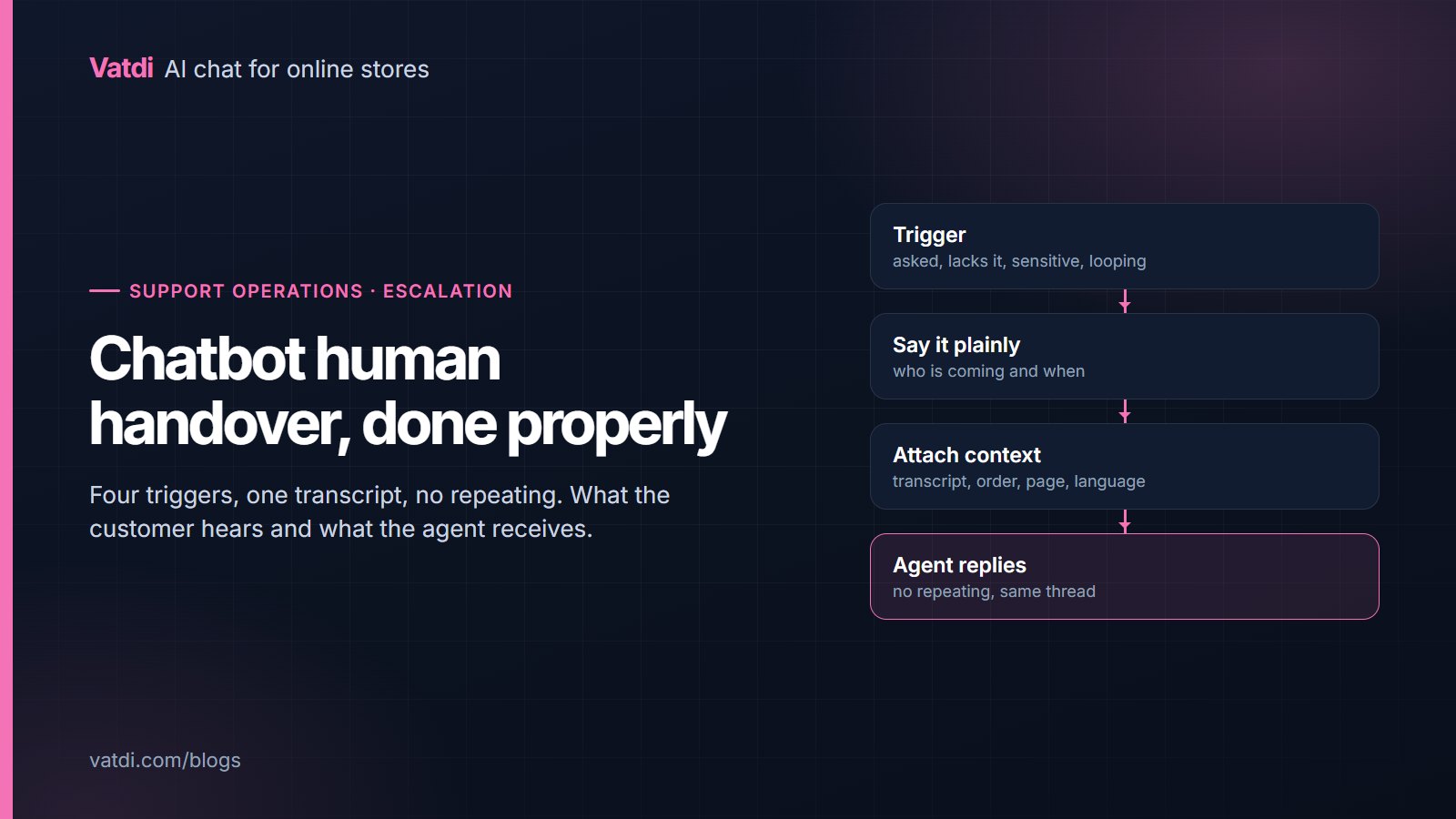
Run the same twenty-four questions monthly, and additionally after any of these: a policy change, a catalogue restructure, a plugin update, or a change to the assistant's instructions. It takes fifteen minutes and it catches the quiet regressions, such as a shipping page edit that removed the international line. Keep the sheets; three months of them show whether your content is improving or drifting. Where a set of answers changes for the worse after an instructions edit, revert the edit rather than patching around it. The wider setup sequence, including where testing sits, is in the AI chatbot implementation guide, and the decision about what the assistant should escalate instead of answering is in chatbot human handover.
Why answers change at all
A retrieval-based assistant searches your content for every question and writes an answer from what it finds, the approach described in Lewis et al., 2020. That is why editing a page changes an answer immediately and why two contradicting pages produce inconsistent replies. It also means accuracy work is content work: the same discipline that makes a good help centre, which Google's own helpful content guidance describes for search, makes a good assistant. Testing a plan-limited free account first is fine; every Vatdi feature is on every plan and the allowances are on the pricing page.
Frequently asked questions
How do I test a chatbot before launch?
Write twenty real customer questions and four you cannot answer, ask each one exactly as a customer would phrase it, and score every reply as correct, incomplete, wrong or declined well. Fix every wrong answer before launch, because those are content contradictions that would reach customers. Keep the sheet so you can re-run the identical set later.
What is a good accuracy score?
Judge the shape rather than a percentage: zero wrong answers, all negative cases declined honestly, and incompletes that each have a known fix. A sheet with no wrong answers and several incompletes is ready to launch; a sheet with one confident fabrication is not, whatever the rest of it looks like.
Should I test with trick questions?
Test with the questions you genuinely cannot answer, which is different from trick questions. A competitor's price, a delivery promise you do not make, and personal advice are the realistic cases where a guess would be harmful. Adversarial nonsense tells you little about how the assistant will behave with customers.
How often should I re-test?
Monthly, plus after any policy change, catalogue restructure, plugin update or edit to the assistant's instructions. It takes about fifteen minutes with a prepared set. The value is in using the identical questions each time, so a changed answer is a signal rather than a coincidence of phrasing.
What if the assistant is right but too vague?
Score it incomplete and fix the page. Vagueness almost always comes from content that states a policy in general terms without the specifics customers ask for: the number of days, the exclusions, the cost. Put the specific in the first sentence under a heading phrased as the question.
Can I automate this testing?
A small store does not need to. Twenty-four questions by hand takes fifteen minutes and you read the wording, which is where the useful signal is. Automated scoring tends to mark an answer correct when it contains the right number, missing the tone problems and the missing next step that actually annoy customers.