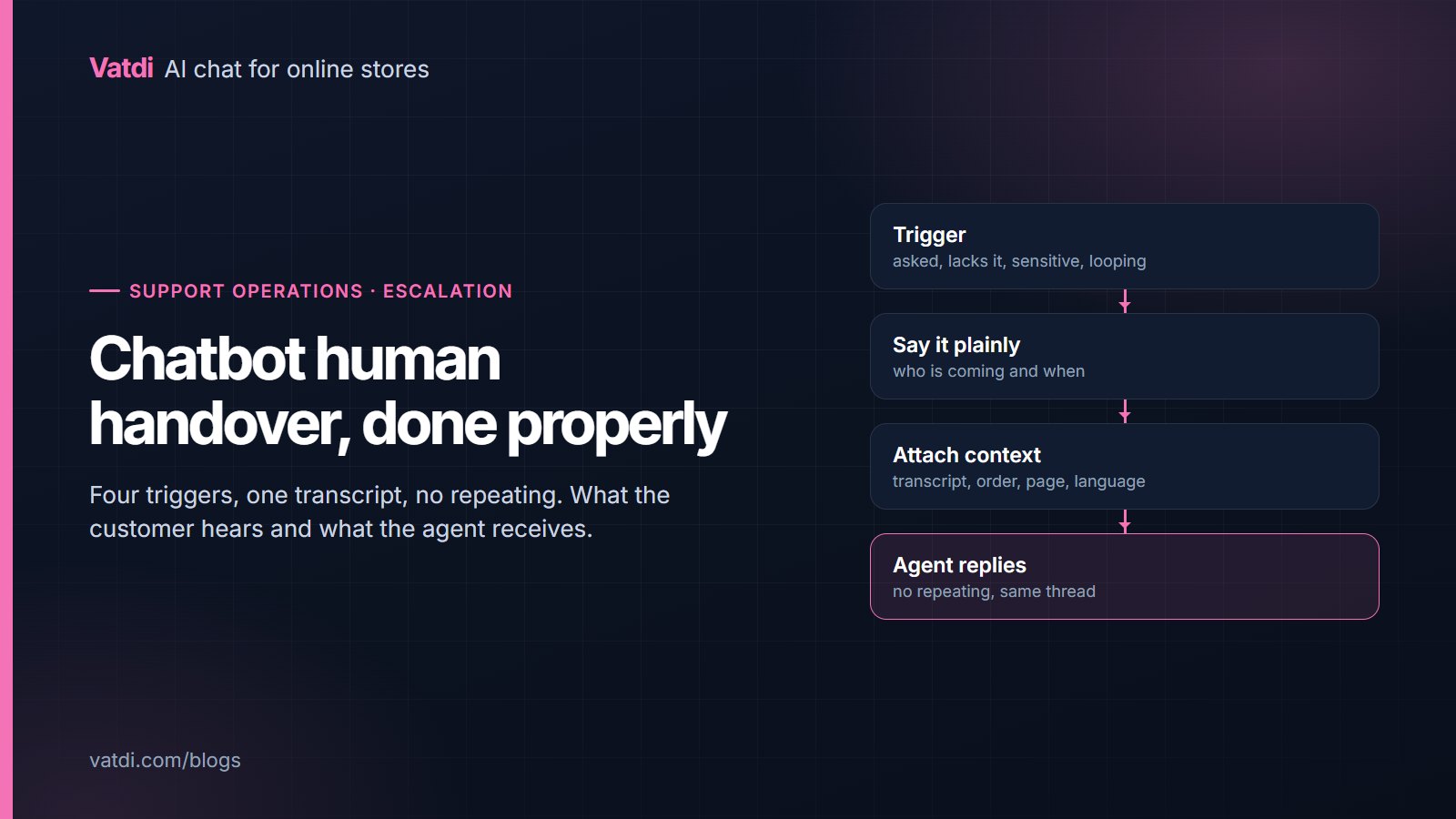
Chatbot human handover is the moment that decides whether customers trust the assistant. Four triggers are worth escalating on: the customer asks for a person, the assistant does not have the answer, the topic is sensitive, or the conversation is going in circles. Handled well, the customer never repeats themselves and the agent opens a thread with the full context. Handled badly, both sides start again.
When should a chatbot hand over?
| Trigger | What it looks like | What the assistant should do |
|---|---|---|
| The customer asks | "Can I speak to someone?", "agent", "human" | Hand over immediately, no persuasion, no extra questions |
| The answer is missing | Nothing relevant in the catalogue, policies or order data | Say so plainly, then offer a person or take an email |
| The topic is sensitive | Complaint, damaged parcel, refund dispute, safety, payment problem | Acknowledge, collect the order number, escalate |
| The conversation is looping | Two unhelpful answers on the same question, or a repeated rephrase | Stop trying, offer a person |
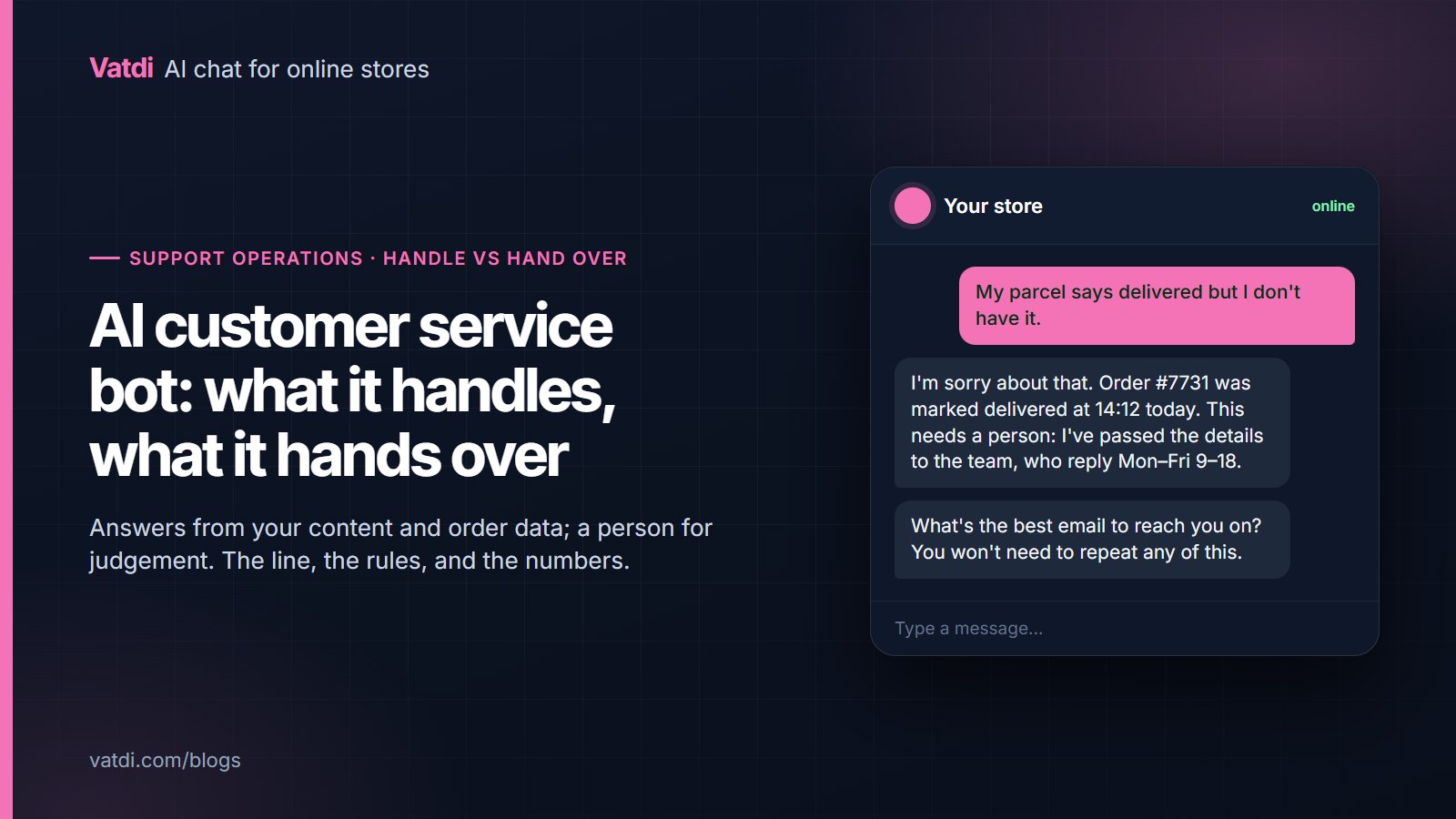
Everything else, the stock, sizing, delivery, order status and policy questions, is what the assistant is for, and escalating those wastes your team's time. The split between what to handle and what to pass on is covered in what an AI customer service bot should handle.
What to pass to the agent
- The full transcript, not a summary. The agent should read what was actually said, including the assistant's wrong turn.
- The order or account reference the assistant already collected, so the agent does not ask again.
- The page the visitor was on when they opened the chat. A question about "this one" makes sense with the product page attached.
- The language. If the conversation ran in Spanish, the agent needs to know before replying.
- The reason for escalation, one line: asked for a person, no answer found, complaint, or looping.
In Vatdi, a handover keeps the customer in the same chat window and the agent replies from the dashboard in that same thread, so nothing restarts. The customer sees who they are talking to change, not the conversation.
What to tell the customer
Three sentences do the job: what is happening, who is coming, and when. "I'll pass this to the team" with no timing is the most common mistake, because the customer does not know whether to wait thirty seconds or a day. Say the hours. If the request arrives outside them, say that too and take an email address. Never promise a callback the team has not agreed to, and never say "a specialist will contact you shortly" when shortly means Monday.
- Inside agent hours: "I'm passing this to the team now, they usually reply within a few minutes. You can stay on this page or leave and come back, the conversation will be here."
- Outside agent hours: "The team is offline until 9am Monday. Leave an email address and they'll reply first thing, with everything we've discussed attached."
- When the assistant lacks the answer: "I don't have that in my information. I can pass you to the team or point you at the contact page, whichever is quicker for you."
Handling out-of-hours properly
A large share of store conversations happen outside office hours, which is the main reason to have an assistant at all. In our own conversation data, drawn from real stores, roughly two in five conversations start outside a 09:00 to 18:00 window and about one in six lands at the weekend; the numbers are in our ecommerce chatbot statistics. The practical implication is that most handovers will be asynchronous. Set agent hours honestly, take an email, and let the assistant answer everything it can before the offer of a person, because a customer who gets their answer at 23:00 does not need the queue at all.
Rules that cause problems
- Escalating on any question with "refund" in it. "How long do refunds take?" is a policy question the assistant should answer; only a complaint about a specific refund needs a person.
- Making people ask twice. If someone types "human", hand over. Asking "can you tell me more first?" reads as obstruction.
- Escalating everything the assistant scores as uncertain. Uncertainty on a rare question is fine if the assistant says what it does know and offers the choice.
- Silent handovers. The customer must be told, or they sit watching a typing indicator that never comes.
- A different channel. Dropping the customer into an email form after a chat conversation loses the thread and the goodwill.
How do you know the rules are right?
Four numbers, weekly, from the dashboard:
- Handover rate: the share of conversations that reach a person. Rising usually means missing content, not a worse assistant.
- Handovers by reason. If "no answer found" dominates, fix pages; if "customer asked" dominates, look at whether the assistant is being trusted.
- Time to first agent reply, split by inside and outside hours.
- Ratings on handed-over conversations versus assistant-only ones. A big gap means the handover itself is clumsy, not that people dislike bots.
Whether an assistant, live chat or both suits your team is a separate decision, weighed in chatbot vs live chat, and most "no answer found" escalations trace back to a gap you can close with a better knowledge base. For the underlying reason a good assistant can answer most of these without help, see the retrieval method described by Lewis et al., 2020. Live chat products publish their own guidance on queueing and staffing; LiveChat's customer service report is a reasonable external reference for response-time expectations.
Setting it up
In Vatdi, handover settings live with the agent hours and the widget settings: set the hours, choose whether the assistant offers a person proactively or only on request, and decide what happens offline. Every plan includes handover, the dashboard and the transcript; the plans differ only in conversation allowance, product and knowledge caps, and the badge. See pricing for the current numbers and the implementation guide for where these settings sit in the setup sequence.
Frequently asked questions
When should a chatbot transfer to a human?
On four triggers: the customer asks for a person, the assistant has no answer in its content, the topic is sensitive such as a complaint or payment problem, or the conversation has looped twice on the same question. Everything else, including ordinary policy and product questions, should be answered by the assistant, because escalating those wastes the team's time and slows the customer down.
What information should be passed to the agent?
The full transcript rather than a summary, the order or account reference already collected, the page the visitor was on, the language of the conversation, and a one-line reason for the escalation. With those five, the agent can continue rather than restart, and the customer never repeats themselves, which is the main thing people dislike about being transferred.
What if nobody is available?
Say so, give the hours, and take an email address with the conversation attached. Most store conversations happen outside office hours, so asynchronous handover is the normal case, not the exception. What matters is honesty about timing: a customer told "Monday morning" is far happier than one told "shortly" who then waits two days.
Should the bot try to deflect requests for a human?
No. If someone types "human" or "agent", hand over. Attempting to answer first reads as obstruction and costs more goodwill than the deflected conversation saves. The way to reduce handovers is better content, so the assistant answers before anyone needs to ask, not friction in front of the request.
Does handover keep the same chat window?
It should. In Vatdi the agent replies in the same conversation the customer is already in, so there is no new window, no email thread and no repeated context. Handovers that switch channel lose the transcript and the customer's patience, which is why a chat-to-form escalation is worse than no escalation at all.
How many conversations should reach a person?
There is no universal target, and any published benchmark is somebody else's store. Track your own handover rate weekly and watch the direction. If it rises, read the reasons: a spike in "no answer found" points at missing pages, while a spike in "customer asked" points at answers that are technically right but unhelpful.