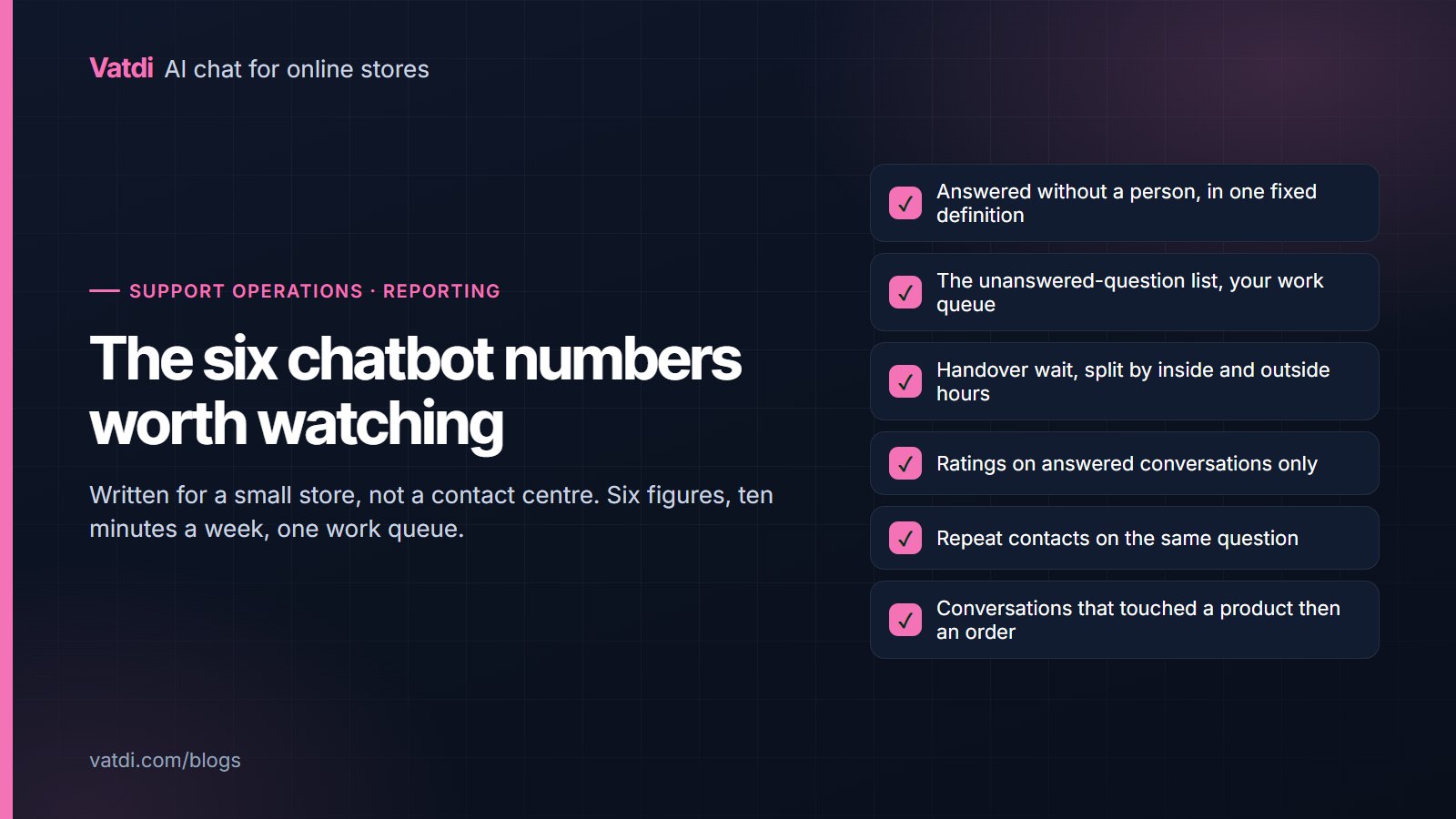
The AI chatbot KPIs worth a small store's time are six, not the twenty on a contact-centre dashboard: answered without a person, the unanswered-question list, handover wait, ratings on answered conversations, repeat contacts, and assisted sales. Ten minutes a week covers them. Everything else is a restatement of those or a vanity figure that changes nothing you do on Monday morning.
The six numbers
| KPI | What it tells you | How often |
|---|---|---|
| Answered without a person | Whether your content covers what people ask | Weekly, monthly for the trend |
| Unanswered questions | Exactly which page or attribute is missing | Weekly, it is the work queue |
| Handover wait | Whether escalations are actually being served | Weekly, split inside and outside hours |
| Ratings on answered conversations | Whether the answers were any good | Weekly, read the low ones |
| Repeat contacts | Whether "answered" really meant resolved | Monthly |
| Assisted sales signals | Whether chat touches purchases at all | Monthly |
Answered without a person
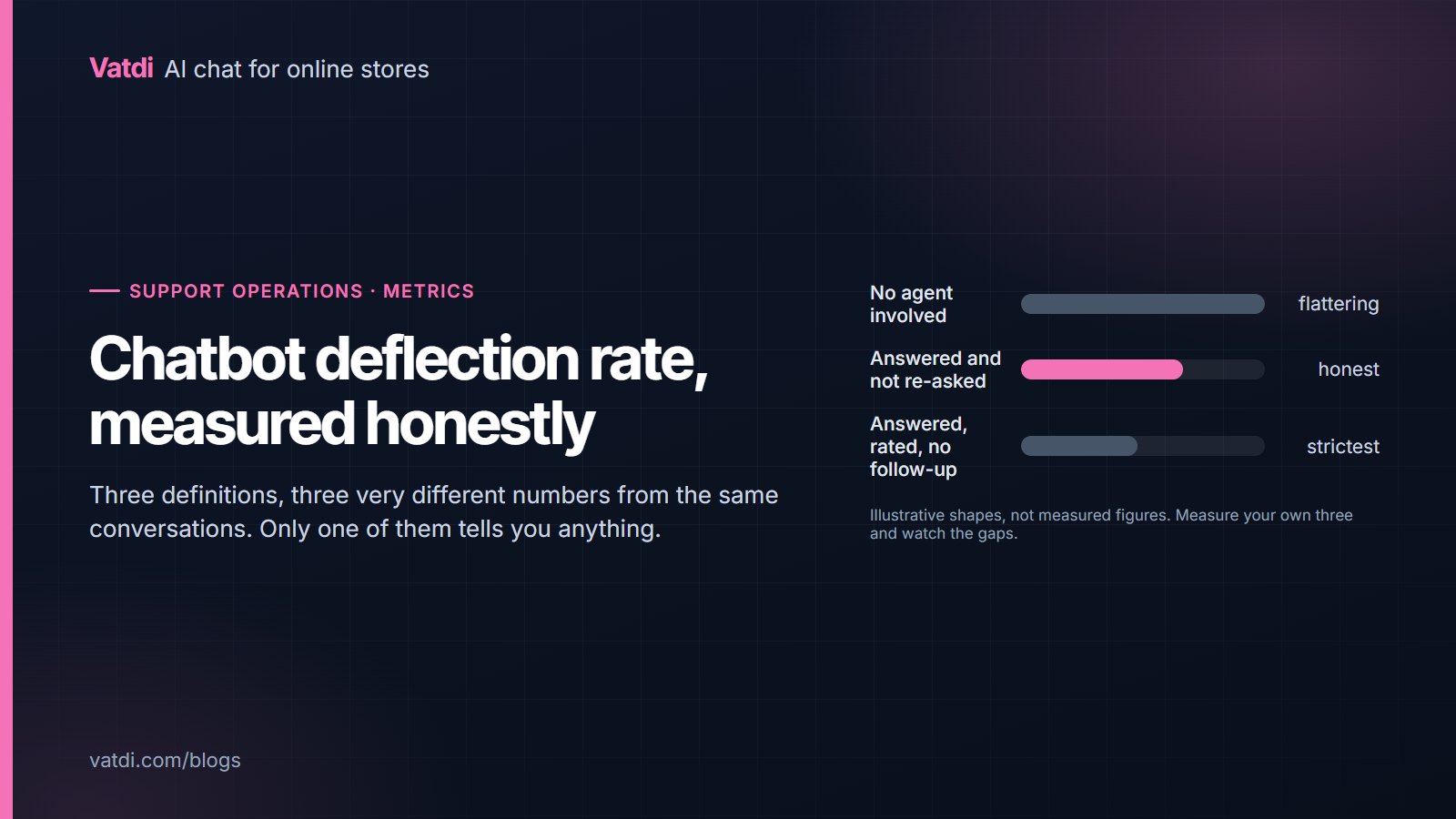
The share of conversations that ended without an agent, in one fixed definition you never change mid-report. It is the headline number, and it is also the easiest to fool yourself with, because an abandoned conversation counts as a success unless you subtract it. The honest measurement, and the three definitions vendors use, are set out in chatbot deflection rate. Read it as a coverage signal rather than a saving, and always next to ratings.
The unanswered-question list
This is the most useful thing in the dashboard and the least used. Every question the assistant could not answer is a page, a policy line or a product attribute you are missing. Fix the three most frequent each week and the other five numbers move on their own. The format that makes content answerable is in how to write a chatbot knowledge base, and what to feed it in the first place is covered in our setup guides.
Handover wait
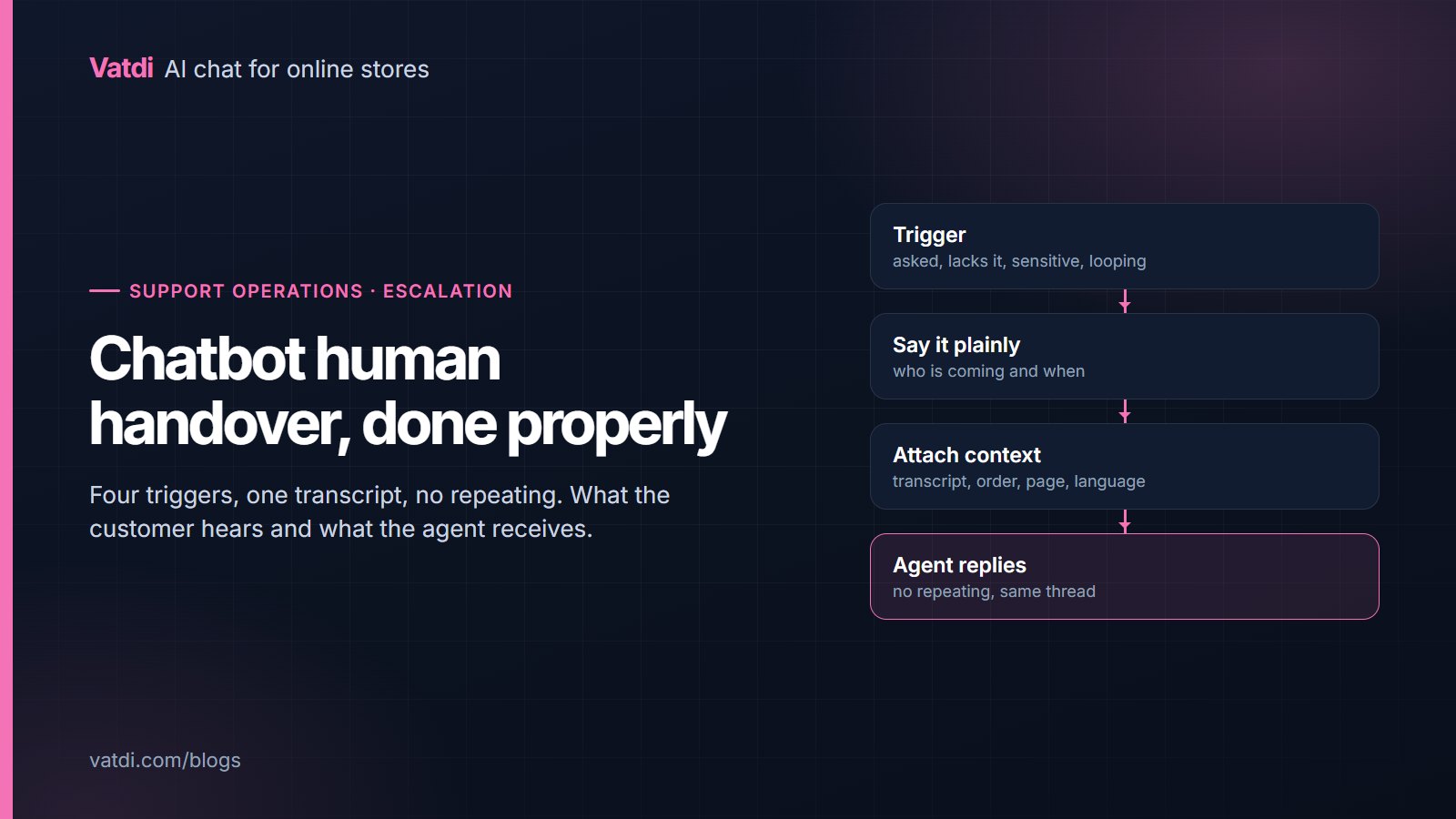
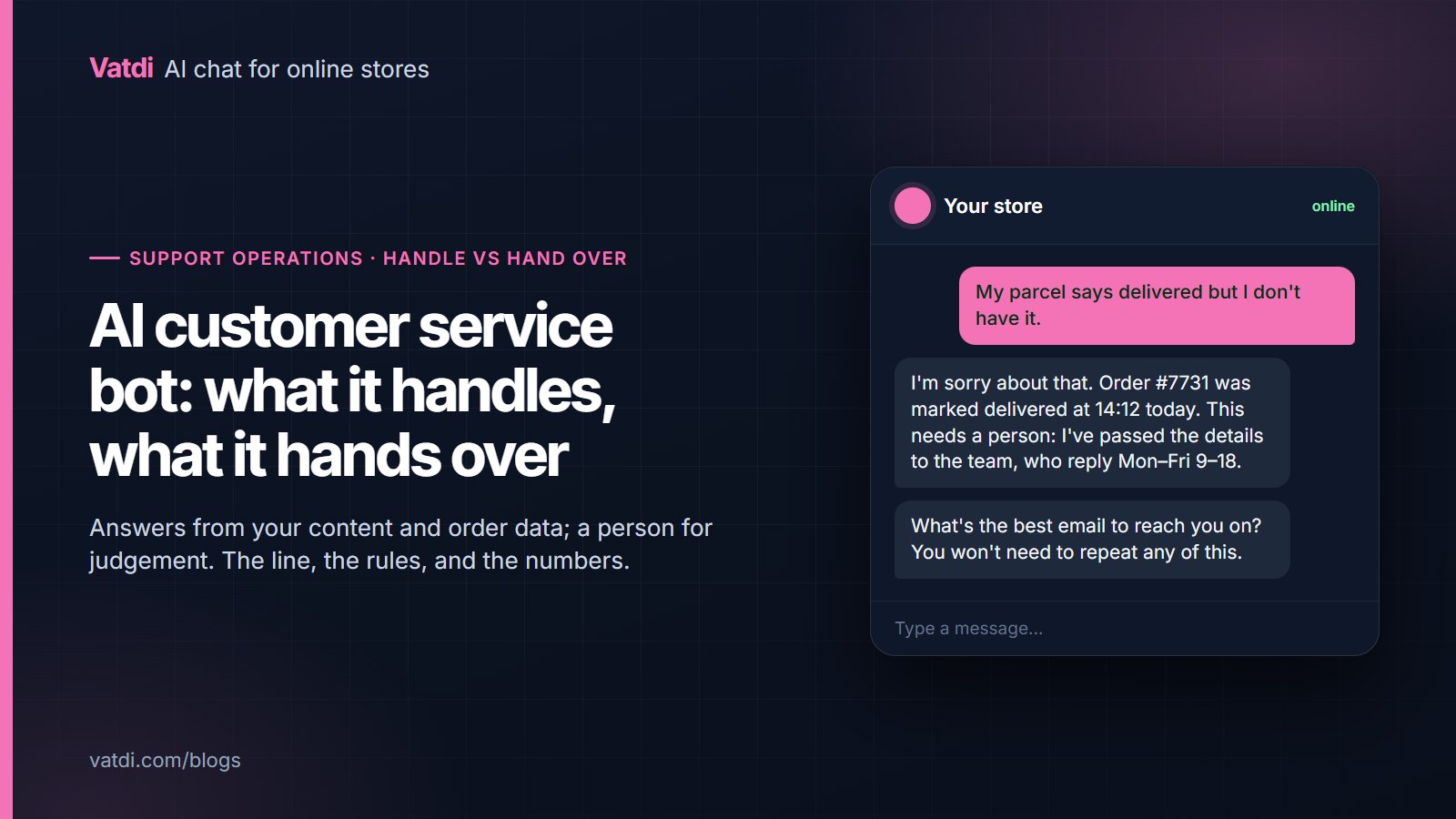
Time from the escalation to the first agent reply, reported separately for inside and outside your agent hours. Blending them hides the problem: a perfectly good in-hours median disappears into a long tail of overnight requests. Track the out-of-hours figure honestly and make the assistant's promise match it, which is the difference between a customer who waits happily and one who emails twice. The rules that decide when to escalate at all are in chatbot human handover.
Ratings on answered conversations
Ratings on conversations a person handled tell you about the person. Ratings on conversations the assistant handled alone tell you about your content, so separate them. Read every low rating, not the average; the average is stable and useless, while a single low-rated conversation usually points at a specific sentence on a specific page. Most customers never rate, so treat the ratings as a sample of strong feelings rather than a satisfaction score.
Repeat contacts
The same person asking the same question within a few days, in chat or by email. This is the number that separates "answered" from "resolved", and for a small store it is a ten-minute manual check once a month. Where it is high on one topic, the answer exists but is wrong, incomplete or hard to act on. It is also the subtraction that makes your headline number trustworthy.
Assisted sales signals
Whether chat touches purchases at all: conversations that mentioned a product and were followed by an order from the same visitor. Do not build an attribution model for this; a monthly eyeball of conversations against orders is enough to know whether chat is a sales surface or purely a support one. If shoppers regularly ask about delivery windows before buying, those answers are protecting revenue, which is the mechanism Baymard documents in its research on cart abandonment.
Turning six numbers into one page
Keep the report to a single page and the same shape every week, because a report whose layout changes cannot be compared. A workable format: the headline figure and last week's beside it, the three questions you fixed, the three you did not, handover wait in and out of hours, and a one-line note on anything unusual. Add the monthly pair, repeat contacts and conversations that preceded orders, at month end. Write the definition of the headline number at the bottom, so nobody quietly changes it. If more than one person reads the report, say who owns the content fixes; an unanswered-question list with no owner stays unanswered. The point of the page is to produce three edits a week, not to be admired.
What to leave out
- Total messages. Rises with traffic, tells you nothing about quality.
- Average conversation length. Shorter can mean efficient or unhelpful; the sign is ambiguous, so it cannot steer a decision.
- Intent-recognition accuracy. A flow-builder metric. A retrieval-based assistant answers from your pages rather than classifying into a fixed list, as described in Lewis et al., 2020.
- Cost per conversation on a flat plan. The plan costs what it costs; dividing by volume produces a number that falls when traffic rises and tells you nothing.
- Vendor benchmarks. Somebody else's stores, question mix and definitions.
A weekly review in ten minutes
- Note answered-without-a-person, in the same definition as last week.
- Read the unanswered-question list; pick the three most frequent.
- Fix the page or product attribute behind each, and publish.
- Read every low-rated answered conversation, and note whether content or wording failed.
- Check handover wait, in and out of hours, against what the assistant promises customers.
- Once a month, add repeat contacts and a look at conversations that preceded orders.
Nothing here needs a higher plan: the dashboard, ratings and handover are on every Vatdi plan as of September 2026, which differ in conversation allowance, content caps and the badge; see pricing. Where these fit in the wider setup sequence is in the AI chatbot implementation guide, and our own aggregate conversation figures, with the method stated, are in our ecommerce chatbot statistics.
Frequently asked questions
What KPIs should I track for an AI chatbot?
Six: the share of conversations answered without a person, the list of questions it could not answer, how long escalations wait for an agent, ratings on assistant-only conversations, repeat contacts on the same question, and whether chat conversations precede orders. Those six between them tell you what to fix, whether the fix worked, and whether the assistant is helping sales as well as support.
What is a good chatbot success rate?
Your own last month, in the same definition and a comparable season. Published benchmarks come from other stores with different catalogues, question mixes and counting rules, so they cannot tell you whether yours is good. Watch the direction and read it beside ratings: a rate that rises while ratings hold is real improvement.
How often should I review these numbers?
Weekly for the first four, monthly for repeat contacts and assisted sales. Ten minutes a week is enough for a small store, and the discipline matters more than the depth. The unanswered-question list is the part that pays for itself, because each line is a page you can write in a few minutes.
Should I measure customer satisfaction separately?
Separate assistant-only conversations from ones a person handled, then read every low rating rather than the average. Most customers never rate, so the figure is a sample of strong feelings, not a satisfaction score. What you are looking for is the specific sentence or missing page behind each complaint.
Do I need analytics software for this?
No. The chat dashboard gives you conversations, handovers, ratings and unanswered questions; your store admin gives you orders. The two manual steps, repeat contacts and assisted sales, are a monthly look rather than a report. Adding a paid analytics tool to a small store's chat usually produces more charts and no more decisions.
Are these numbers available on the free plan?
Yes. Every Vatdi feature, including the dashboard, ratings, handover and the unanswered-question list, is on every plan; the plans differ in how many conversations you can have each month, how much content and how many products you can sync, and whether the badge is shown. Current allowances are on the pricing page.