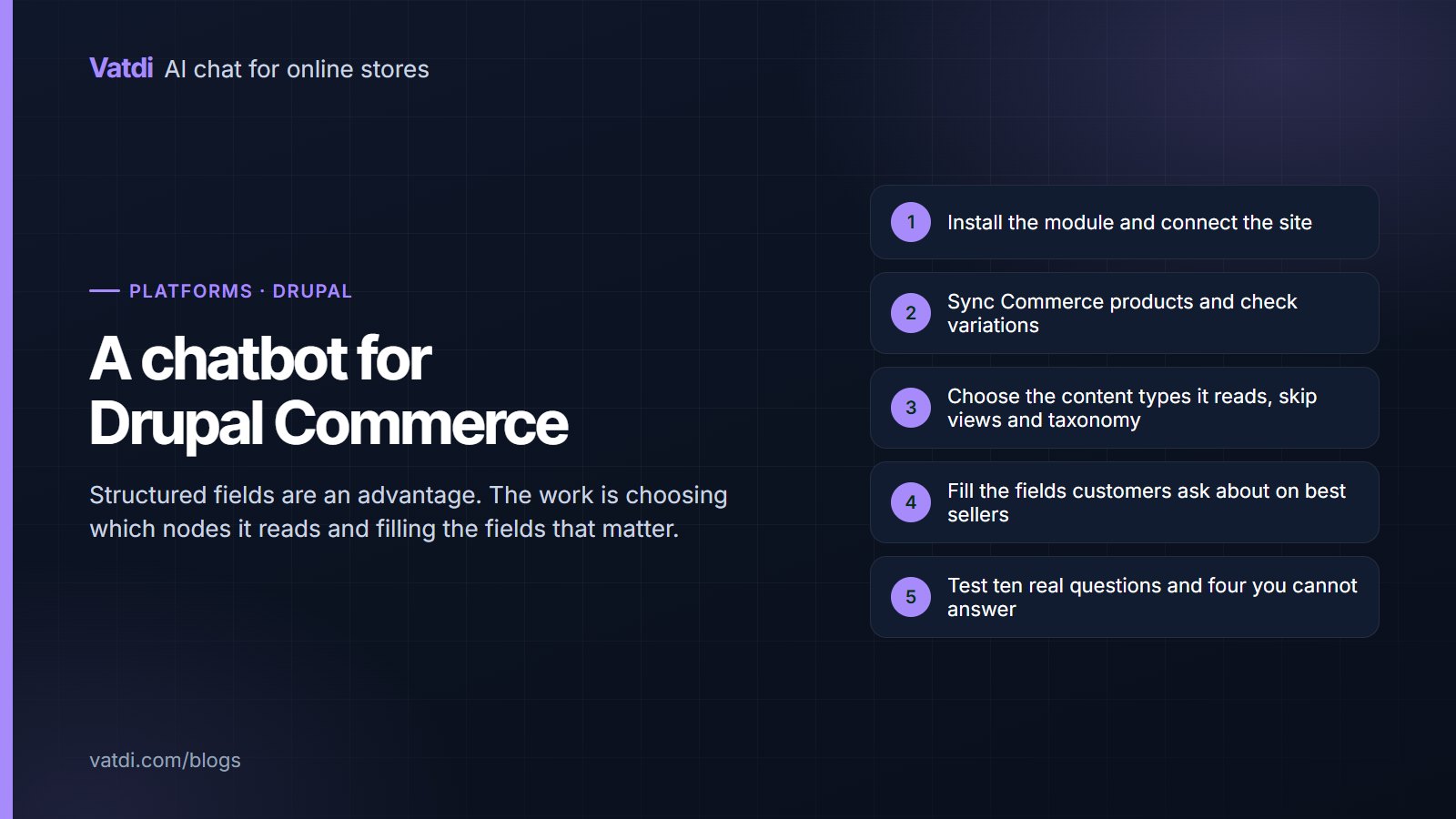
A Drupal Commerce AI chatbot has an advantage before you start: Drupal sites are usually well structured, with real fields holding real values and content types that separate policy from marketing. That is exactly what a grounded assistant needs. The setup work is installing the module, confirming products and variations sync, and choosing which nodes the assistant reads.
Before you install
| Check | Why it matters |
|---|---|
| Drupal and Commerce versions | Module compatibility differs across major versions |
| Product variation structure | Variations must sync as options rather than as one product |
| Field coverage | Fields defined but empty answer nothing |
| Content types | Decide which types hold answers and which are noise |
| Languages | Multilingual sites often carry different terms per market |
| Cache and permissions | Anonymous users must be able to see what the assistant quotes |
That last row is worth dwelling on. If a policy node is visible only to authenticated users, it is not public content, and customers cannot verify what the assistant tells them. Publish what the assistant should quote.
Installing and connecting
Install the module with composer or through the interface, enable it, and connect the site from its configuration page. Products begin syncing from Drupal Commerce. If nothing appears, check in this order: the module is enabled rather than only downloaded, caches have been rebuilt, and no security layer is blocking outbound requests from the site. Downloads and the current platform list are on the integrations page.
Products, variations and fields
- Check variations sync with their attributes, so "in medium, in blue" is answerable rather than approximate.
- Fill the four fields customers ask about on best sellers: material, dimensions, compatibility, capacity, or whatever applies.
- Confirm prices sync including any tax display configuration, so quoted figures match the storefront.
- Watch stock handling, since Commerce stores vary in whether they track inventory at all.
- Re-sync after migrations or bulk imports, which is when data most often drifts.
Choosing which content it reads
Views pages and taxonomy listings repeat fragments of other content without answering anything, and they compete with the policy nodes that do. Narrow the sources first, then improve what remains, as argued in what to feed a store chatbot.
Writing the policy nodes
Rewrite each with a heading phrased as the question and the fact in the opening sentence: the shipping cost and days per destination with the dispatch cut-off, the returns window with exclusions named, payment methods, and contact hours with a time zone. Worked before-and-after versions are in chatbot knowledge base examples. Drupal's field structure helps here: if your policy content type has discrete fields for window, exclusions and cost, the values are already separated and only need to read as sentences.
Order lookup and escalation
Where the module supports order lookup for your Commerce configuration, enable it and test with a real order number and the email on that order, then deliberately test a mismatched pair to confirm it declines. Where lookup is unavailable, set the assistant to route order questions to a person rather than attempting to answer, and say so in your content so expectations are set. Escalation rules matter as much as the lookup itself; the set worth configuring is in chatbot human handover.
Testing before launch
- Ask the ten questions your customers send most, in their own wording.
- Ask four you cannot answer and confirm it declines rather than guessing.
- Ask a product question that depends on a field you just filled.
- Run the order-lookup cases if lookup is enabled.
- Ask in a second language if your site is multilingual.
- Request a person and confirm the handover carries the transcript.
Score each as correct, incomplete, wrong or declined well, using the method in how to test AI chatbot accuracy. Drupal's own documentation covers module management, and the retrieval approach behind the answers is described in Lewis et al., 2020.
Using the structure you already have
Drupal sites tend to be built by someone who thought about content modelling, and that work pays off here in a way it does not on looser platforms. If your policy content type already separates the returns window, the exclusions and the postage responsibility into distinct fields, those values are unambiguous and the assistant quotes them precisely. The same applies to product fields: a dimensions field with real values beats a paragraph that mentions size in passing. Where a site has drifted, the quickest improvement is usually to move facts out of free-text body fields into the fields that were designed for them, then make sure the display template renders those fields as readable sentences rather than as bare values in a table with no labels. That single pass often improves answers more than anything done in the assistant's own settings.
Drupal-specific traps
Three recur. Caching and the render cache can serve old content to anonymous visitors while an editor sees the new version, so rebuild caches after content changes before concluding that a fix did not work. Permissions are the second: content the assistant quotes should be visible to anonymous users, or customers cannot check it. The third is multilingual configuration, where translated nodes drift apart over time and produce confident contradictions between languages; keep one authoritative copy of each fact per market and review them together, as covered in multilingual chatbot setup.
Where the widget appears
Place the launcher on product and category routes and on the policy nodes people open when looking for answers, closed by default. Check the mobile view with your theme active, since custom Drupal themes often place sticky elements in the same corner. If a cookie consent module is running, confirm the launcher remains reachable while the banner shows. These checks take five minutes and prevent the most common cause of an assistant that nobody uses, which is that nobody could see it on a phone.
What it costs
The module is free; the plan decides the rest. As of September 2026 Vatdi is free for 15 conversations a month with every feature included, $4.49 for 150 and $7.49 for unlimited, with product and knowledge allowances per tier and badge removal the only paid extra; see pricing. Budget an afternoon, most of it on fields and policy nodes. The wider sequence is in the AI chatbot implementation guide.
Frequently asked questions
How do I add a chatbot to Drupal Commerce?
Install the module with composer or through the interface, enable it, and connect the site from its configuration page. Products sync from Commerce automatically. If nothing appears, check that the module is enabled rather than only downloaded, rebuild caches, and look for a security layer blocking outbound requests.
Does it handle product variations?
It should, with their attributes, so questions about size and colour are answerable rather than approximate. Check a variable product in the assistant's knowledge view after the first sync. If variations appear as one undifferentiated product, fix that before judging anything else about answer quality.
Should it read views and taxonomy pages?
No. Those routes repeat fragments of other content without answering questions, and they compete with the policy nodes that do. Excluding them is usually the single biggest improvement to answer quality on a Drupal site, ahead of any configuration change or content rewrite.
What about content permissions?
Anything the assistant quotes should be visible to anonymous users. Content restricted to a role is not public, so customers cannot verify the answer and the assistant is effectively leaking internal text. Publish what should be quoted and exclude the rest from the sources.
Does it work on multilingual Drupal sites?
Yes, and it replies in the language the visitor writes in. The risk on Drupal is translated nodes drifting apart over time, producing confident contradictions between languages. Keep one authoritative copy of each fact per market and review translations together whenever a policy changes.
How long does setup take?
Installation and sync are minutes. The work that matters is filling the fields customers ask about and rewriting the policy nodes as questions, typically an afternoon. Testing is another half hour, and a weekly look at the unanswered-question list keeps the content current.