1. Home
  2. /
  3. Blog
  4. /
  5. Industry guides

Industry guides

AI chat for specific kinds of websites and businesses beyond retail: what to automate, what to keep human, and how to set expectations honestly.

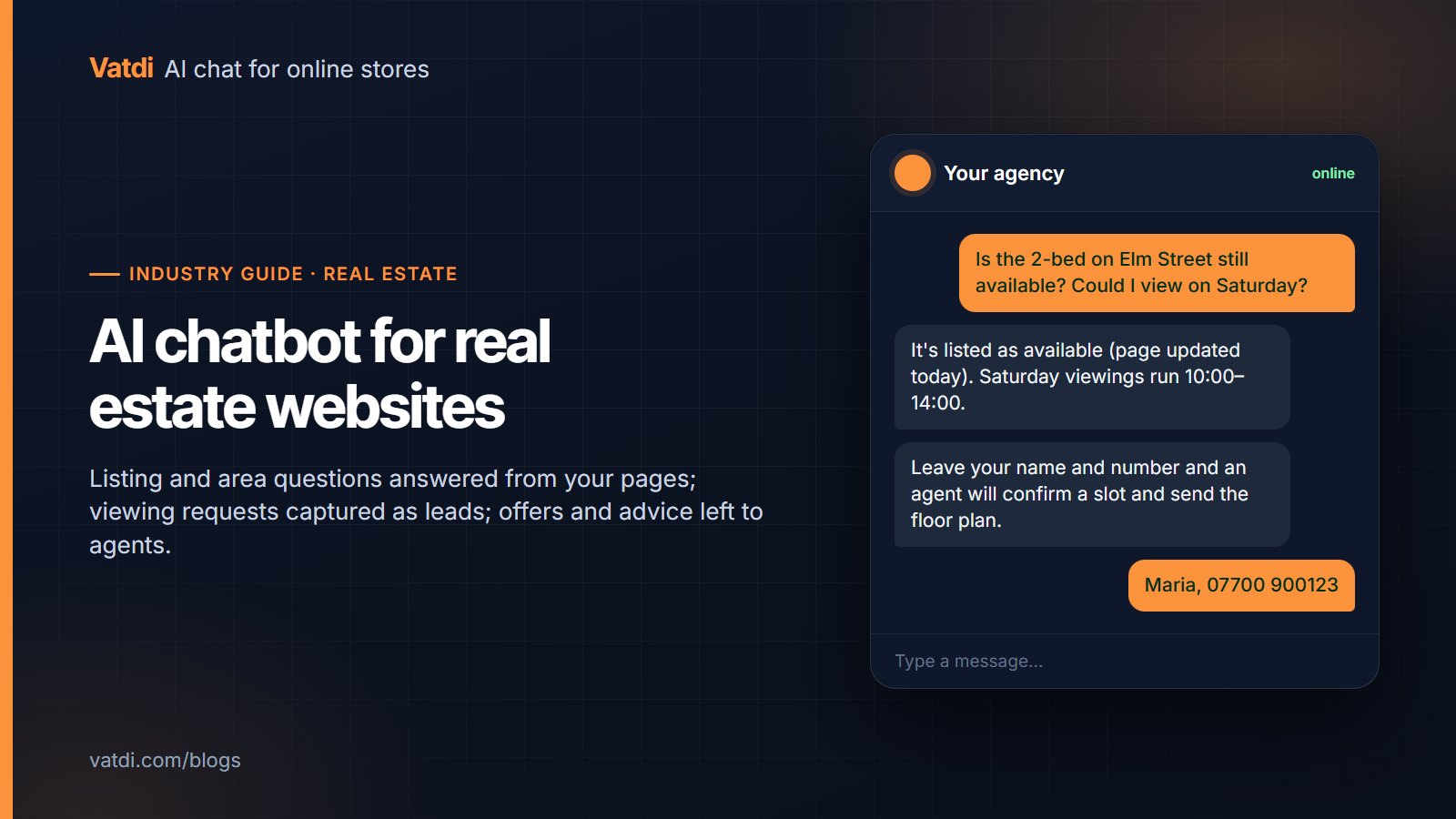
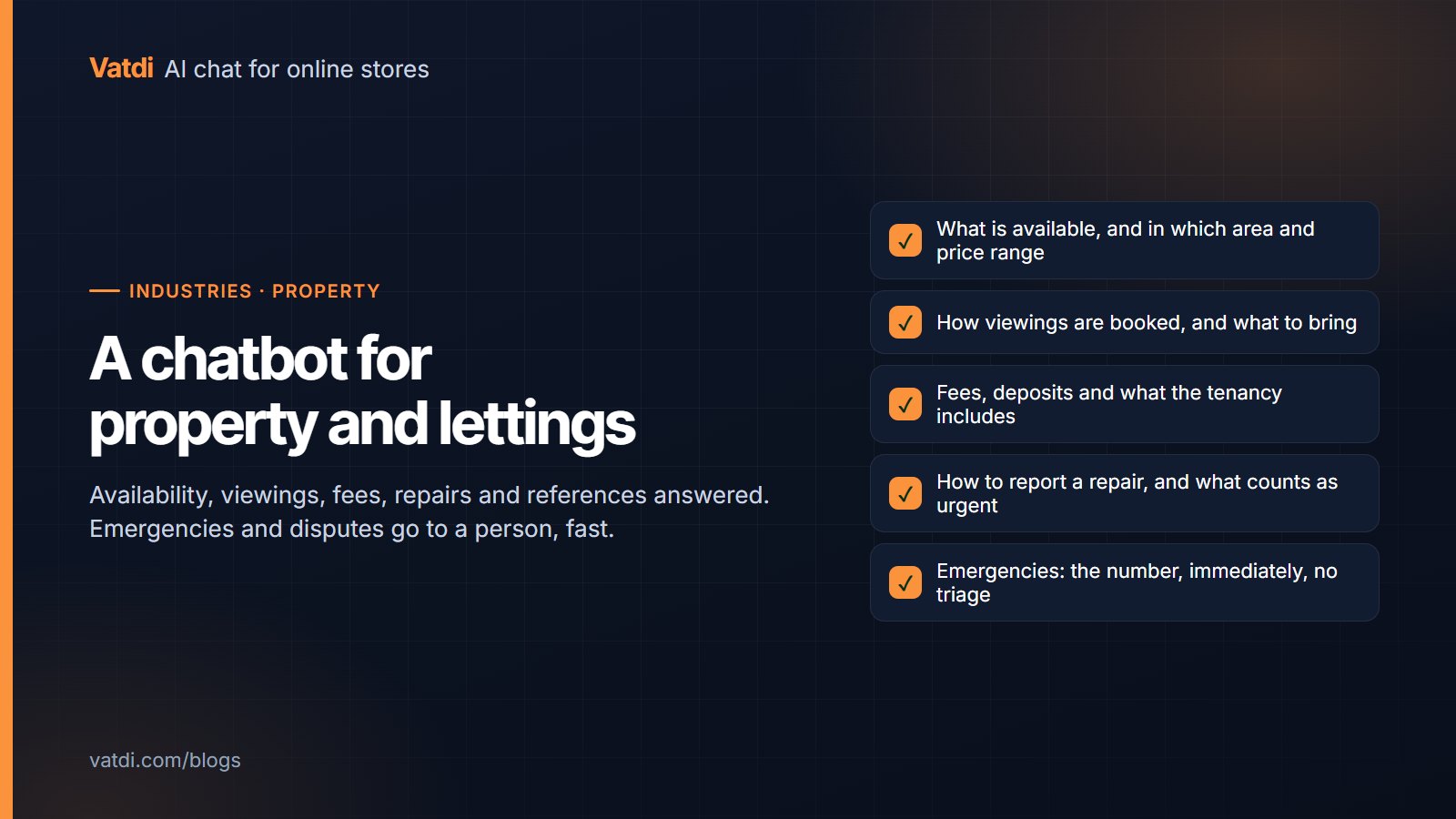
Property website chat confirming a listing is available and taking a Saturday viewing request as a lead
Industry guides
791 views

On a property website the useful questions are about a specific listing, the area, fees and the process, and the valuable outcome is a viewing request. This guide covers what an AI chatbot can answer from listing and guide pages, how it takes viewing requests as rated leads, what must go to an agent (offers, negotiations, mortgage and legal advice), and how to keep availability answers honest.

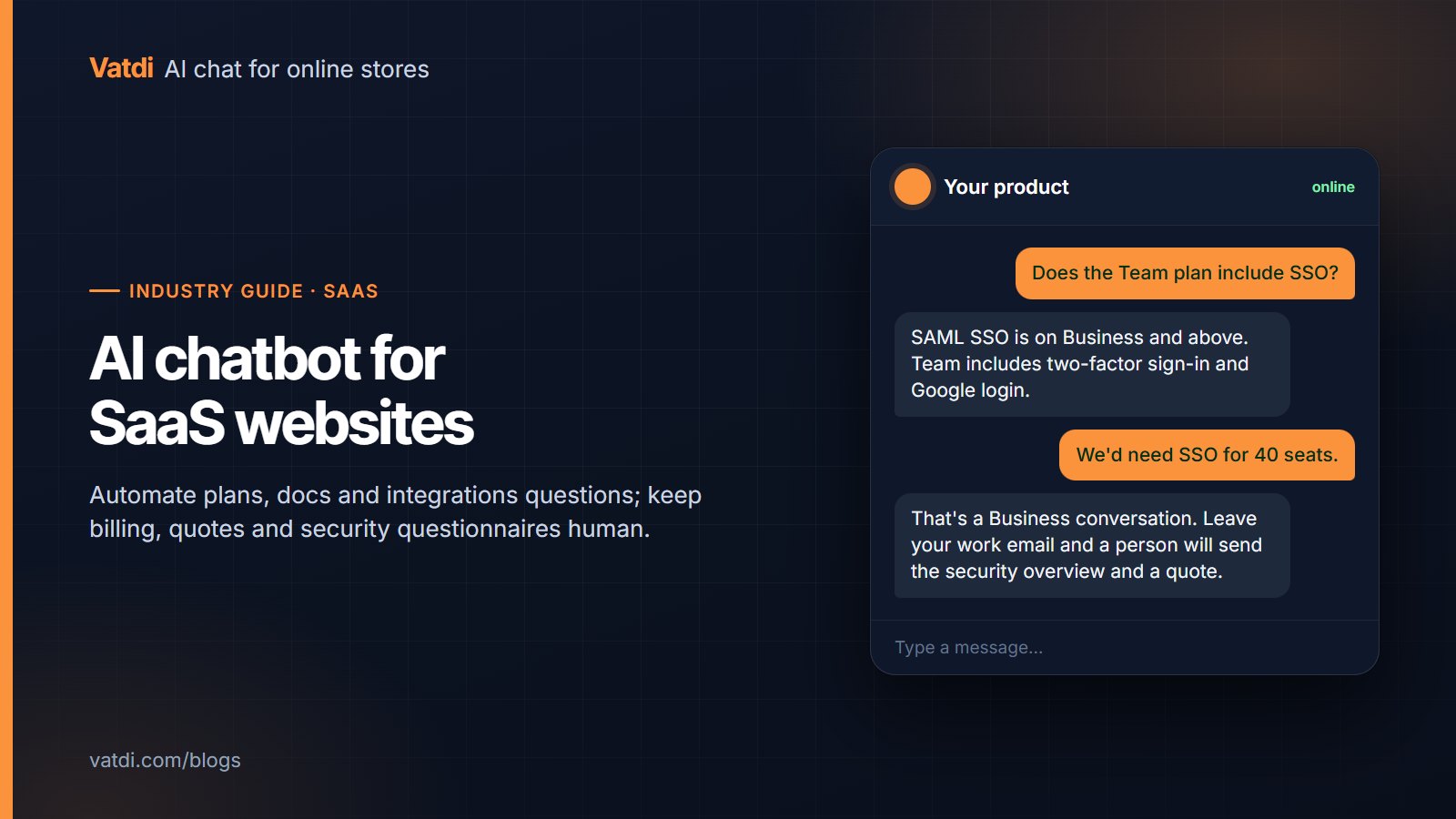
SaaS website chat answering which plan includes SSO and offering to send the security overview by email
Industry guides
1,260 views

A SaaS website has no catalogue and no orders; it has a pricing page, documentation, an integrations list and a security page, and visitors who are evaluating rather than buying. This guide covers which questions an AI chatbot should answer from that content, which must reach a person (billing, enterprise quotes, security questionnaires, account issues), how to capture and rate leads, and where the widget earns its place.

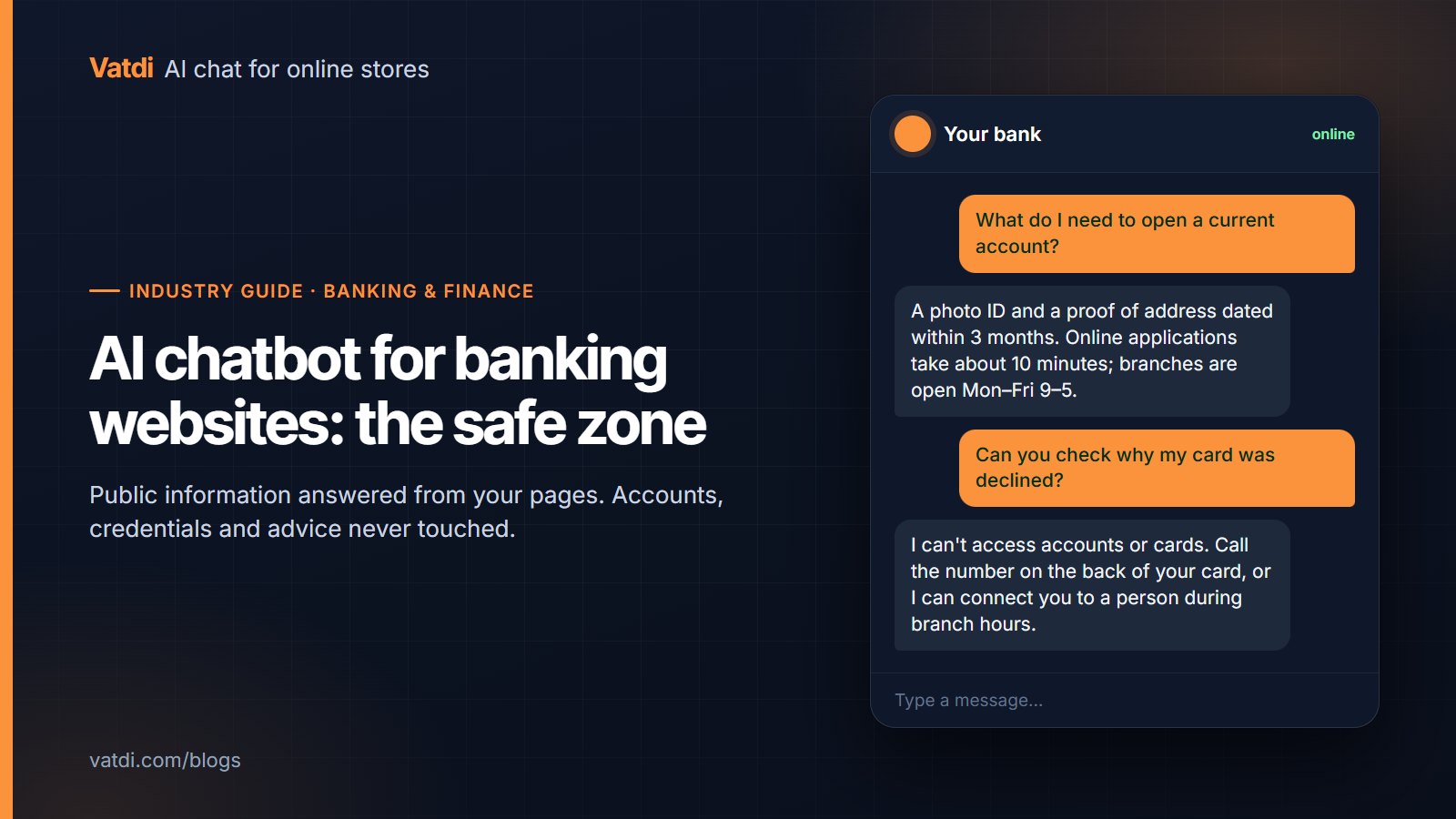
Bank website chat listing the documents needed to open an account and declining to access a customer's card details
Industry guides
1,390 views

On a bank or finance website, an AI chatbot is safe and useful for public information: products, published rates and fees, documents needed, branch hours, how-to steps. It must never touch accounts, credentials or advice. This guide draws that line precisely, shows the handover rules, the security wording, the privacy checks and the content to feed the bot, and how to measure it in the first month.

Ready to Add AI Chatbot to Your Store?

Join thousands of ecommerce stores using Vatdi for 24/7 customer support, lead capture, and sales automation.

Free plan available No credit card required 5-minute setup