A chatbot for retail earns its place by answering the questions that stop a sale: is it in stock, which size, when will it arrive, where is my order, how do I return it, and where is the shop. An assistant that reads your catalogue, policies and order data can handle those around the clock and hand the rest to a person. This guide covers what it should handle, what it should not, and how to set one up.
What do shoppers actually ask a retail store?
Retail questions are repetitive, which is exactly why an assistant works. The same twenty questions arrive in different words all day, and most of the answers already exist on a product page, a policy page or in the order system.
| Question type | Typical wording | Where the answer lives |
|---|---|---|
| Availability | "Is the navy one in stock in medium?" | Catalogue sync: stock, variants, attributes |
| Fit and sizing | "Does this run small?" "What size is a 32 waist?" | Size guide page, product attributes |
| Delivery | "How long to Manchester?" "Do you ship to Ireland?" | Shipping policy page |
| Order status | "Where is order 10482?" | Live order lookup through the store plugin |
| Returns | "Can I return sale items?" "How long do refunds take?" | Returns policy page |
| Store and hours | "Are you open Sunday?" "Can I collect in store?" | Contact and store pages |
| Product detail | "Is it machine washable?" "Does it come with a charger?" | Product description and attributes |
| Recommendations | "Something similar under £50?" | Catalogue filtered by price and category |
The pattern in our own conversation data matches: the biggest topic buckets are order status, shipping and price, and a large share of conversations arrive outside office hours. The figures are in our ecommerce chatbot statistics, drawn from real store conversations rather than survey estimates.
What a retail chatbot should handle
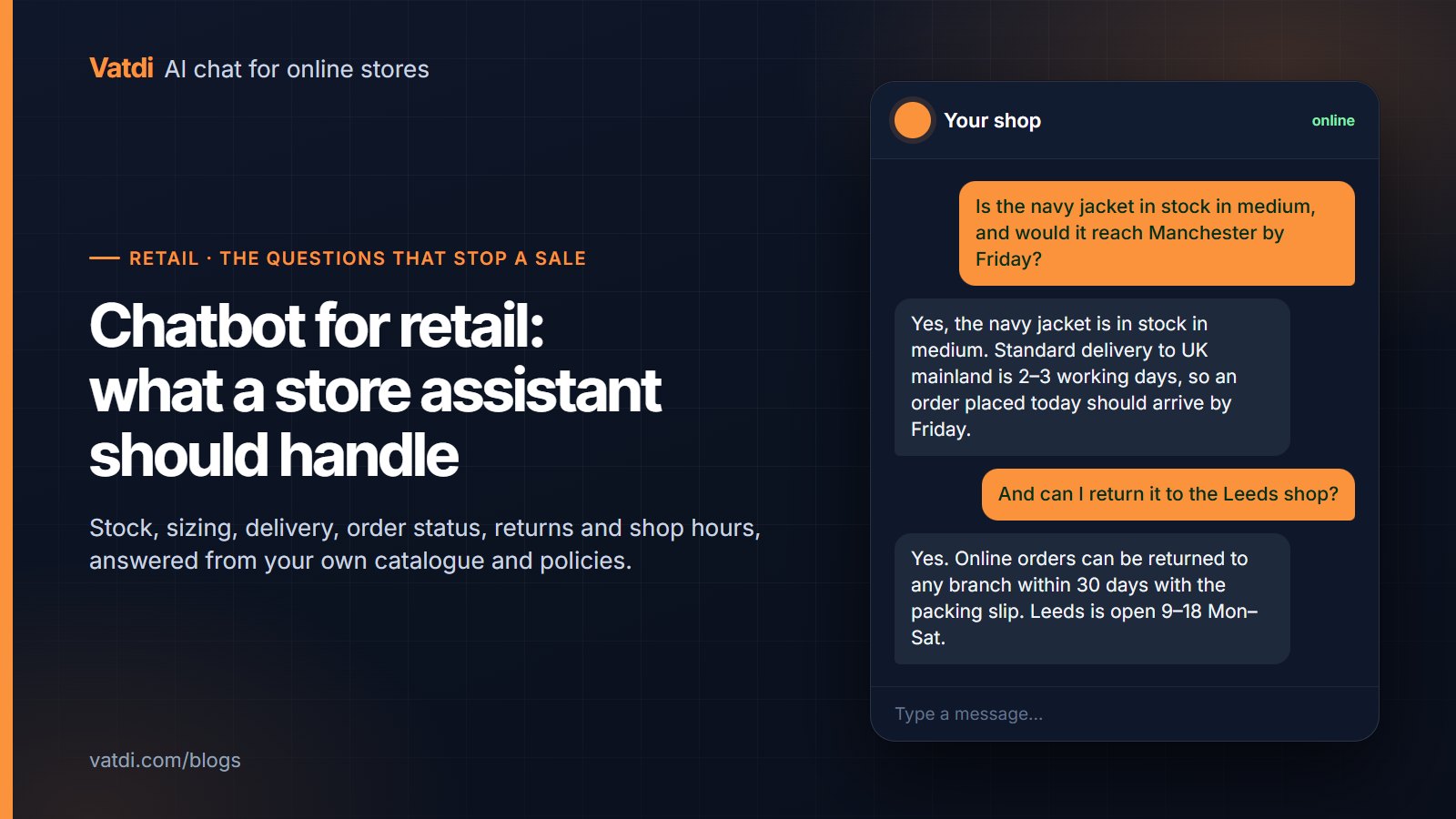
- Availability and variants: stock by size and colour from the synced catalogue, with a link to the product. If the plugin syncs stock, the answer is current; if it does not, the assistant should say "check the product page" rather than guess.
- Sizing and fit: from your size guide and product attributes. Write the guide as questions ("What size is a 32 inch waist?") and the assistant quotes the row.
- Delivery times and costs: from the shipping page, by destination and method.
- Order status: a live lookup by order number and email, which is the single most requested task in store chat. Vatdi does this through the WooCommerce, OpenCart, PrestaShop, Magento, Shopware, Joomla and Drupal plugins.
- Returns and refunds: the window, the conditions, the steps, and how long money takes to arrive.
- Store questions: hours, addresses, parking, collection, and whether a product is in a particular branch if that data is in your content.
- Recommendations: alternatives within a price range or category, using the catalogue rather than a script; see conversational product recommendations.
What it should not do
- Invent stock or dates. If the answer is not in the catalogue or policy, the right reply is "I don't have that, here is how to reach us", not a plausible guess. Vatdi answers only from your content and says so when it lacks it.
- Offer discounts it was not given. Coupons and offers should come from settings you control, never from the model's imagination.
- Handle complaints alone. A damaged parcel or a wrong item wants a person quickly. The assistant's job is to collect the order number and hand over with context.
- Pretend to be human. Say it is an assistant. Shoppers do not mind; they mind being misled.
- Replace the size guide with vibes. Fit answers must quote your guide. "It runs small" is only acceptable if your content says so.
Physical shops with an online store
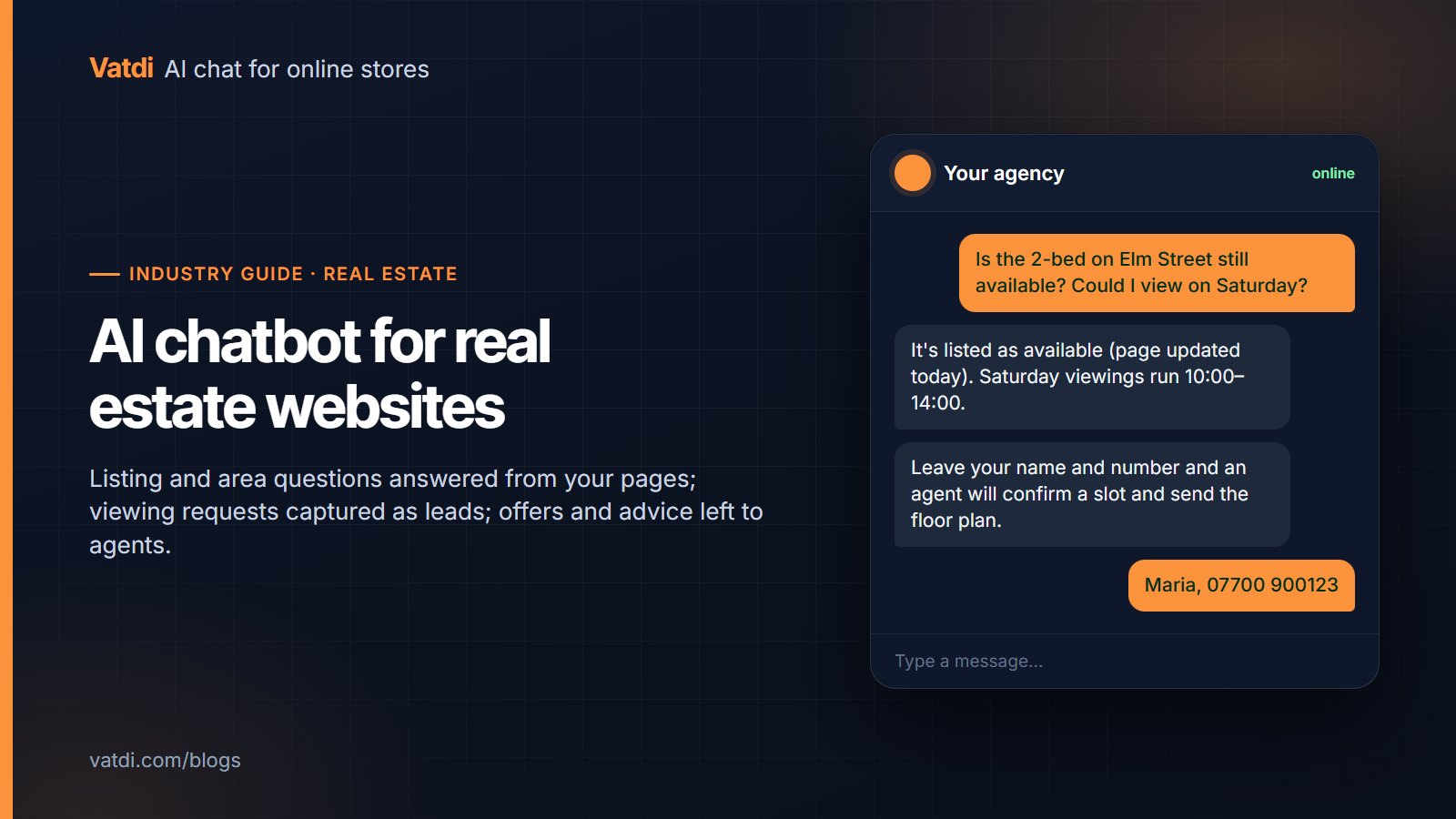
Many retail businesses run a shop and a website, and the assistant serves both. The website widget answers the online questions above, and it becomes the front desk for the physical shop too: opening hours, directions, whether you accept returns of online orders in store, and click-and-collect steps. Put each branch on its own page with hours and address, one question per heading, and the assistant answers "are you open Sunday in Leeds?" correctly. If branch-level stock lives in your platform, sync it; if it does not, say "call the branch" and give the number. The structure is in how to write a chatbot knowledge base.
How to set one up in an afternoon
- Install the plugin for your platform and connect it; the catalogue syncs and order lookup works without keys. Platforms and steps are on the integrations page. A plain website uses one embed snippet.
- Write or tidy five pages: shipping, returns, sizing, store hours and payment. One question per heading, the number in the first sentence.
- Add the questions your inbox actually gets as FAQ entries. Last month's emails are the list.
- Set handover rules: complaints, damaged goods and anything with "refund" plus a complaint word go to a person during agent hours; outside them, the assistant takes an email.
- Test ten real questions from the table above, plus two you cannot answer, to confirm the assistant declines rather than guesses.
- Review weekly: low-rated conversations point at the page to fix. The full sequence is in the AI chatbot implementation guide.
How do you know it is working?
Four numbers, reviewed weekly from the dashboard: the share of conversations answered without a person, handover requests and how long they waited, ratings on answered conversations, and the questions the assistant could not answer. The last list is the work queue; each unanswered question is a missing page or attribute. Whether an assistant or live chat suits your team is a separate question, covered in chatbot vs live chat. For checkout friction specifically, Baymard's research on cart abandonment is a good reminder that unanswered delivery and returns questions are among the reasons carts are left, so those two pages deserve the most care.
What does it cost?
For a retail store the cost is a plan fee plus an afternoon. As of September 2026 Vatdi's Free plan includes 15 conversations a month with every feature, Starter is $4.49 for 150, and Grow is $7.49 with unlimited conversations; the only paid extra is removing the badge. The full comparison is on the pricing page, and the wider market in how much an AI chatbot costs. The technique that lets the assistant answer from your pages rather than a script is retrieval-augmented generation, described in Lewis et al., 2020.
Frequently asked questions
What is a retail chatbot?
A retail chatbot is an assistant on a store's website that answers shopper questions from the store's own catalogue, policies and order data: stock, sizing, delivery, order status, returns and store hours. Modern ones read your content rather than follow a scripted tree, so a new product or policy page is answered as soon as it is published, and unusual wording still finds the right answer.
Can a chatbot check stock and sizes?
Yes, when the catalogue is synced through the store plugin, including variants such as size and colour. The assistant answers "is the medium in stock?" from the current data and links the product. If your platform does not sync stock levels, the assistant should point to the product page rather than guess; a good retail assistant never invents availability.
Does it work for a physical shop as well as the website?
Yes, for the questions a shop gets by phone: hours, address, parking, whether online returns are accepted in store, and click-and-collect steps. Put each branch on its own page and the assistant answers branch-specific questions. Branch-level stock works only if that data is in your platform; otherwise it gives the branch's phone number.
How much does a chatbot for retail cost?
On Vatdi, as of September 2026, from free (15 conversations a month, every feature) to $4.49 for 150 and $7.49 for unlimited, plus an afternoon of your time on content. Platform tools with seats and per-resolution fees cost considerably more; the models are compared in our chatbot pricing guides. There is no setup fee and no separate charge for order lookup.
What happens with complaints or damaged orders?
The assistant should recognise the situation, collect the order number and hand over to a person with the transcript attached, during your agent hours; outside them it takes an email and sets expectations. Set those rules explicitly in handover settings. An assistant that tries to resolve a complaint alone frustrates the shopper and hides the problem from you.
How long does setup take?
Installing and connecting takes minutes on a supported platform. The real work is content: an afternoon to write shipping, returns, sizing, hours and payment pages as questions and add the FAQs your inbox receives. After that, thirty minutes a week reviewing low-rated conversations keeps the answers current. No developer is needed unless your platform has no plugin.