An AI chatbot for real estate websites does three jobs well: it answers questions about a specific listing, the area and your fees from the pages you already publish; it takes viewing requests at any hour and passes them to an agent as rated leads; and it hands offers, negotiations and anything resembling mortgage or legal advice to a person. This guide covers how to set each up and how to keep availability answers honest when listings change daily.
What visitors actually ask on a property site
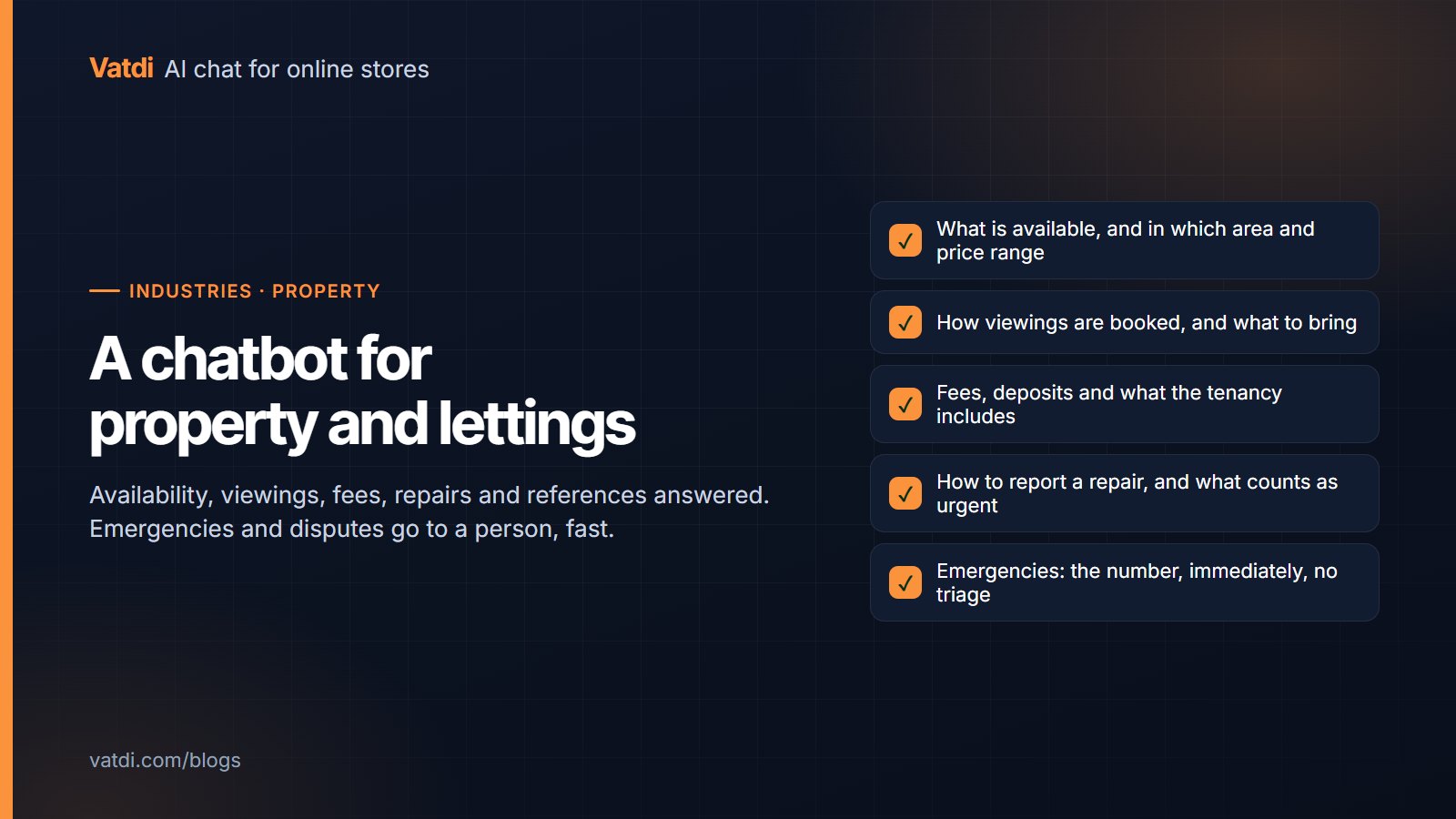
Pull a week of enquiries and the pattern is consistent: is it still available, what is the price and are bills included, which schools or transport are nearby, can I view it and when, what are the fees and deposit, what documents do I need, how does the process work. Most of these have an answer on a listing page, an area guide or a fees page. The exceptions, which need an agent, are offers, negotiations, and advice on mortgages, contracts or tax. Vatdi's real estate page covers the product; this guide is about the operating decisions.
| Question | Where the answer lives | Bot or agent | Note |
|---|---|---|---|
| Is it still available? | The listing page's status | Bot, with the date the page was last updated | Crawl listings daily; say "as of" the crawl |
| Price, deposit, bills included? | Listing page, fees page | Bot | Keep fees on one page with the numbers in text |
| What is the area like? | Area guides | Bot | Write guides one question per heading |
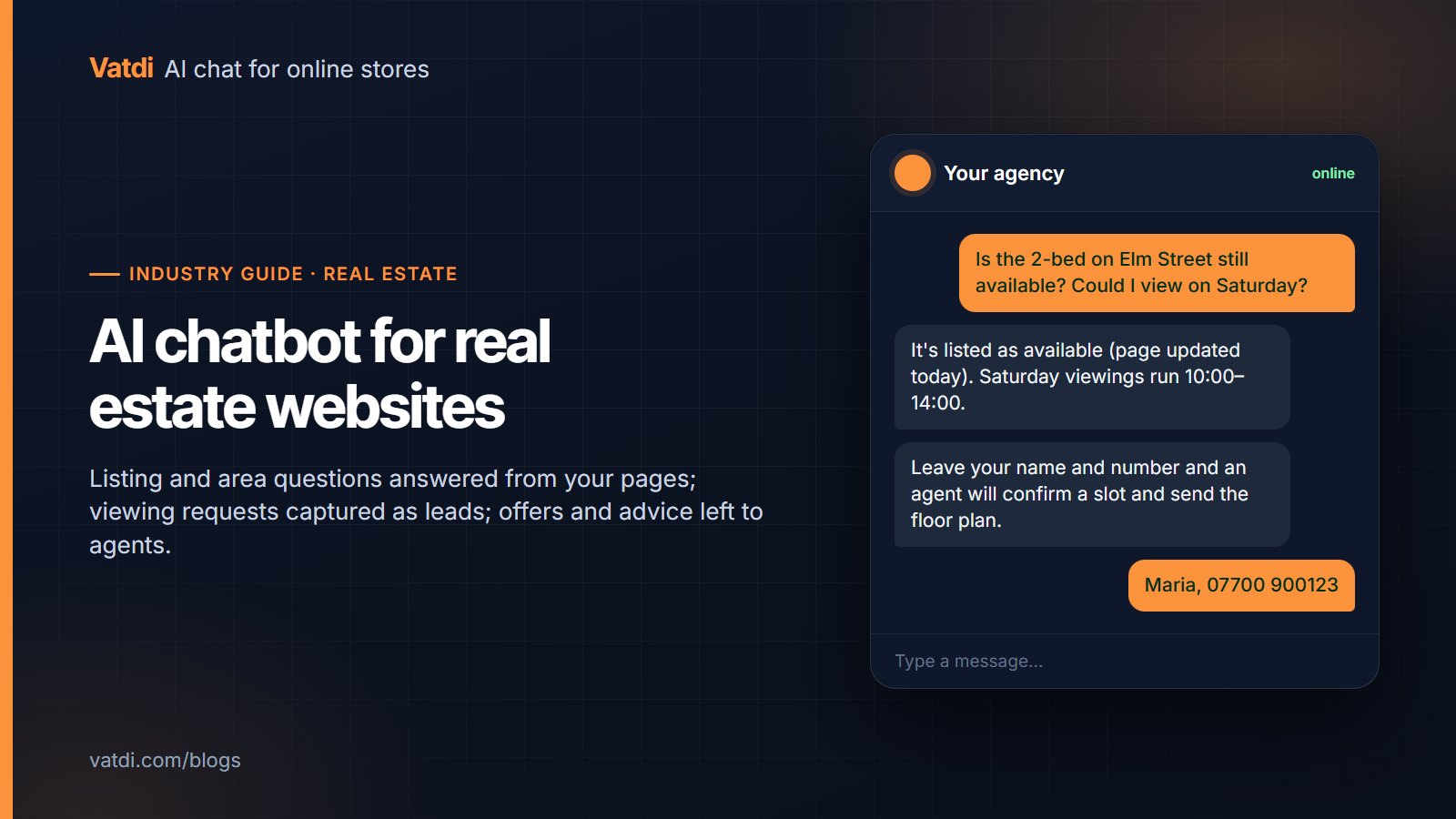
| Can I view it on Saturday? | Viewing hours page | Bot states hours, captures the request; agent confirms | Never confirm a slot the bot cannot see |
| What documents do I need to rent? | Process page | Bot | Country-specific; keep the page current |
| Can I offer below asking? | Nowhere the bot should read | Agent | Bot captures contact and hands over |
| Can I afford this / which mortgage? | Regulated advice | Agent or adviser | Bot declines and points to a person |
Keeping availability answers honest
The chatbot reads your listing pages when it crawls them; it does not see your property software live. That means a listing let this morning can still read "available" until the next crawl. Three settings keep this truthful: crawl listing pages on a short schedule (daily is a reasonable minimum, more often in a busy market); instruct the bot to state that availability is "as of" the last update and to offer an agent confirmation; and remove let or sold listings from the crawl rather than leaving them with a status line. A retrieval-based bot answers from what it reads (the approach is described in Lewis et al., 2020), so the freshness of the source is the whole game. The setup steps are in URL training.
Viewing requests as rated leads
A viewing request is the most valuable message a property site receives, and most arrive outside office hours. The bot's job is to take the details cleanly and route them: name, phone or email, the listing, preferred day and time, and whether the person is renting or buying. Vatdi captures leads in chat, rates each 1–5 for trust automatically (editable), emails the office immediately and exports to CSV. There are no CRM connectors, so the lead reaches your property software by import or by an agent entering it; for a small agency that is workable. Two rules: the bot states viewing hours but never confirms a specific slot it cannot see, and it tells the visitor when an agent will call back. The mechanics are in how to capture leads with a chatbot; the booking pattern is in AI chatbot for appointment booking.
What must go to an agent
- Offers and negotiations. The bot captures the contact and the listing and hands over; it does not discuss price flexibility.
- Mortgage, affordability, contract and tax questions. These are regulated advice in most countries. The bot declines and points to an agent or adviser; write that rule explicitly.
- Complaints and disputes about deposits, repairs or fees already in progress.
- Anything about a specific tenancy or purchase in progress. The bot has no access to case files and should say so.
Set agent hours so the widget is honest at night, turn on email and browser alerts, and review missed handovers weekly. The handover pattern is in what chatbot human handover is; the after-hours behaviour is in AI chatbot for after-hours support.
Content to feed the bot
- Listing pages, crawled daily, with status, price, deposit, bills and key features in text rather than only in images.
- A fees page with every fee and deposit as a number, one heading per fee.
- Area guides written one question per heading: transport, schools, parking, typical rents.
- Process pages: how to rent, how to buy, how to sell, documents required, timelines.
- Viewing hours and office hours, including public holidays.
- A short "what we cannot advise on" page, which the bot will quote when declining financial or legal questions.
Do not upload tenant files, applicant lists or anything from your case management system; the bot reads what you give it and a staff document will surface in a public answer. The format that retrieves best is covered in our knowledge base guide.
International buyers and tenants
Property enquiries often arrive in a second language. The bot detects the visitor's language and answers from your pages in it, so area guides written in English still serve a Spanish-speaking enquirer; widget labels switch too, and you can edit the translations. Test ten questions per language you commonly receive before launch. Vatdi detects 95+ languages on every plan; see multilingual AI chat. Keep proper nouns, street names and listing references untranslated.
Measuring it
Four numbers, reviewed weekly: viewing requests captured (and their trust ratings), listing and area questions answered without an agent, missed handovers, and the visitor rating. If viewing requests are captured but agents report wrong numbers or no-shows, the capture wording needs work; if availability complaints appear, the crawl schedule is too slow. Vatdi grades every conversation 0–10 with advice, which makes the weekly review a list rather than a hunt. Installation is a one-line script on any website builder or custom site (install on any website); check that the widget is keyboard-operable and screen-reader friendly, since property sites serve a wide public (the W3C's accessibility fundamentals are the baseline). Every feature here is on every plan, including Free; plans differ only in monthly conversations (pricing).
Frequently asked questions
Can the chatbot tell visitors whether a property is still available?
Yes, from the listing page as of the last crawl, and it should say so. Crawl listings daily or more often in a busy market, remove let or sold listings from the crawl, and instruct the bot to offer agent confirmation for anything time-sensitive. The bot does not connect to property management software, so it cannot see live status; honesty about the update time is what keeps trust.
Can it book a viewing directly?
It can take the request completely (name, contact, listing, preferred day and time) and pass it to an agent as a rated lead, and it can state your viewing hours. It should not confirm a specific slot, because it cannot see the diary. Vatdi emails the request immediately and shows it in the team inbox; the agent confirms. For most agencies that is faster than the previous "we'll call you back" form.
Should the chatbot answer mortgage or legal questions?
No. Affordability, mortgage products, contract terms and tax are regulated advice in most jurisdictions and vary by case. Give the bot an explicit rule to decline and offer a person or an adviser, and publish a short page that says what you do and do not advise on so the bot can quote it. The same applies to price negotiation: capture the contact, hand over.
Does it work with our property listings software?
It works with your website: whatever your listings software publishes to your site, the bot can read once the pages are crawled. There is no direct integration with property CRMs or portals, and no connector to push leads into them; leads arrive by email and CSV export. If your workflow depends on automatic lead routing into a property CRM, choose a tool with that native integration.
What about enquiries at night and at weekends?
That is where the bot earns its keep. It answers listing, area and fee questions at any hour, takes viewing requests with full details, and tells the visitor when an agent will call. Set real agent hours so the offline notice is accurate, turn on alerts so the first person in sees the overnight requests, and review missed handovers weekly to check the hours match your enquiry pattern.
How much does it cost for a small agency?
As of September 2026, Vatdi's Free plan includes 15 conversations a month with every feature, Starter is $4.49 a month for 150 conversations, and Grow is $7.49 a month for unlimited conversations, with unlimited teammates on each. One website per plan. There is no per-agent pricing, which matters for an office where several people watch the inbox but only a few enquiries need them.