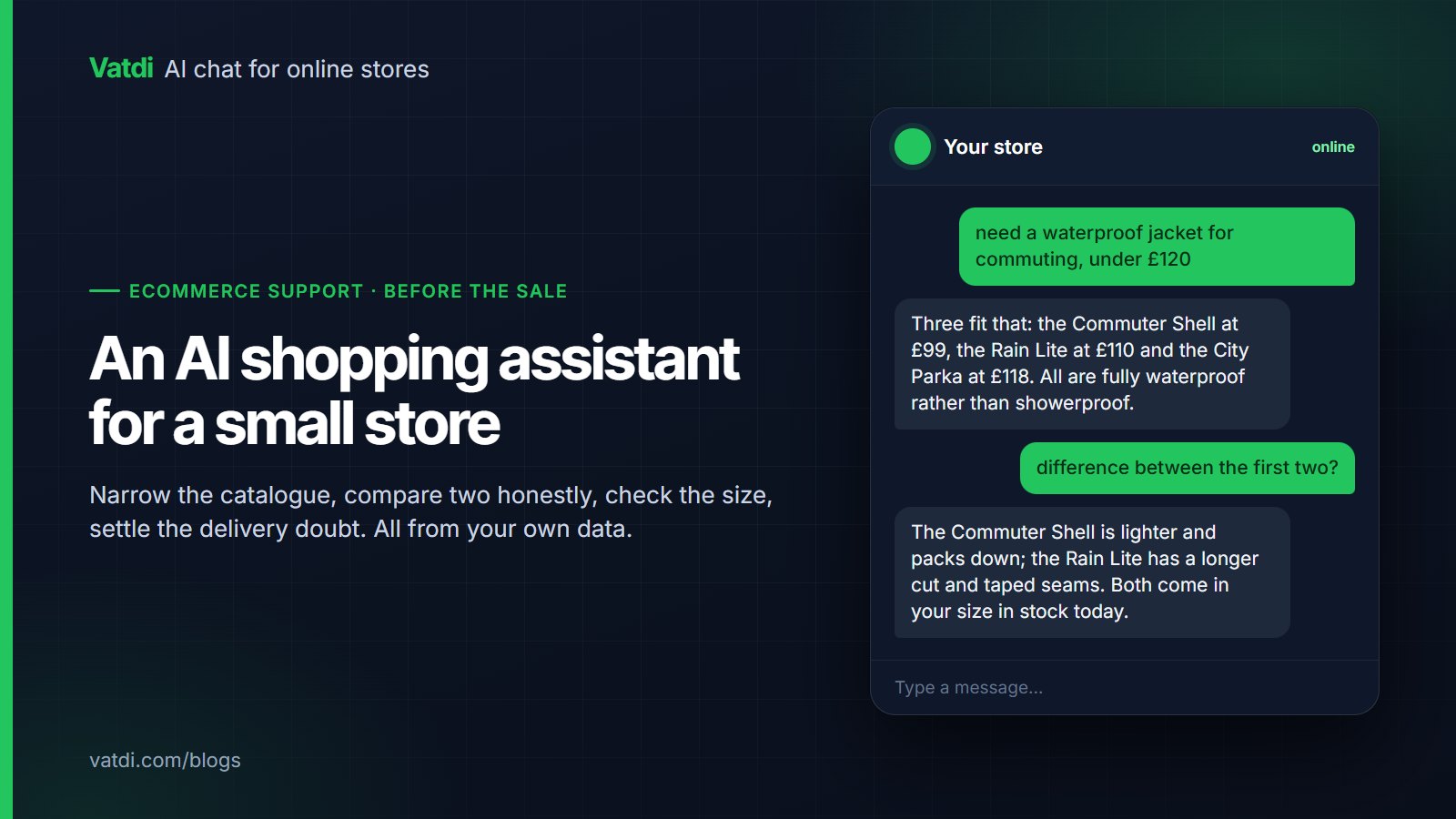
An AI shopping assistant works before the sale rather than after it. It narrows a catalogue to the few products that match what someone needs, compares two of them honestly, confirms the size is in stock, and settles the delivery doubt that was about to end the visit. On a small store none of that requires a recommendation engine or a data team; it requires a catalogue with the attributes filled in.
The four jobs it actually does
| Job | What the shopper says | What it needs from your store |
|---|---|---|
| Narrowing | "waterproof jacket under £120 for cycling" | Categories, prices, and attributes such as waterproof rating |
| Comparing | "what's the difference between these two?" | Descriptions that state real differences, not marketing adjectives |
| Checking | "do you have it in 42 in black?" | Variant-level stock through the store plugin |
| Reassuring | "will it get here by Friday, and can I return it?" | Shipping and returns pages with the numbers in text |
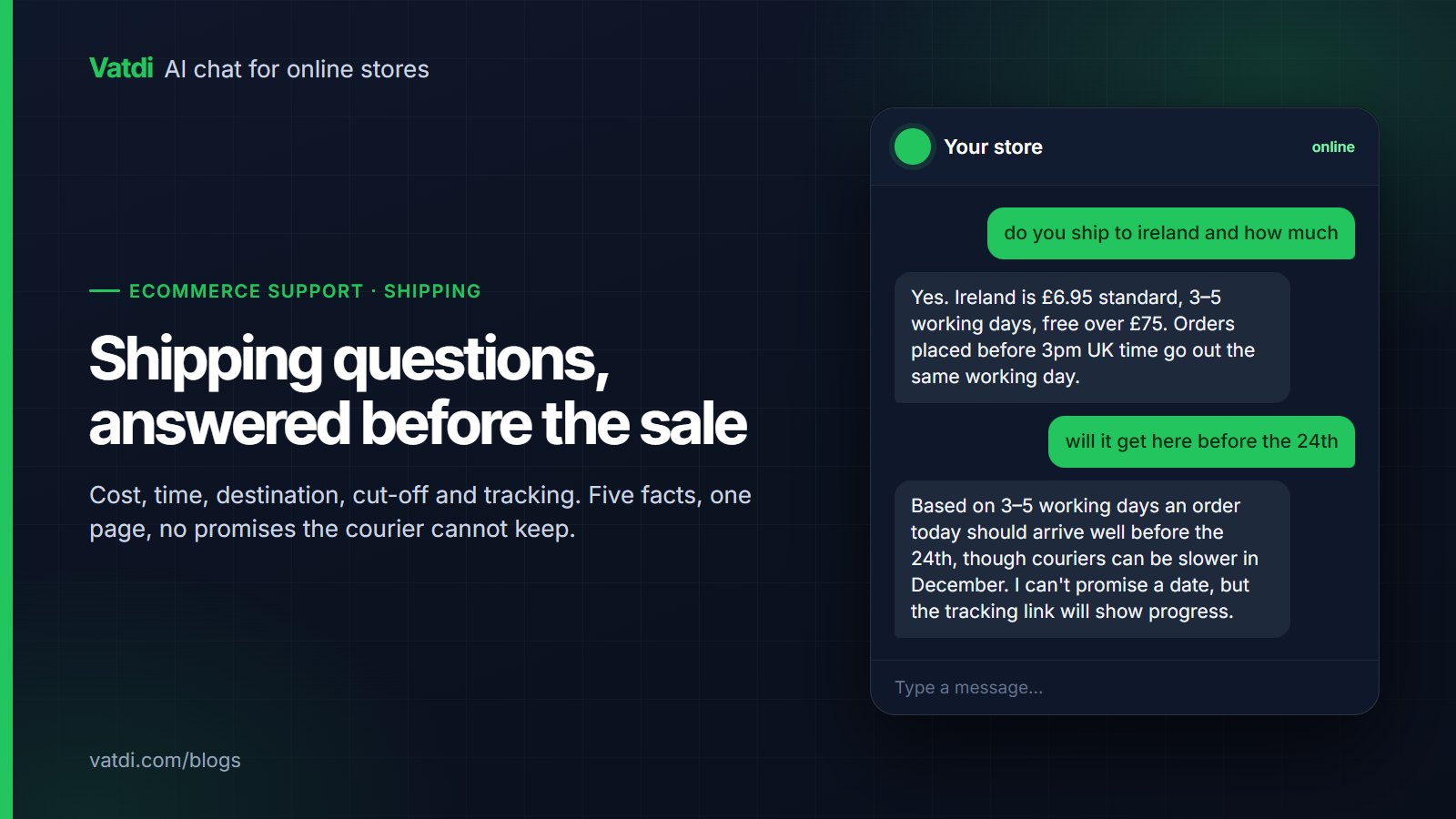
The fourth is the one most stores underestimate. A shopper who has chosen a product and then hesitates over delivery or returns is one clear sentence away from buying, which is why the same assistant that recommends should also answer policy questions.
What the catalogue has to contain
- Attributes filled on the products you want sold. Material, size range, compatibility, power, capacity: whatever your customers ask about. An empty attribute is a product the assistant cannot recommend for that need.
- Descriptions that differentiate. "Premium quality, designed for you" tells the assistant nothing. "Fully waterproof with taped seams, 420g, packs into its own pocket" lets it answer three questions.
- Accurate categories, so "cycling" and "commuting" reach the right shelf.
- Prices and stock synced, so a recommendation is never for something unavailable.
- Size guides as text, not images, so fit questions can be answered at all.
The work is the same work that improves your product pages for search, which is why it is rarely wasted. The approach to conversational suggestions is covered in more depth in conversational product recommendations.
Where it should stop
Saying no is a feature. A shopper asking for something you do not sell is better served by a clear answer than by the nearest expensive substitute, and they remember which they got. The guardrails that keep this honest are in chatbot guardrails for online stores.
Where to put it
On the product page and the category page, where hesitation happens, rather than only on a contact page. The widget should open closed, with a short opening line that invites a question rather than interrupting. Avoid the pattern where a panel expands over the product image after three seconds; it costs more goodwill than it gains conversations. Quick replies with two or three real starting questions work better than a generic greeting, and the wording for those is worth thinking about, as covered in our guides on welcome messages and quick replies.
A worked example: fifty products, one afternoon
Take a store selling outdoor clothing with three hundred products. Nobody is going to rewrite three hundred descriptions, and nobody needs to. Sort by revenue, take the top fifty, and give each one four attributes that shoppers actually ask about: waterproof or showerproof, weight, fit, and what it is designed for. That is roughly two hours of copying figures from supplier data. Then rewrite the size guide as text with a row per size, and add a heading to the shipping page for the cut-off. By the end of the afternoon the assistant can narrow by need, compare two jackets on real differences, confirm the size and settle the delivery question. The other two hundred and fifty products still answer basic questions from their titles and prices, and they get attributes when they start appearing in the unanswered list.
Five questions to ask your own catalogue
- Could a stranger tell these two products apart from the descriptions alone? If not, neither can the assistant.
- Is the size guide text or an image? An image answers nobody.
- Does every top-fifty product have the attribute customers ask about most? One field, filled everywhere, beats ten fields filled on a handful.
- Do the categories match the words shoppers use, or the words your supplier uses?
- Is stock synced at variant level, so "in 42, black" has an answer?
Does it actually help?
Judge it with two observations rather than a dashboard metric. First, read the conversations: are shoppers asking product questions and getting specific answers, or are they asking things your catalogue cannot support? The second list is your work queue. Second, look monthly at whether conversations mentioning a product are followed by orders from the same visitor. That is a rough signal, not attribution, and it is enough for a small store to know whether chat is a sales surface. The metric set worth keeping is in the six chatbot KPIs worth watching. Baymard's research on cart abandonment is a useful reminder of which doubts end a visit, most of them answerable in a sentence.
What it costs to try
Less than the catalogue work it depends on. As of September 2026 Vatdi's Free plan includes 15 conversations a month with every feature, Starter is $4.49 for 150 and Grow is $7.49 for unlimited, with product sync allowances on each tier; see the pricing page. The technique that lets an assistant answer from your catalogue and pages rather than a scripted tree is described in Lewis et al., 2020. Start on a free plan, fill attributes on your top fifty products, and ask the assistant the five questions your customers ask most; the testing method is in how to test AI chatbot accuracy, and the full setup sequence is in the AI chatbot implementation guide.
Frequently asked questions
What is an AI shopping assistant?
A chat assistant that helps someone choose before they buy: narrowing the catalogue by what they need, comparing products on real attributes, confirming stock in a size, and answering the delivery or returns question that follows. On a small store it draws on your own catalogue and pages rather than a separate recommendation engine.
Do I need a big catalogue for it to be useful?
No. A smaller catalogue with complete attributes outperforms a large one with empty fields, because the assistant can only work with what is written down. Thirty well-described products support better conversations than three thousand with nothing but a name and a price.
Will it push customers to expensive products?
It should not, and you should check. A good assistant answers the need that was stated, including the cheaper option when that is the right fit. Steering by price damages trust quickly, and a shopper who feels sold to rarely comes back for the second question.
Can it tell shoppers what is popular?
Only if that data comes from your own store, such as sales counts synced through the plugin. Claims about popularity that your data does not support are the kind of small fabrication that undermines everything else the assistant says, so an honest "I don't have that" is the better answer.
Where should the widget appear?
On product and category pages, closed by default, with two or three specific opening questions rather than a generic greeting. Interrupting a shopper who is reading a product page with an expanding panel tends to cost more than it earns, so let the invitation be visible and let the shopper start.
How do I know it is helping sales?
Read the conversations, then check monthly whether product conversations precede orders from the same visitor. Treat that as a signal rather than attribution. The more actionable output is the list of questions the assistant could not answer, since each one is a product attribute or a page you can fix this week.