
Platforms & integrations
Magento 2 chatbot extension: install, sync and order lookup
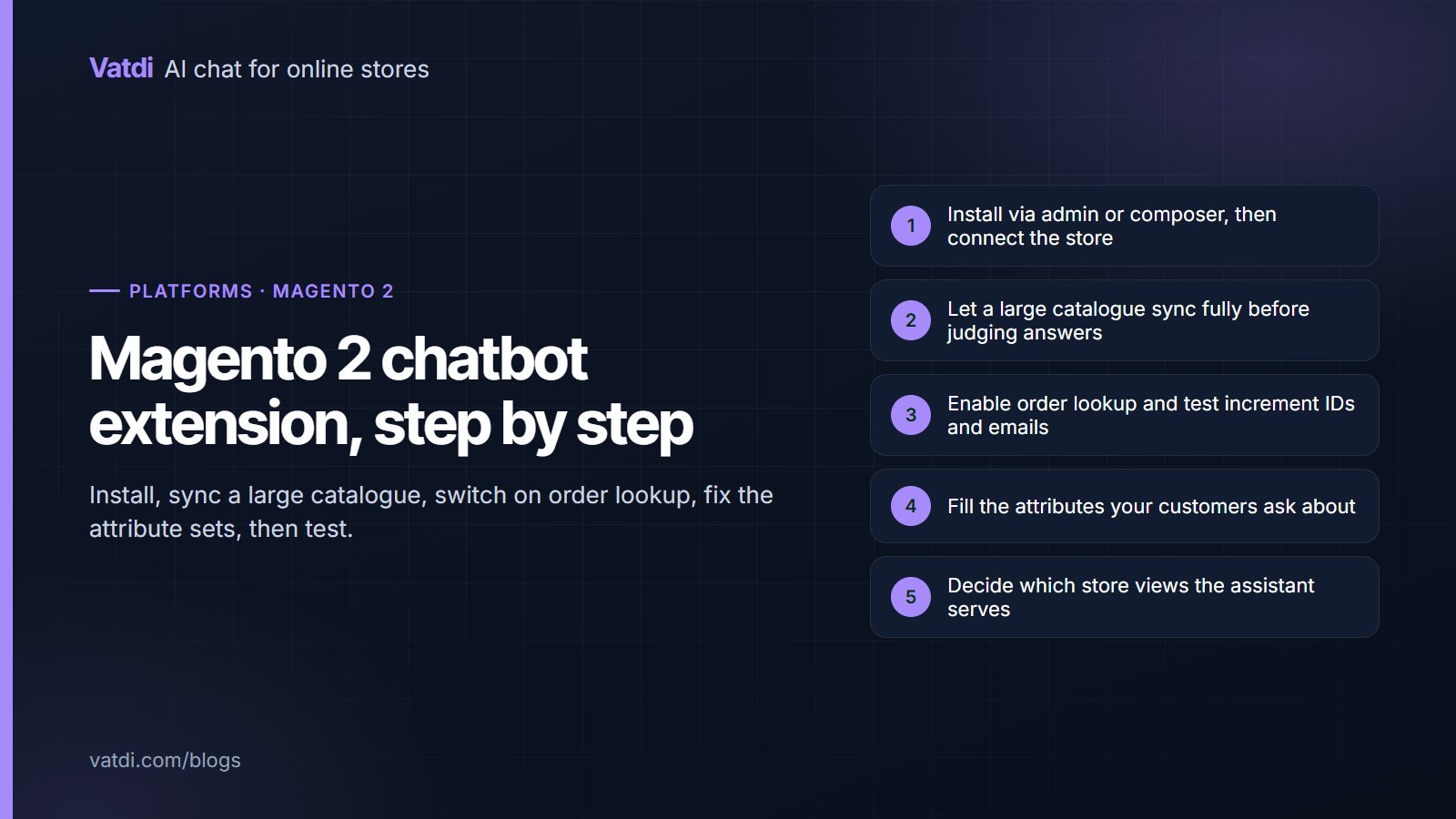
A Magento 2 chatbot extension installs through the admin or composer and connects without hand-copied keys, but Magento stores bring two specifics: large catalogues that take longer to sync, and attribute sets that decide whether product answers are any good. This guide covers installation, the sync checks, order lookup, the content work and the store-view questions multi-site merchants need to settle first.