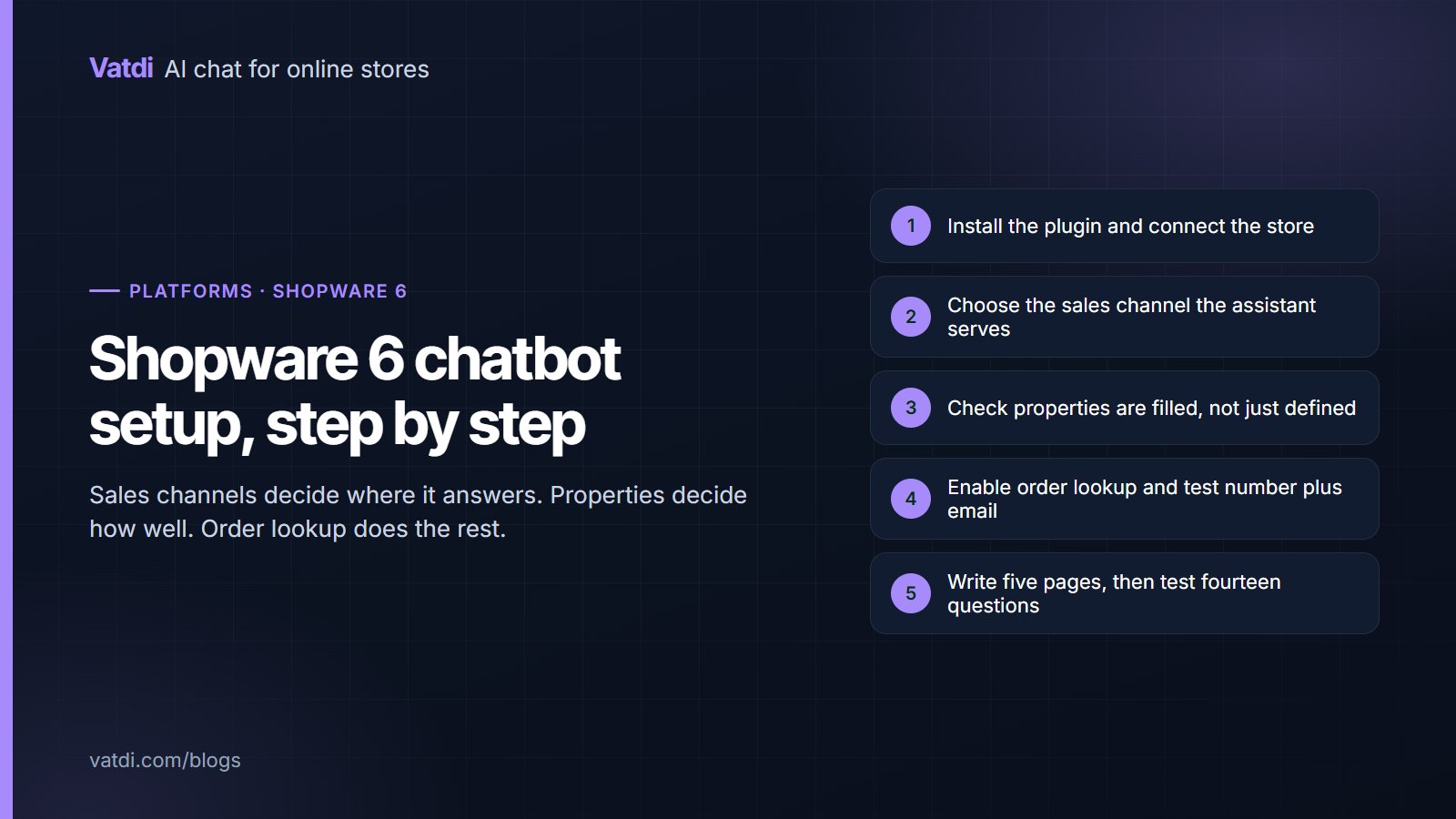
Five setup steps for a Shopware 6 AI chatbot from plugin install to tested answers
Platforms & integrations
50 views

Shopware 6 brings two specifics to chatbot setup: sales channels, which decide where the widget appears and which catalogue it answers from, and properties, which decide whether product answers are specific. This guide covers installation, the sales-channel decision, property coverage, order lookup verification, the content work and the tests to run before customers see it.
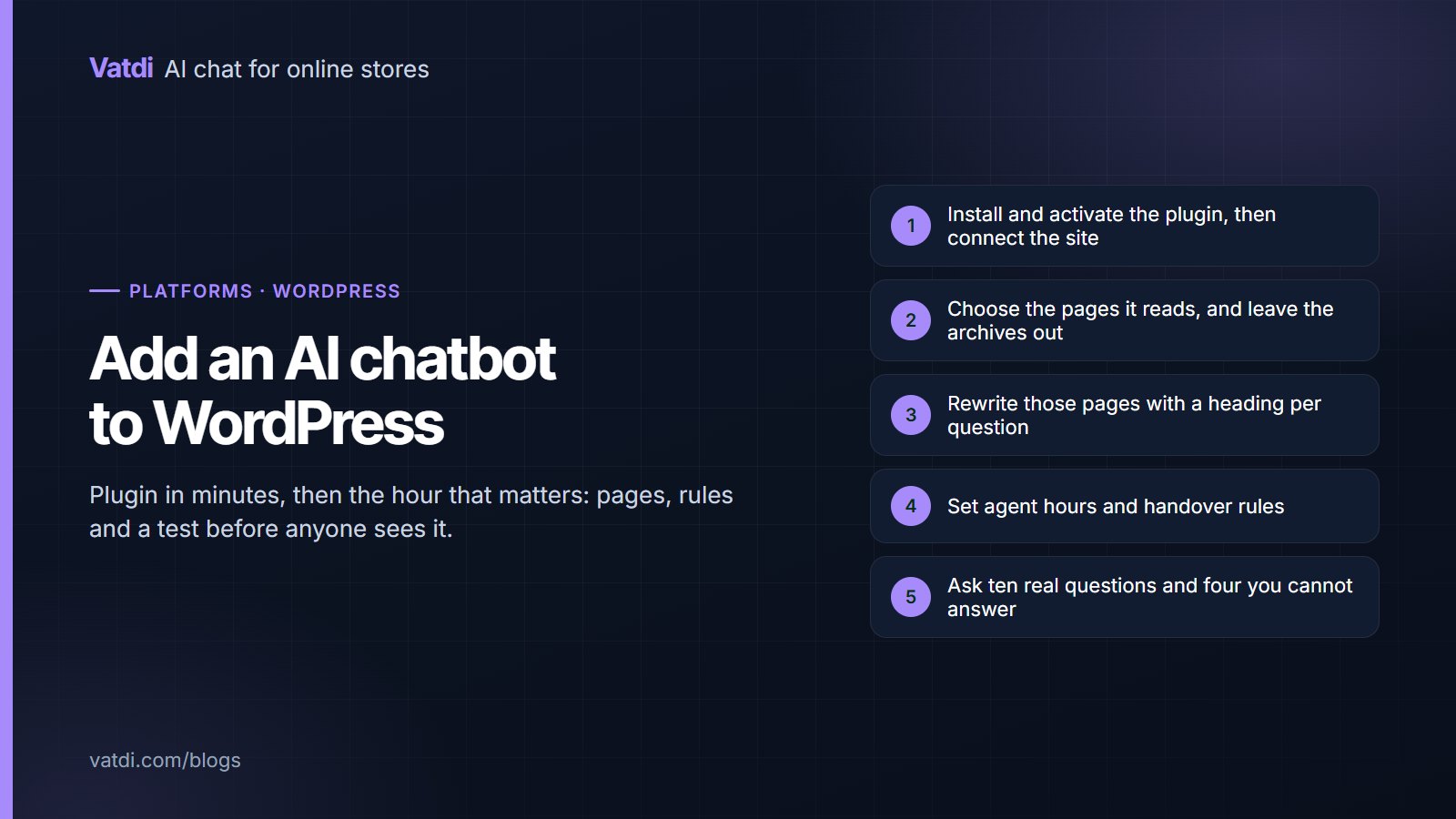
Five steps to add an AI chatbot to a WordPress site from plugin install to testing
Platforms & integrations
69 views

Adding an AI chatbot to WordPress takes minutes for the plugin and about an hour for the parts that decide whether it is any good: choosing the pages it reads, writing those pages as questions, setting handover rules and testing before anyone sees it. This guide walks through each step for both plain WordPress sites and WooCommerce stores, with the checks that catch problems early.

Three tiles comparing free WordPress chatbot tiers: Vatdi with AI included, Tidio without AI, Tawk.to live chat
Platforms & integrations
286 views

"Free chatbot for WordPress" means three different things: free live chat with no AI, a free rule-based builder, or a free plan on an AI assistant with a conversation cap. This guide compares the tiers as of September 2026 on what they include, cap and leave out, shows when free is enough for a WordPress site and when $4.49 is the honest next step, and gives a test to run.

Eight-point checklist for testing an AI chatbot plugin on a WordPress site, next to the WordPress logo
Platforms & integrations
295 views

The best AI chatbot for WordPress is the one that passes a short test on your own site: it syncs your published posts, pages and products, answers from them, looks up WooCommerce orders, survives your caching and security plugins, and bills on a unit you can forecast. This guide gives the eight-point test, the candidates with published prices as of September 2026, and the pitfalls specific to WordPress.

Four install steps for a chat plugin on OpenCart 3 and 4, from uploading the extension to enabling the widget
Platforms & integrations
291 views

A chat plugin for OpenCart is worth installing when it does more than put a bubble on the page: it should sync the catalogue, look up orders live, hand over to a person and answer in the shopper's language. This guide lists what to look for, walks through installation on OpenCart 3 and 4, explains pull versus push sync behind Cloudflare, and gives the checks to run before launch.

Ready to Add AI Chatbot to Your Store?

Join thousands of ecommerce stores using Vatdi for 24/7 customer support, lead capture, and sales automation.

Free plan available No credit card required 5-minute setup