An AI chatbot for ecommerce is a chat assistant on your store that answers shoppers from your own product catalogue, policy pages and, when connected, your order system, rather than from scripted menus. It reads the matching content for each question, writes a specific answer, shows product cards, looks up order status and hands over to a person when it should. It answers what is an AI chatbot for ecommerce in practice: what it reads, does, cannot do and costs.
How it differs from the chat bubbles you have already seen
Four different things get called "chatbot". They behave very differently on a store.
| Type | Where answers come from | Handles an unexpected question? | Typical failure |
|---|---|---|---|
| Rule-based bot | Menus and keyword rules someone built | No; it offers the menu again | "I didn't understand that" loops |
| Live chat | A person typing | Yes, when someone is online | Nobody online; the shopper leaves |
| Generic AI chat | The model's general training | Yes, fluently | Invents your delivery time or a product you do not sell |
| AI chatbot for ecommerce (retrieval-based) | Your catalogue, pages, uploads and order data, retrieved per question | Yes, when your content covers it; otherwise it says so | Content gaps show up as "I don't know" |
The last row is the subject of this guide. The technique is called retrieval-augmented generation, described in a 2020 research paper (Lewis et al.): find the relevant passages first, then write from them. For a store, that is the difference between a bot that says "Standard shipping to Germany is 3–5 working days, €6" because your shipping page says so, and one that guesses. The longer explanation is in what a RAG chatbot is; the difference from menu bots is covered in AI chatbot vs rule-based chatbot.
What it reads
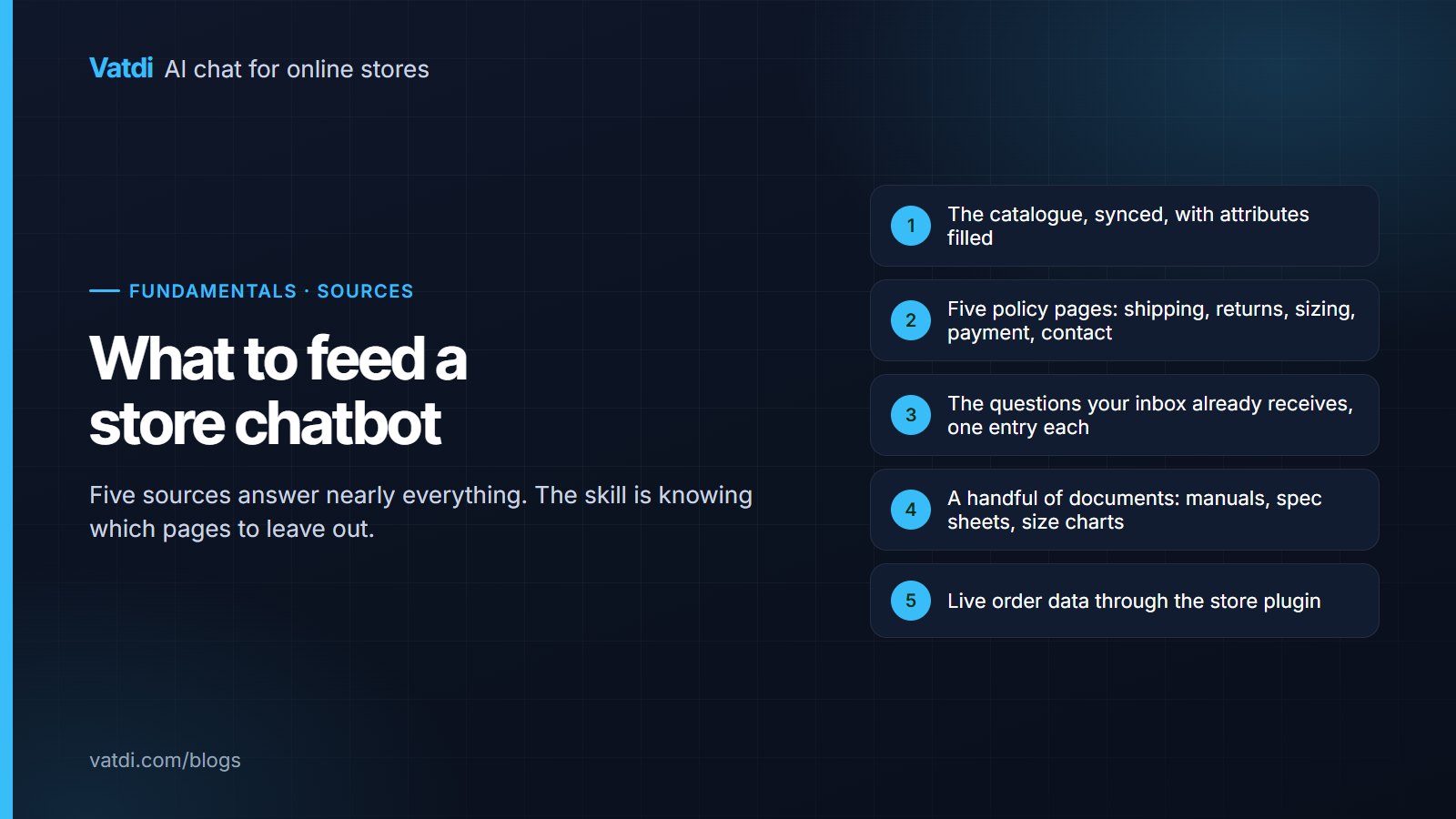
The bot is only as good as the content it can reach. A store chatbot typically reads four kinds of data:
- The catalogue: names, descriptions, attributes, variants, prices, sale prices and stock, synced from the store platform so the bot never quotes a stale price. Where the plugin sends sales data, it also knows your real best sellers.
- Pages: shipping, returns, payment, sizing, warranty and any page you choose to crawl.
- Uploads and FAQs: PDF, DOC, DOCX, CSV, TXT and Markdown files, and FAQ lists imported from CSV or Excel, for anything that does not live on a page.
- Orders: when the store is connected through a plugin, the bot can look up an order by number, verified with the email or phone on the order, and answer "where is my order" live.
Which of these you connect, and in what order, is the whole setup. How to train a chatbot on your data walks through it; the short version is catalogue first, policy pages second, FAQs third, documents last.
What it does in a conversation
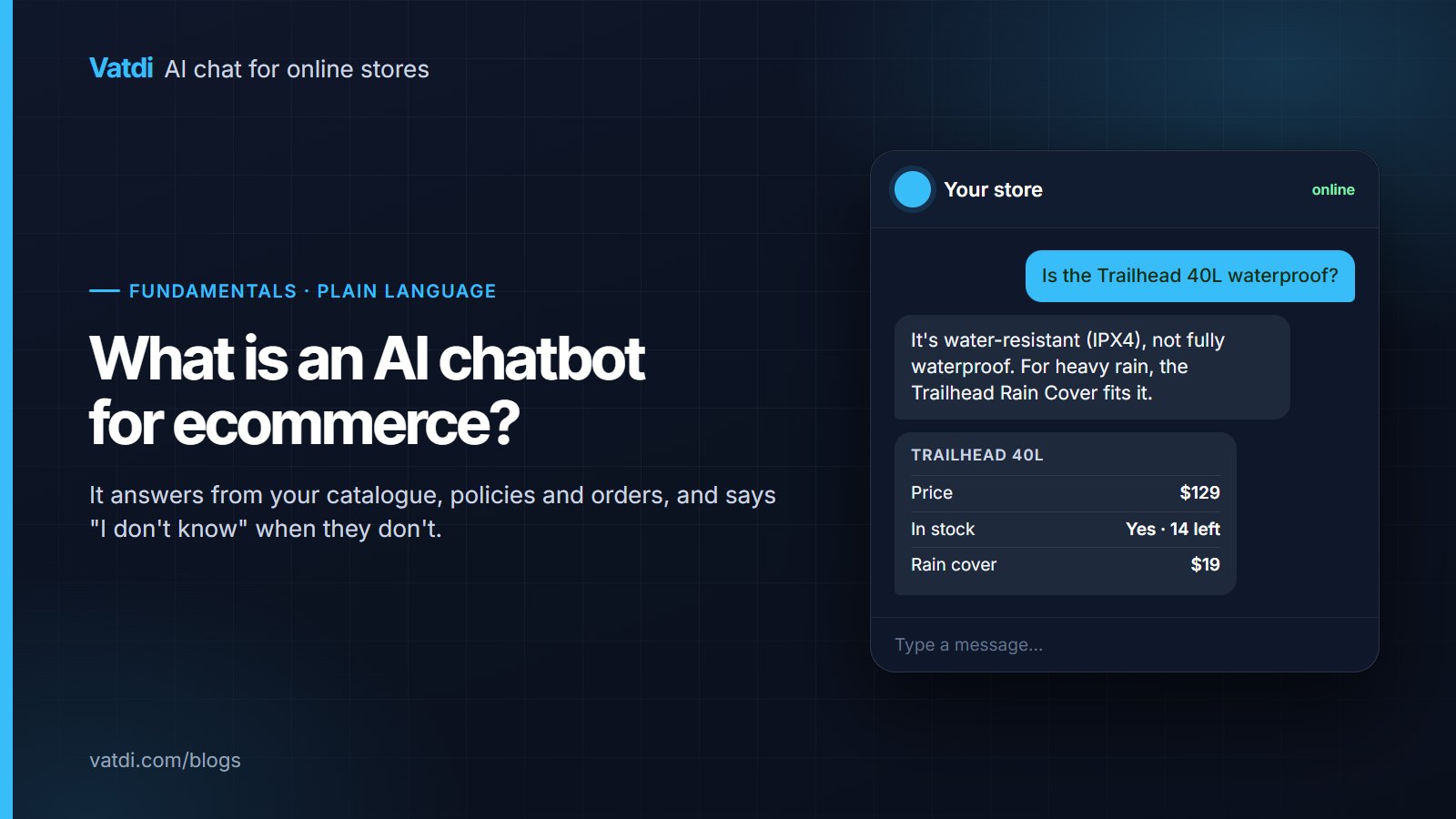
Here is one exchange, annotated with where each part of the answer came from.
Beyond answering, a store chatbot typically does five more things: shows product cards with price, image and link; looks up order status when connected; offers a coupon with its conditions when it fits the conversation; captures a lead through the chat or a short form; and hands the conversation to a person, with the transcript, when the shopper asks or when the topic requires it. Vatdi's features page lists exactly which of these it does and on which platforms.
What it cannot do
Honest limits save disappointment later.
- It cannot answer what your content does not say. If the returns window is not written down, the bot should decline, not invent it. Content gaps are the main reason a new bot "seems dumb".
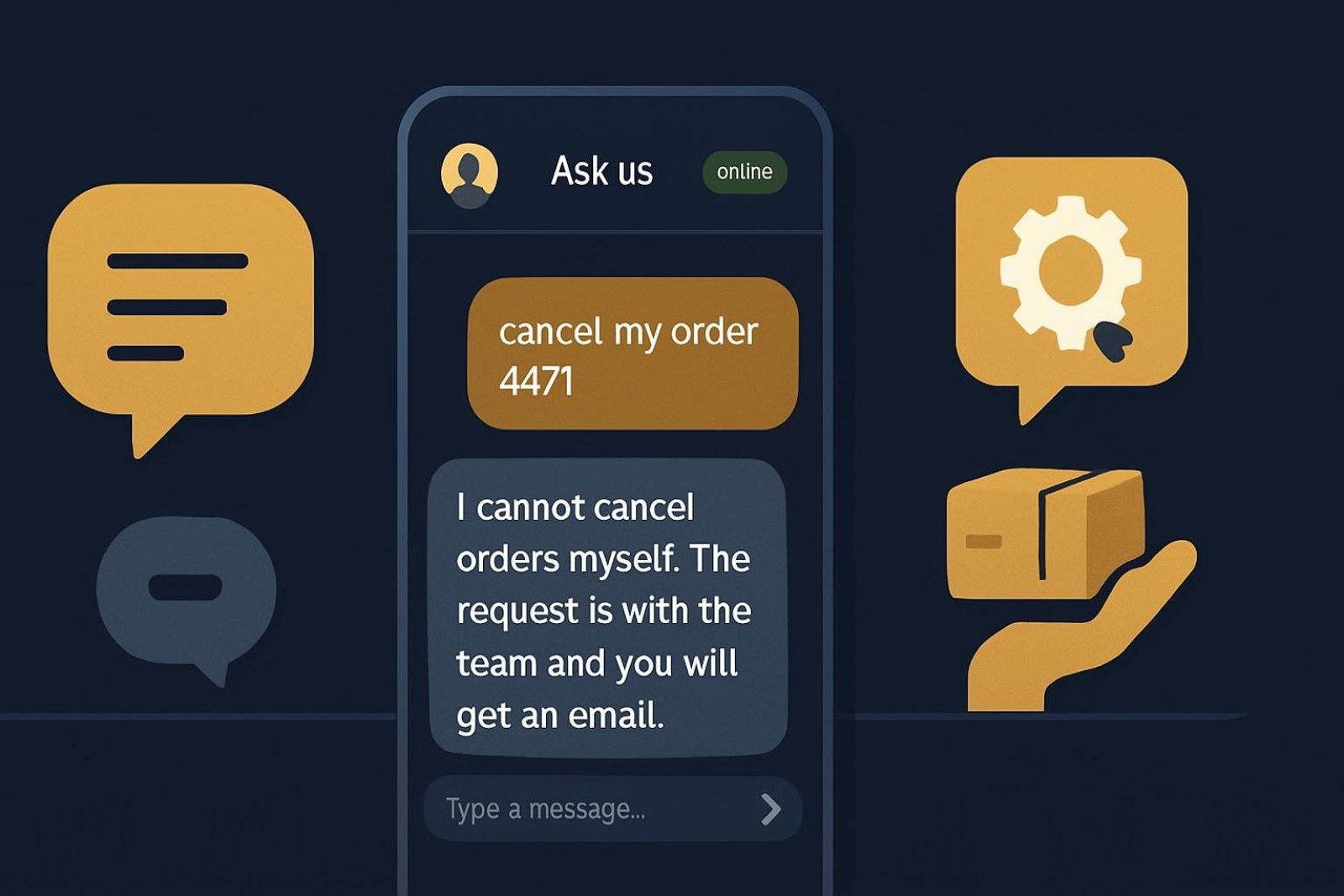
- It cannot look up orders without a connection. On platforms without a plugin (Shopify, in Vatdi's case) the bot explains how tracking works and passes the order to a person.
- It is not a helpdesk. Ticket queues, SLAs and macros are helpdesk features. A chat assistant has a team inbox for handovers; if you need ticketing, pair it with a helpdesk or choose one that includes AI.
- It is a website channel. Vatdi answers in the widget on your site; it does not run on WhatsApp, Messenger, Instagram, SMS or email. Tools that do exist and cost more.
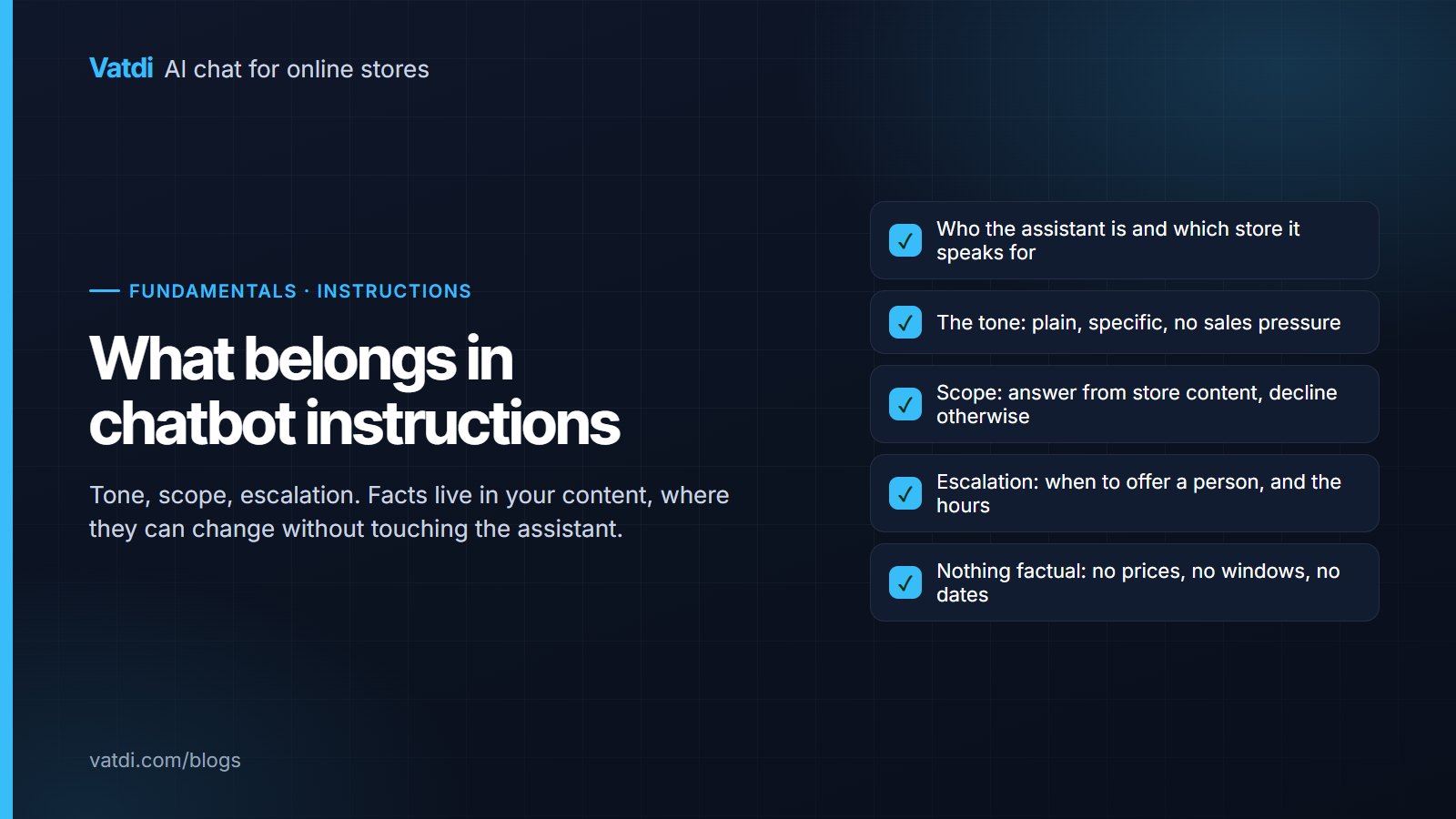
- It does not replace judgement. Refunds in progress, damaged goods and payment disputes should always reach a person. Set those rules before launch.
How it gets on your store
Two paths. On platforms with a native plugin, the plugin adds the widget and syncs the catalogue (and orders, where supported): WooCommerce, OpenCart 3 and 4, PrestaShop 8 and 9, Magento 2, Shopware 6, Joomla with VirtueMart or HikaShop, and Drupal Commerce, in Vatdi's case; the list with install steps is on the integrations page. On everything else, including Shopify through its app, BigCommerce, Wix, Webflow, Squarespace and hand-built sites, a one-line script adds the widget and the AI trains on crawled pages and uploads. Either way, setup is a copy-and-paste, not a development project; see how to add an AI chatbot to a website.
What it costs
Pricing comes in four shapes: flat per store, per seat, per AI resolution and metered AI add-ons. The shape matters more than the entry price once volume grows. As of September 2026, Vatdi is flat per store: Free with 15 conversations a month, Starter at $4.49 a month for 150, and Grow at $7.49 a month for unlimited conversations, with every feature on every plan and unlimited teammates; the only paid-only change is removing the "Powered by Vatdi" badge (pricing). Per-seat tools start around $29 per seat and per-resolution tools add about $1 per answered conversation on top. Worked examples for three store sizes are in how much an AI chatbot costs.
Does your store need one?
A quick test: look at last month's support inbox and count how many messages were one of these: where is my order, shipping time or cost, returns, is it in stock, does it fit or work with X, payment methods. If that is most of them, an AI chatbot for ecommerce will take the bulk of your support load, because every one of those has an answer in your content or your order system. If most of your messages are complaints, custom quotes or account problems, a chatbot's job is narrower: collect details and hand over quickly. Both are valid; the second just needs less content work.
How to judge one in a trial
- Connect the catalogue and crawl your shipping and returns pages. Do not upload anything else yet.
- Ask the ten questions you receive most often, in the live widget on a phone.
- Ask two you should not be able to answer: a product you do not sell and an exact delivery date. The right responses are a decline and a range.
- Ask for a person. Check what the widget says when you are offline.
- Change one line on the returns page and ask the related question again.
A bot that passes those is doing the job; one that invents answers in step 3 will cost you more than it saves. The model behind Vatdi's answers is OpenAI's GPT-4o mini (model documentation), but as the trial shows, the content and the rules decide the result far more than the model does.
Frequently asked questions
Is an AI chatbot for ecommerce the same as putting ChatGPT on my site?
No. A general assistant answers from its training and will fill gaps with plausible text, which on a store means invented prices and delivery times. An ecommerce chatbot retrieves your own catalogue, pages and order data for each question and writes only from that, declining when nothing matches. The underlying language model may be the same family; what differs is what it is allowed to read and say.
Can an AI chatbot check order status?
Yes, when the store is connected. The shopper gives an order number plus the email or phone used at checkout, the bot verifies the pair and returns the live status. Vatdi does this through its plugins for WooCommerce, OpenCart, PrestaShop, Magento, Shopware, Joomla and Drupal Commerce; on Shopify it explains tracking and hands the order to a person. Always test the path with a real order before launch.
Does it work on WooCommerce and Shopify?
Yes, with a difference. On WooCommerce a plugin syncs the catalogue and looks up orders. On Shopify the app adds the widget and trains the AI on the store's pages, collections and policies plus your uploads; product and policy questions work, live order lookup does not. Other platforms with plugins are OpenCart, PrestaShop, Magento, Shopware, Joomla and Drupal; any other site uses the one-line script.
Will it make things up?
A retrieval-based bot is designed not to: it answers from retrieved passages and says it does not know when nothing matches. The risk moves to your content. If an old promotion page is still crawled, the bot can quote it truthfully but wrongly. Keep prices in the catalogue only, retire old pages from the crawl, and test the two negative cases (a product you do not sell, an exact delivery date) during setup.
How long does it take to set up?
Installing the plugin or pasting the script takes minutes. The useful part is the content: connect the catalogue, crawl the policy pages, import FAQs, upload documents, then run your ten most common questions and fix what fails. Most small stores do that in an afternoon and refine over the first two weeks from the low-rated conversations. There is no training run to wait for.
Does it replace support staff?
It replaces the repetitive part of their day. The questions with an answer in your content or order system stop reaching people; refunds, disputes, damaged goods and anything needing judgement still do, and should. For a one-person store that means fewer interruptions while packing orders; for a small team it means the inbox holds cases rather than lookups.