Using a chatbot to increase sales works through five specific mechanisms, none of them a sales script: answering the product question that would otherwise end the session, recommending from your own catalogue, reassuring on shipping and returns before checkout, offering a coupon with its conditions when the conversation calls for it, and capturing a lead when the shopper is not ready to buy. Below: how to set each up, what does not work, and how to measure the effect honestly.
Why a store chatbot sells by answering, not by pitching
A shopper who opens the chat has a doubt. Resolve it and the purchase continues; fail to resolve it and no discount will save the session. That is why the tactics that move revenue on a store are all forms of a correct, specific answer delivered at the right moment, and why the tactics that feel like selling (pop-up discounts, upsell scripts, urgency) mostly move the bounce rate. Every mechanism below depends on the bot answering from your catalogue and policies rather than improvising; if you are unsure what that means, start with what an AI chatbot for ecommerce is.
Five mechanisms that increase sales
1. Answer the product question that would end the session
Fit, compatibility, material, whether a variant is in stock: these are the questions shoppers ask right before they buy or leave. The bot answers them from catalogue attributes and shows the product card with the current price and stock. The work is in the catalogue: fill the attributes shoppers actually ask about for your top fifty products first. How the sync feeds the answers is covered in product catalogue sync.
2. Recommend from the catalogue, in answer to a question
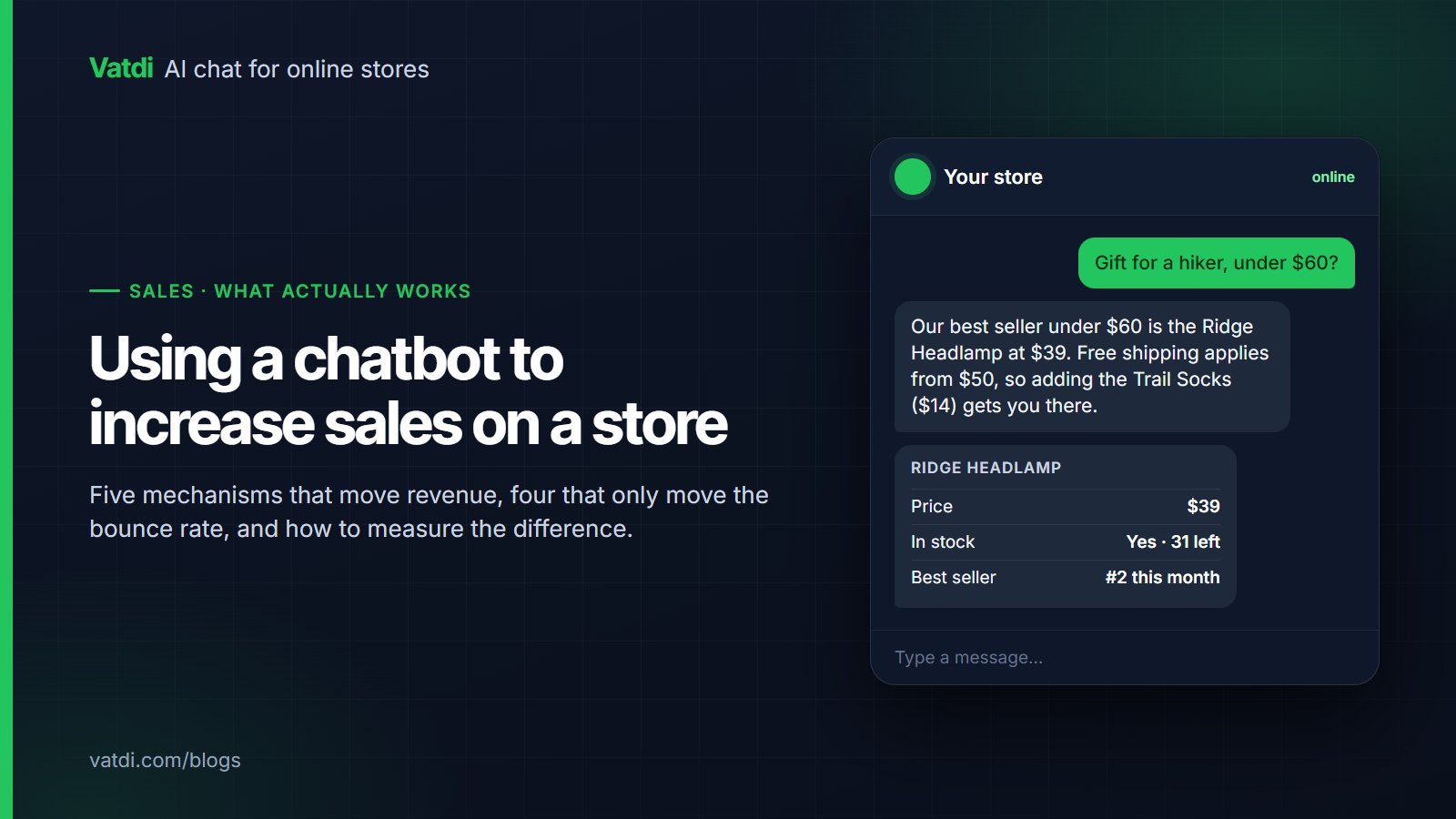
"A gift for a hiker under $60" is a recommendation request, and a retrieval-based bot answers it by matching the catalogue and, where the plugin sends sales data, ranking by what actually sells. The card that follows is the conversion point. Recommendations work when they answer the question asked; they fail when they are pushed into an unrelated support conversation. The pattern is detailed in conversational product recommendations.
3. Reassure on shipping and returns before checkout
The Baymard Institute's running average puts cart abandonment at about 70% (Baymard), and shoppers regularly cite unexpected shipping cost and unclear delivery or returns. A bot that answers "3–5 working days, $6, returns within 30 days" from your pages, in the shopper's language, removes those reasons at the moment they arise. Prerequisites: a shipping-zones table on one page and a returns page written one question per heading.
4. Offer a coupon with its conditions, when the conversation calls for it
A coupon offered to every visitor teaches shoppers to wait for one. A coupon offered when the shopper hesitates over price or asks about a discount, with its conditions stated ("10% off orders over $50, until Sunday"), closes the sale it was meant to close. Vatdi surfaces coupon offers in chat with their conditions when they fit the conversation; the conditions themselves are set in your store, for example through WooCommerce coupon management. Use a code that exists only in chat and you can count its redemptions directly.
5. Capture the lead when the shopper is not ready
Some conversations end with "I'll think about it". A short capture in chat, or a pre-chat or contact form used sparingly, turns that into an email you can follow up by hand. Vatdi captures leads with an automatic 1–5 trust rating, emails you immediately and exports to CSV; there is no CRM connector, so the follow-up is a person writing an email, which for a small store is the right size. See how to capture leads with a chatbot.
What does not work
- Discount pop-ups on entry. They convert the shoppers who were buying anyway, at a lower margin, and train everyone else to wait.
- Upsell scripts. "Customers also bought" pushed into a returns question lowers trust. Recommend in answer to a request, not as a reflex. Vatdi has no cross-sell engine; recommendations come from the catalogue and real best-seller data in response to what was asked.
- Fake urgency. Invented "only 2 left" or countdown timers are a short-term trick and a long-term reputation cost. Show real stock from the catalogue or show nothing.
- Cart-recovery automation from the chat widget. Vatdi does not send abandoned-cart emails or messages; if you want that, it is a separate tool. The chat's contribution to abandonment is upstream: answering the question that would have caused it.
- Gating the first answer behind a form. Ask for an email when there is a reason, not as a toll.
Tactic, mechanism, measure
| Tactic | Mechanism | What to measure | Where it is set |
|---|---|---|---|
| Product-page answers | Removes the doubt that ends the session | Conversations with a product card; visitor rating on product questions | Catalogue attributes; plugin sync |
| Recommendations on request | Matches the catalogue and best-seller data to the ask | Card shown after a recommendation request; clicks to the product page | Sales data from the plugin; catalogue names and attributes |
| Pre-checkout reassurance | Answers shipping, returns, payment in the shopper's language | Support emails on those topics; conversations answered without a person | Shipping-zones page; returns page; crawl settings |
| Coupon with conditions | Closes a price hesitation without blanket discounting | Redemptions of the chat-only code | Store coupon rules; chat coupon offers |
| Lead capture | Keeps the undecided shopper reachable | Leads per week and their trust rating; replies to follow-ups | Lead capture in chat; optional pre-chat form |
| Order status in chat | Builds the trust that brings the second order | Order-status conversations resolved without a person | Plugin order lookup |
Setting it up in an afternoon
- Sync the catalogue and fill attributes for the top fifty products. Size, compatibility, material, capacity, whatever your inbox asks about.
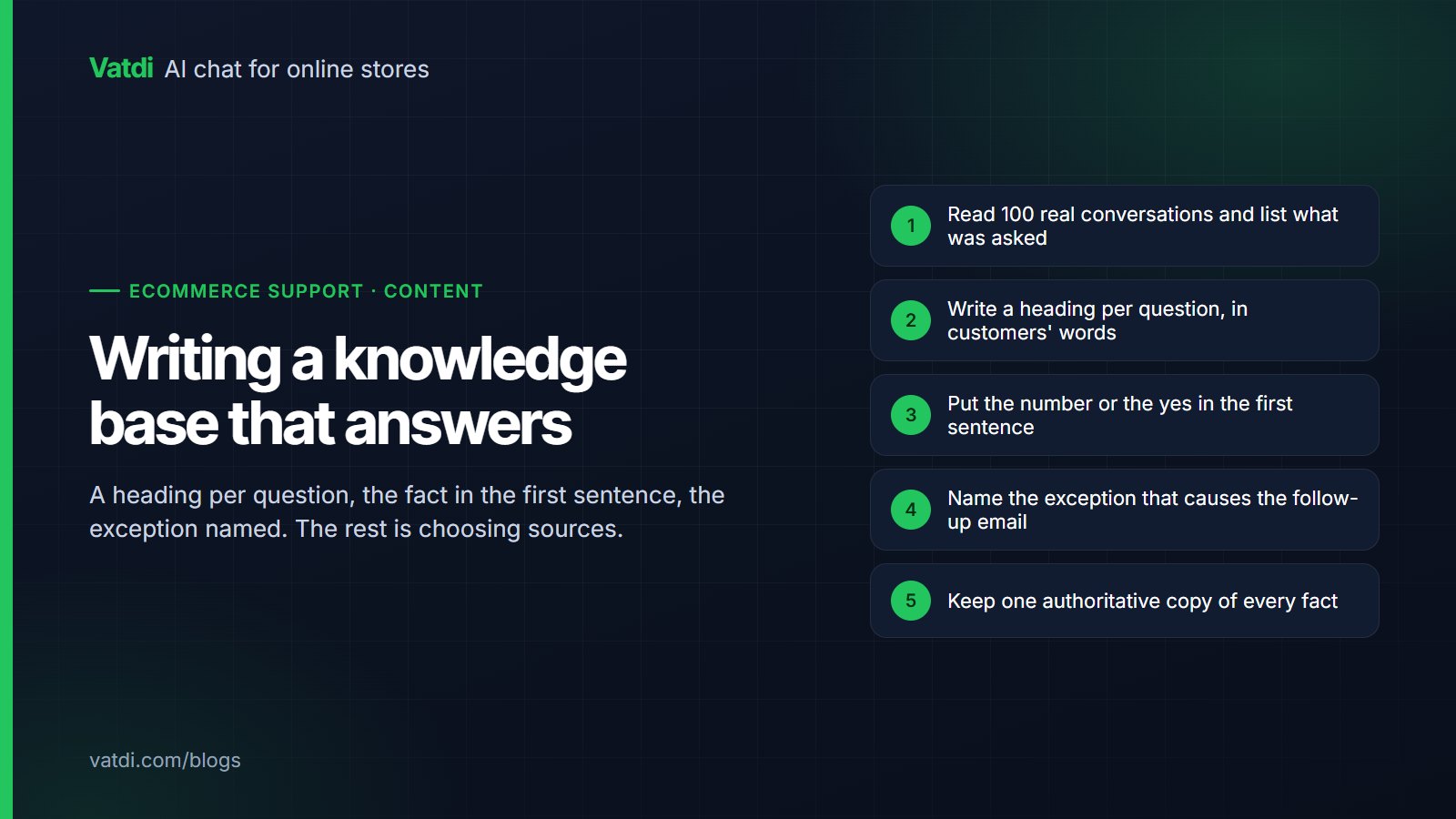
- Put shipping zones on one page and rewrite the returns page one question per heading. Crawl both. Our knowledge base guide has the format.
- Create one chat-only coupon with explicit conditions and a modest value; let the bot offer it when price comes up.
- Set quick replies to your three most common pre-purchase questions and a welcome message that names them.
- Turn on lead capture in chat; keep the pre-chat form off.
- Connect order lookup if your platform supports it (WooCommerce, OpenCart, PrestaShop, Magento, Shopware, Joomla, Drupal), and set agent hours so handovers are honest.
- Run your ten most common questions in the live widget on a phone, plus two you should not be able to answer, and fix the content behind any wrong answer.
Every step above is available on Vatdi's Free plan; the plans differ only in monthly conversations and the badge (pricing).
Measuring the sales effect honestly
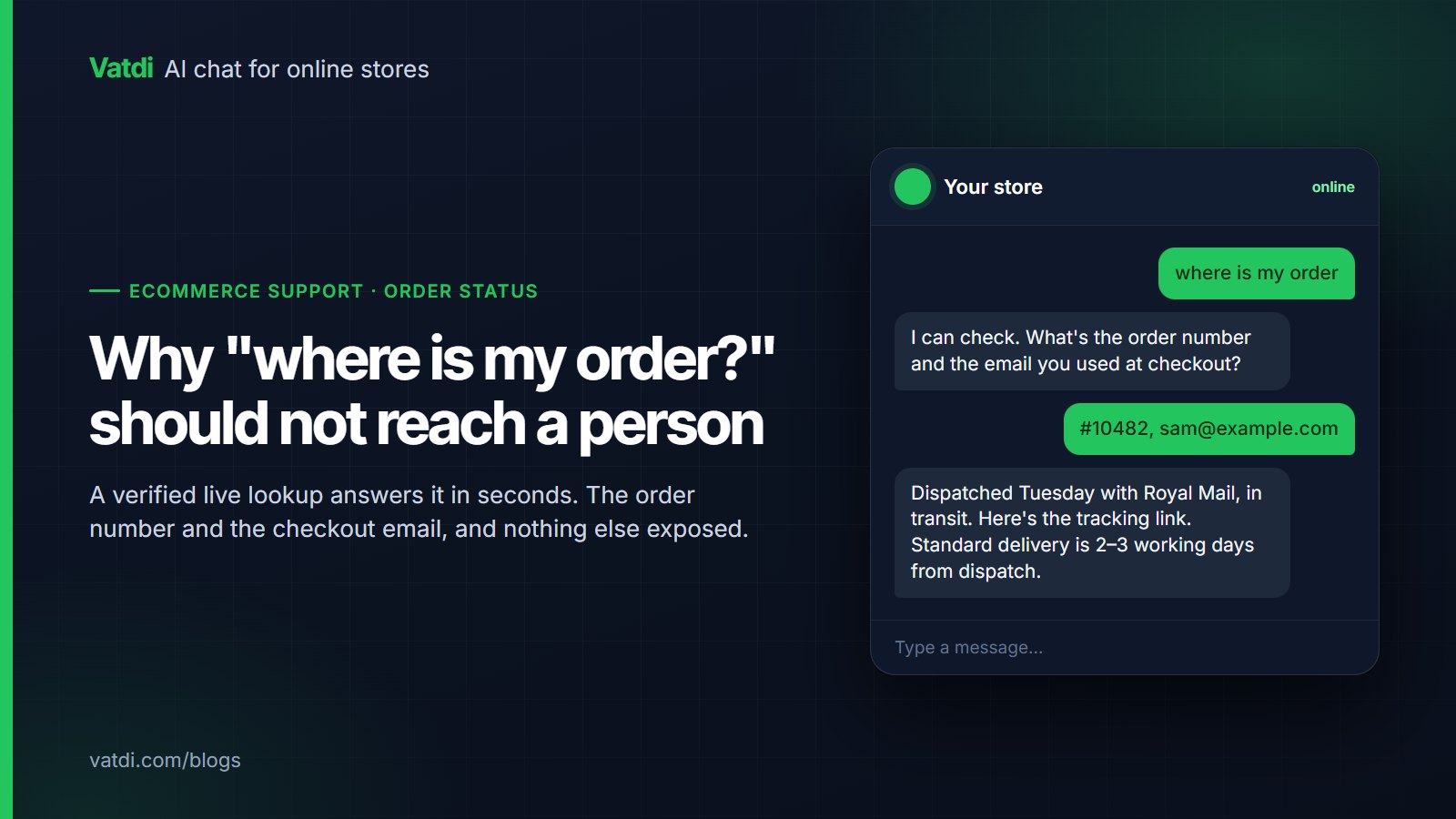
Revenue per session is too noisy to attribute to a chat widget on a small store, and a dashboard that claims otherwise is guessing. Measure the mechanisms instead, each of which has a clean number.
Run a four-week comparison: a baseline week of support-email counts by topic, then launch, then read the five numbers weekly alongside the conversation grade Vatdi assigns to every chat. If cards are shown but not clicked, the recommendations are wrong; if the chat-only code is never redeemed, the offer is arriving at the wrong moment; if emails on shipping did not fall, the page the bot reads is unclear. Each failure points to a specific fix, which is the point of measuring mechanisms rather than revenue. The wider set of numbers is in AI chatbot KPIs to track.
Frequently asked questions
Can a chatbot really increase sales, or does it just deflect support?
Both, and through the same behaviour. A correct answer to "does this fit" or "do you ship to Ireland" is a deflected support email and a continued purchase at once. The sales effect comes from answering pre-purchase questions at the moment of doubt, showing the matching product card, and reassuring on shipping and returns; measure those mechanisms rather than looking for a revenue line the widget cannot honestly claim.
Should the chatbot offer discounts to everyone?
No. Blanket discounts lower margin on sales you would have made and teach shoppers to wait. Offer a coupon when the conversation calls for it, typically a price hesitation or a direct question, and always with its conditions. Use a code that exists only in chat so redemptions are countable. If the code is never used, the offer is arriving at the wrong moment, not too rarely.
Does the chatbot recover abandoned carts?
Not by sending messages afterwards; Vatdi has no abandoned-cart email or message automation. Its effect on abandonment is upstream: answering the shipping, returns and product questions that cause shoppers to leave, in their language, before they reach checkout. If you want recovery emails, that is a separate tool; the chat's job is to make fewer of them necessary.
How does the bot decide what to recommend?
From the catalogue, in answer to the question asked: matching attributes, price range and category, and where the plugin sends sales data, ranking by real units sold. It does not run a cross-sell engine or push unrelated products into support conversations. The quality of recommendations therefore depends on catalogue names and attributes; fill those in for your top products first.
Do I need a CRM to make lead capture worthwhile?
No. For a small store the useful flow is a lead captured in chat, an instant email to you, and a personal follow-up. Vatdi rates each lead 1–5 automatically, lets you edit the rating and exports to CSV for your newsletter tool. There are no CRM or automation connectors, so if leads must flow into a CRM automatically, a tool with that connector is the better fit.
Which of these tactics need a paid plan?
None on Vatdi. Product cards, recommendations, coupon offers in chat, lead capture, order lookup through the plugins and conversation grading are on every plan, including Free. As of September 2026 the plans differ only in monthly conversations (15, 150, unlimited) and whether the "Powered by Vatdi" badge can be removed, so the sales mechanisms cost nothing extra to test.