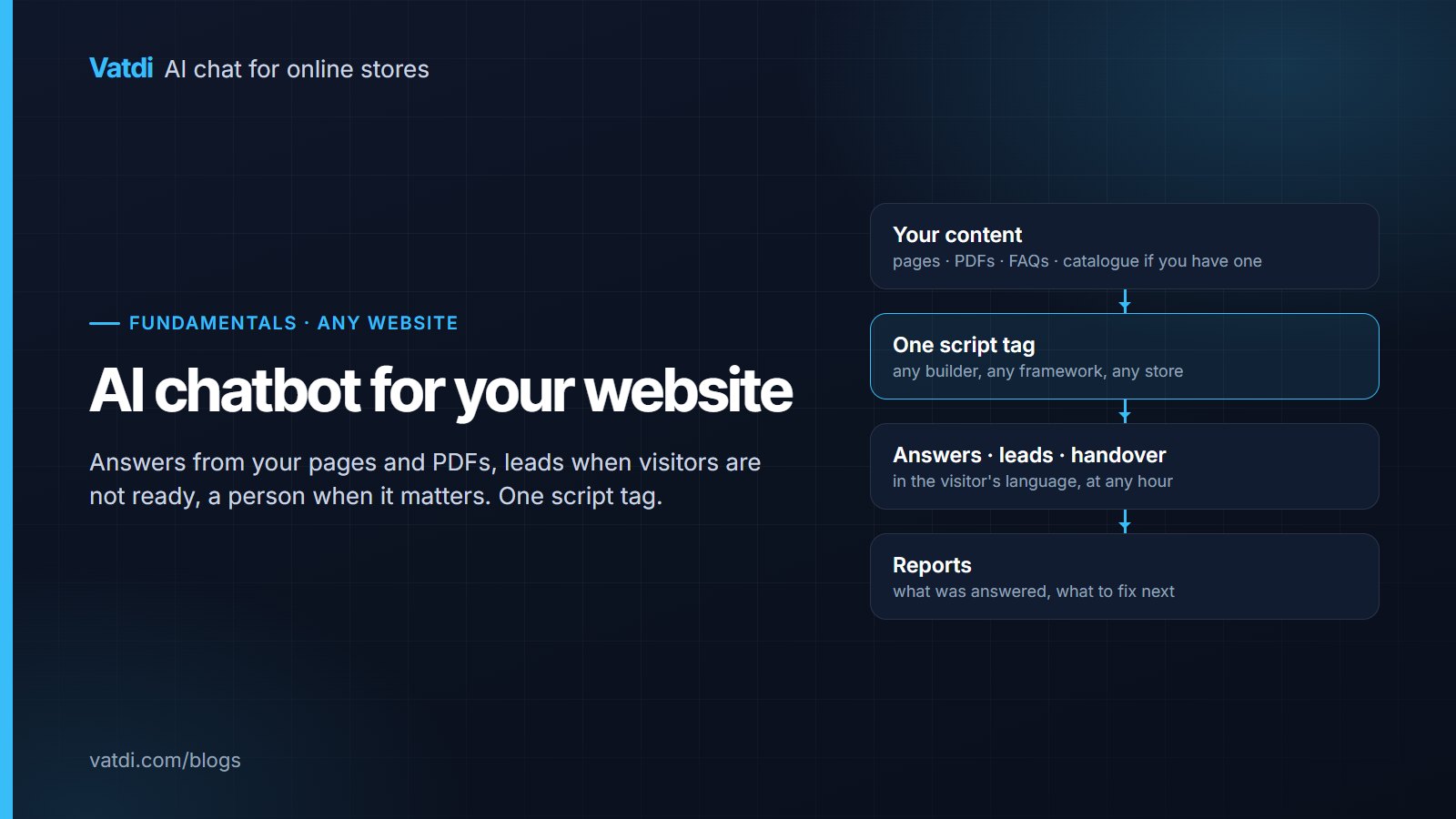
An AI chatbot for your website answers visitors from the pages, documents and FAQs you already publish, captures a lead when someone is not ready to act, and hands the conversation to a person when a question needs one. It needs no scripts or flows, only readable content and a few honest rules. Below: what it does on a services site, a SaaS site and a store, how the one-line install works, and how to measure it.
What it actually does, by type of site
The same widget behaves differently depending on what your site is for, because the questions differ. Three common cases:
| Site type | Questions visitors ask | What the bot reads | Valuable outcome |
|---|---|---|---|
| Services (agency, clinic, trades, consultancy) | Do you do X, what does it cost, where are you, how do I book, what should I bring | Service pages, pricing or "from" prices, location and hours, FAQ, PDFs | A lead with contact details and the service they want |
| SaaS or software | Does plan X include Y, how do I set up Z, do you integrate with W | Pricing page, docs, integrations list, trust page | A docs question answered; a qualified lead for sales |
| Online store | Where is my order, do you ship to, is it in stock, does it fit | Catalogue (synced), shipping and returns pages, order system | A purchase continued; an order-status question resolved |
The store case has its own guide, what an AI chatbot for ecommerce is, and the software case has AI chatbot for SaaS websites. The rest of this guide applies to all three, with the services site as the running example. Vatdi's product page for this is AI chatbot for website.
How it answers: your content, retrieved per question
A retrieval-based bot does two things for every message: it searches your synced content for the passages that match, then writes an answer from those passages only, and says it does not know when nothing matches. The method comes from a 2020 research paper (Lewis et al.) and is the reason the bot can say "Saturday appointments run 9 to 1, book by phone or in the form below" because your hours page says so, rather than guessing. It also means the bot is exactly as good as the content you give it, which is why the next section matters more than any setting. Longer explanation: what a RAG chatbot is.
What to feed it, in order
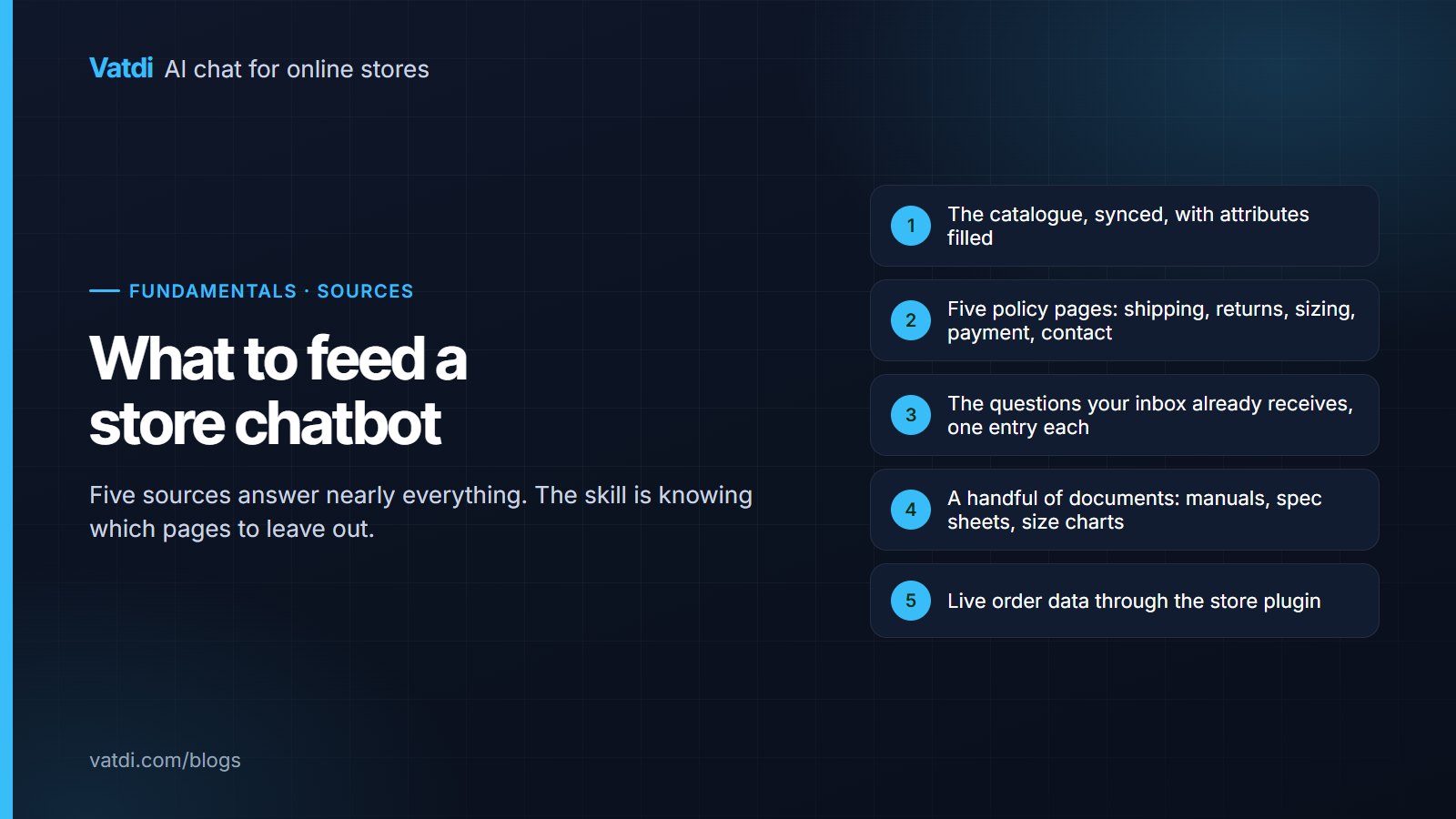
- The pages visitors already read: services, pricing, location and hours, about, FAQ. Crawl them; see URL training.
- Documents that answer questions: brochures, price lists, preparation instructions, terms, as PDF, DOC, DOCX, CSV, TXT or Markdown up to 10 MB each (PDF training).
- Your FAQ, imported from CSV or Excel, or written into the dashboard. One question per entry, the number or the rule in the first sentence.
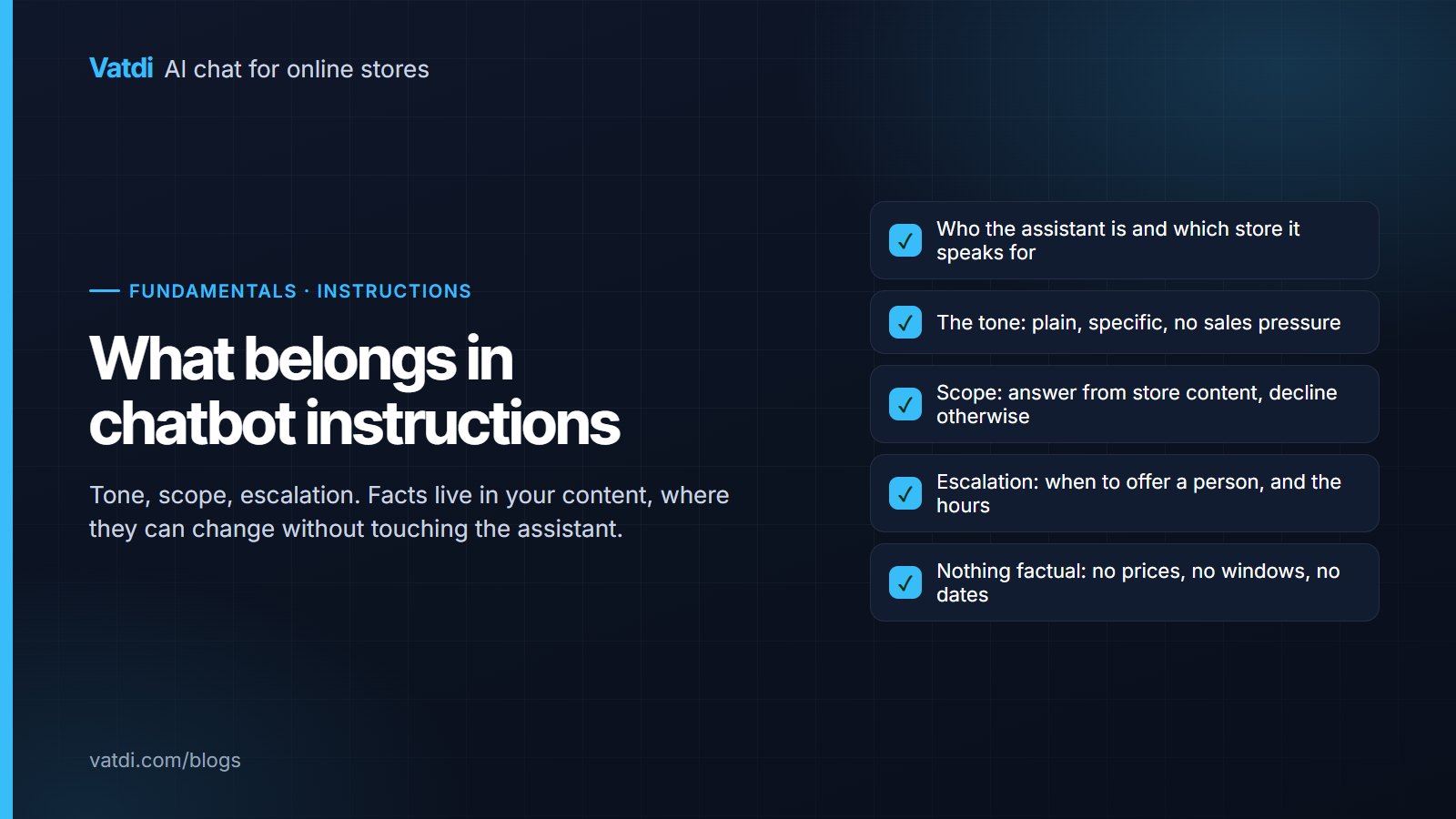
- A short "what we cannot help with in chat" note, so the bot has your own words when it declines and offers a person.
- For a store only: the catalogue through the platform plugin, so prices and stock stay current.
Then ask the bot the ten questions you receive most often, plus two it should refuse (a service you do not offer, an exact promise you never make). Fix the content behind any wrong answer; do not try to fix it with settings.
Sales: leads at the right moment
On most non-store sites the valuable outcome is a lead. The bot captures one in the chat when a visitor wants a follow-up, or through a short pre-chat or contact form when you genuinely need details first. Vatdi rates each lead 1–5 for trust automatically (you can edit it), emails you immediately and exports to CSV; there is no CRM or Zapier connector, so the follow-up is a person, which for a small business is the right size. Two settings decide whether this works: ask for the email after the bot has answered something useful, not before, and keep the pre-chat form off unless you have a reason. More in how to capture leads with a chatbot.
Support: answers at any hour, a person when it matters
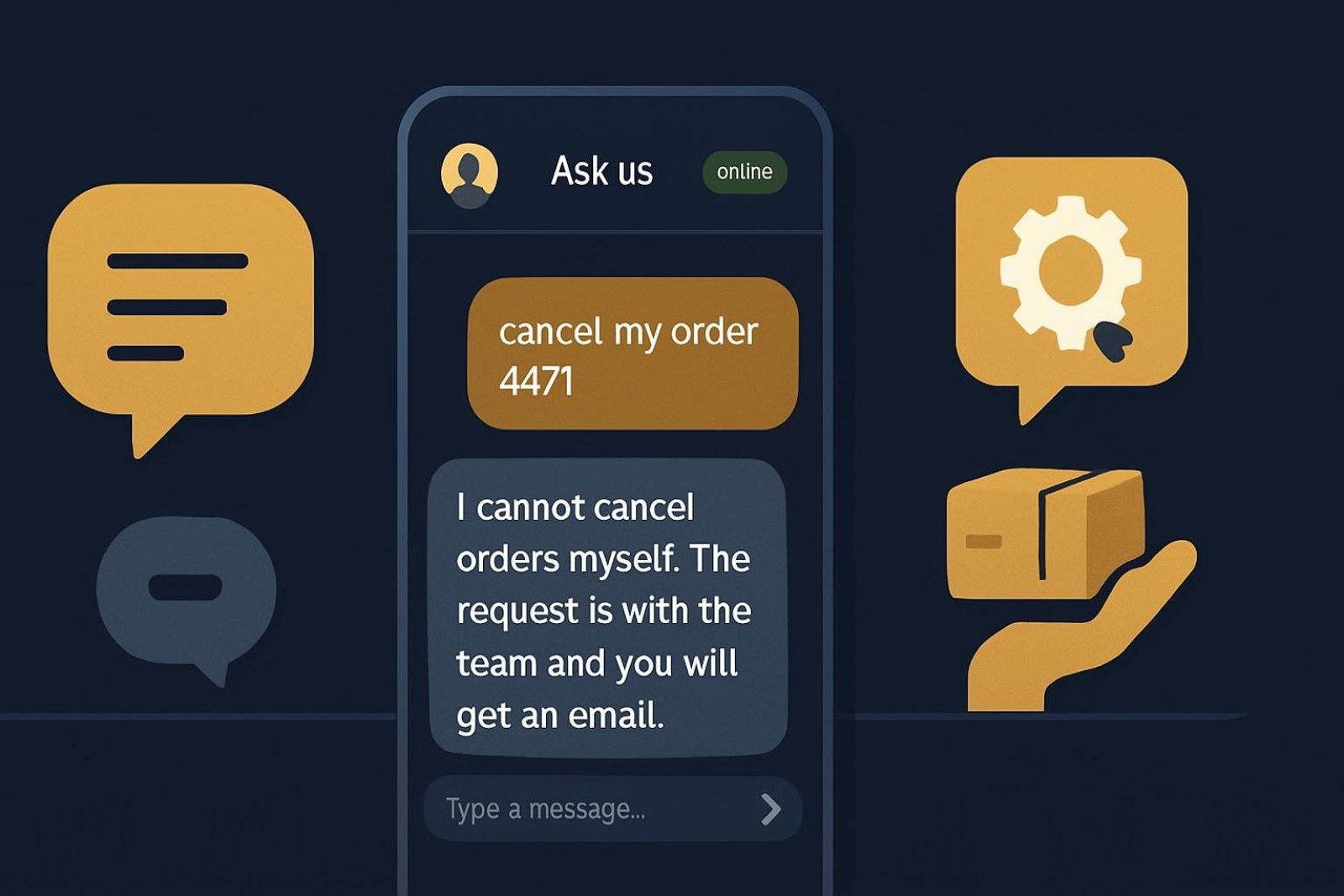
The bot answers within your content at 11 p.m.; it cannot make a decision for you. Set real agent hours so the widget says honestly when a person is available, turn on email and browser alerts, and decide in advance which topics always go to a person: complaints, anything involving a payment already made, anything needing judgement. When a handover happens the transcript travels with it, so the visitor does not repeat themselves. Vatdi's team inbox handles this with unlimited teammates on every plan; details in what chatbot human handover is.
How the install works
On any builder or hand-built site, you paste one line of script before the closing body tag or into the builder's custom-code slot; it loads asynchronously and detects your brand colours and logo, which you can then adjust. The steps per builder are in how to add an AI chatbot to a website and install on any website. Check the widget for keyboard access and screen-reader labels, since a public site serves everyone; the W3C's accessibility fundamentals are the baseline.
Three mistakes that waste a website chatbot
- Crawling the homepage only. The homepage rarely contains prices, hours or preparation instructions. Crawl the pages that answer questions and upload the documents that do.
- Gating the first answer behind a form. Visitors leave. Ask for contact details when there is a reason.
- Pretending someone is there. An offline notice that says "we typically reply in minutes" at midnight costs trust. Real hours, honest notice, contact capture.
Measuring it without a dashboard project
Four numbers, reviewed weekly: conversations answered without a person; leads captured and their trust ratings; missed handovers within hours; and the visitor rating. Vatdi also grades every conversation 0–10 with plain-English advice, so the weekly review is a list of content fixes rather than a hunt. Everything here is on every plan, including Free (15 conversations a month); Starter is $4.49 a month for 150 and Grow $7.49 for unlimited, as of September 2026 (pricing). Vatdi covers the website widget and your own WhatsApp Business number: no Messenger, SMS or email channels, and no CRM connectors, which is worth knowing before you start rather than after.
Frequently asked questions
Do I need a developer to add an AI chatbot to my website?
No. On any builder or hand-built site you paste one line of script into the custom-code slot or before the closing body tag; on WooCommerce, OpenCart, PrestaShop, Magento, Shopware, Joomla or Drupal you install a plugin. The work that matters is content, not code: crawling the right pages, uploading the documents that answer questions, and testing your ten most common questions before customers see it.
What can the chatbot answer on a services website?
Anything written on your pages or in your documents: which services you offer, "from" prices, location and hours, how to book, what to bring, cancellation terms. It cannot quote a bespoke price or confirm a specific appointment slot it cannot see; for those it collects the details as a lead and a person follows up. Put a short "what we cannot help with in chat" note in its content so it declines in your words.
Will the chatbot slow down my website?
A well-built widget loads asynchronously, after the page content, so the visible page does not wait for it. Check this in your trial by loading a page with the widget and looking at whether the main content renders first. Vatdi's script loads this way; if you use a performance tool, compare the page's largest-content timing with and without the widget rather than trusting the vendor's claim.
How does the chatbot capture leads?
In the conversation itself when a visitor wants a follow-up, or through a short pre-chat or contact form if you need details first. Vatdi rates each lead 1–5 for trust automatically, emails you the moment it arrives and exports to CSV. There is no CRM or Zapier connector, so the follow-up is a person writing back; if leads must flow into a CRM automatically, choose a tool with that connector.
Does it work in more than one language?
Yes. The bot detects the visitor's language from the message and answers from your content in that language, with a fallback you set for short or ambiguous messages; the widget's own labels switch too and you can edit each translation. You do not translate your pages. Test ten questions in each language you commonly receive before launch, and keep proper nouns and product names untranslated.
What does an AI chatbot for a small business website cost?
As of September 2026, Vatdi's Free plan includes every feature with 15 conversations a month and a "Powered by Vatdi" badge; Starter is $4.49 a month for 150 conversations; Grow is $7.49 a month for unlimited, with unlimited teammates on every plan and no per-seat pricing. Other tools price per seat or per AI answer, which is fine for larger teams and unpredictable for a small site.