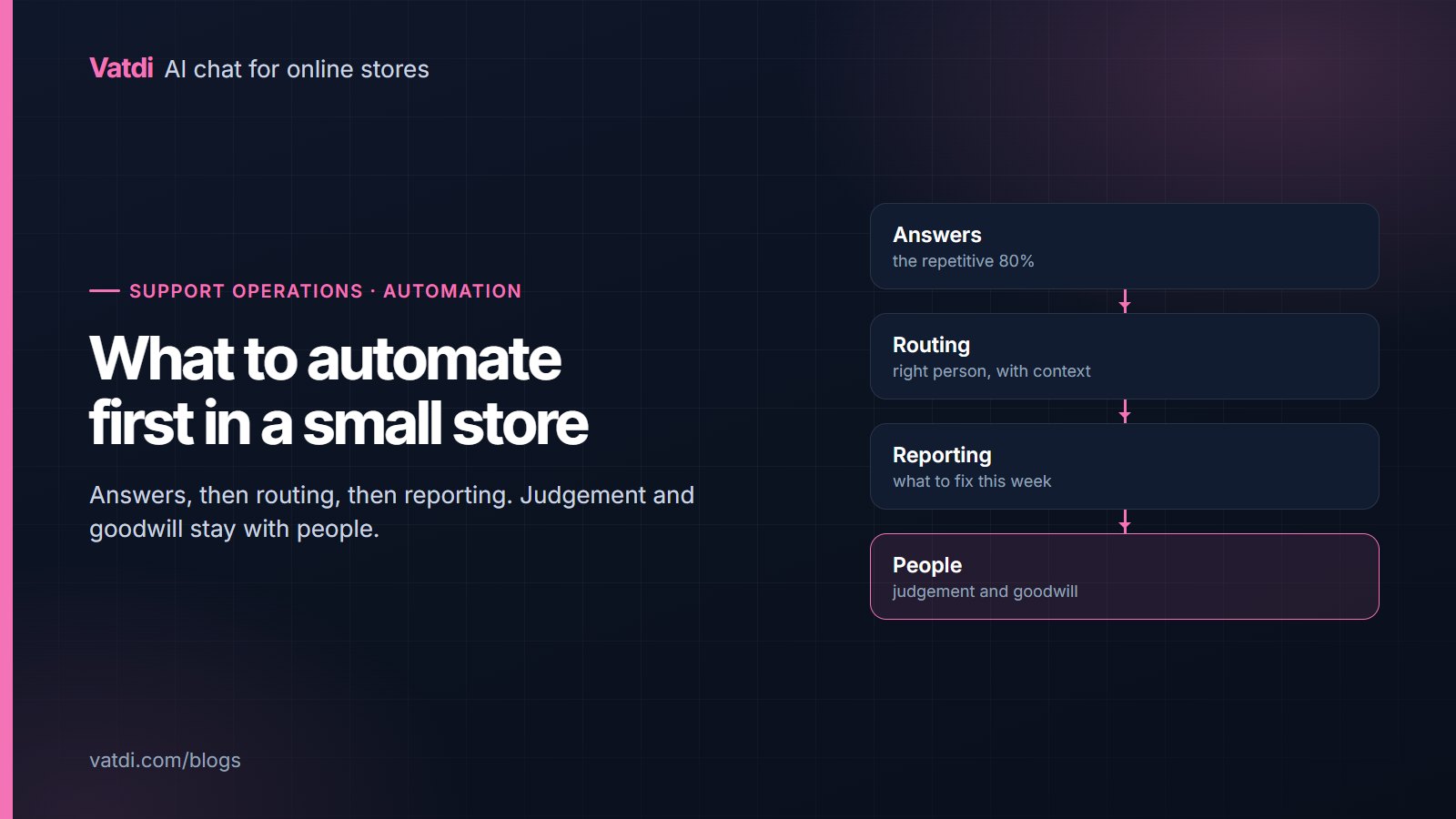
Customer service automation for a small store is a sequence rather than a platform decision. Automate answers first, because that is where the volume sits, then routing, then reporting. Leave judgement, goodwill and anything emotional with people. Taken in that order the work is cheap and the gains are immediate; taken out of order it produces an expensive system that still interrupts you at nine in the evening.
The three stages
| Stage | What it removes | What it needs |
|---|---|---|
| 1. Answers | The same twenty questions, at all hours | Policy pages and product attributes written as questions |
| 2. Routing | Deciding who handles what, and re-asking for context | Escalation rules, agent hours, transcripts that travel |
| 3. Reporting | Guessing what to fix next | A weekly look at unanswered questions and low ratings |
Most stores start at stage two because a shared inbox feels like the problem. It is not: the volume is. Answering the repetitive questions automatically shrinks the queue that routing was supposed to organise.
Stage one: answers
- Write five pages properly: shipping, returns, sizing, payment, contact and hours, with a heading per question and the fact first.
- Fill product attributes on your best sellers so specification questions are answerable at all.
- Connect order lookup, since order status is the most requested task in store chat and the one most often left to a person.
- Add the questions from your inbox that no page covers.
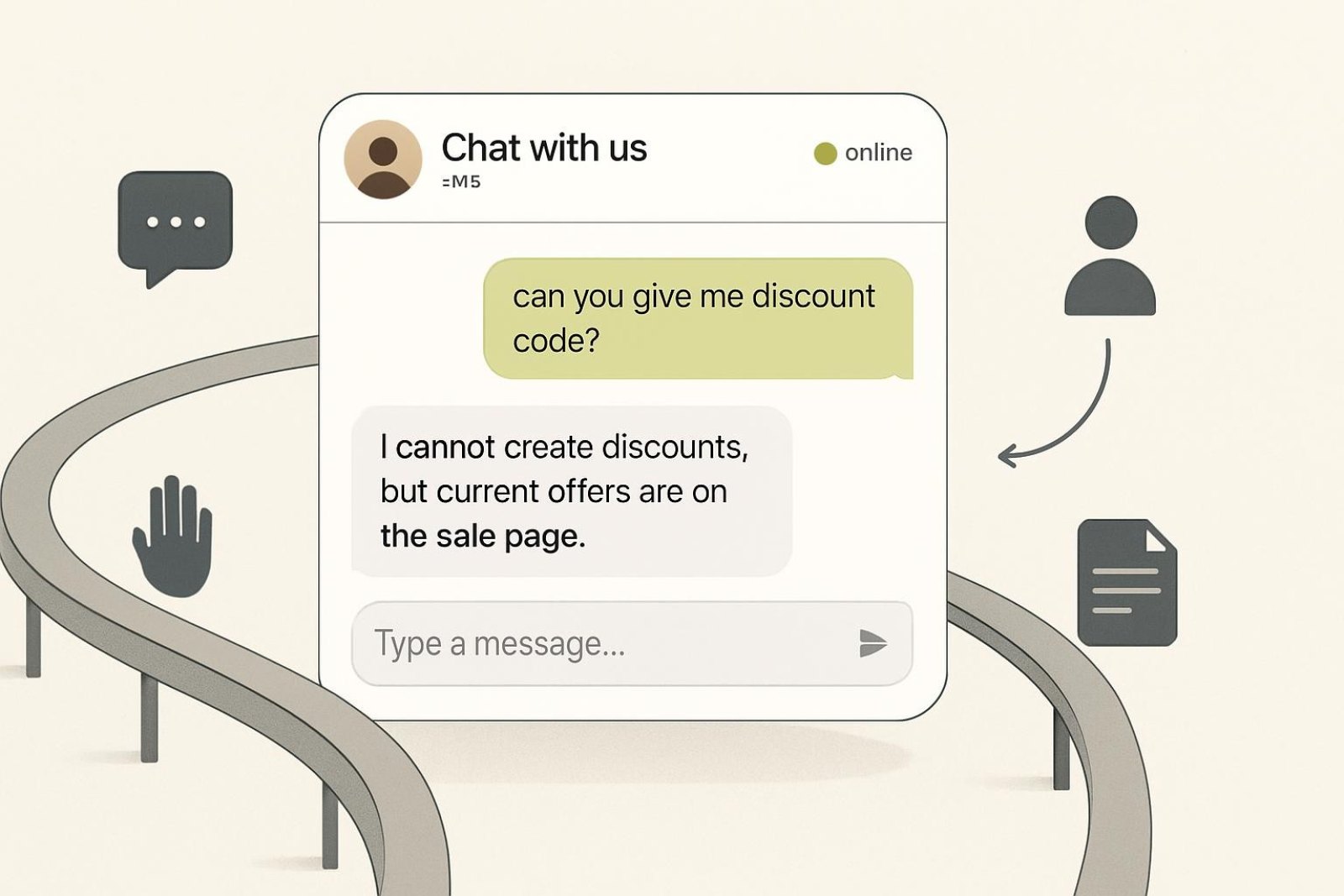
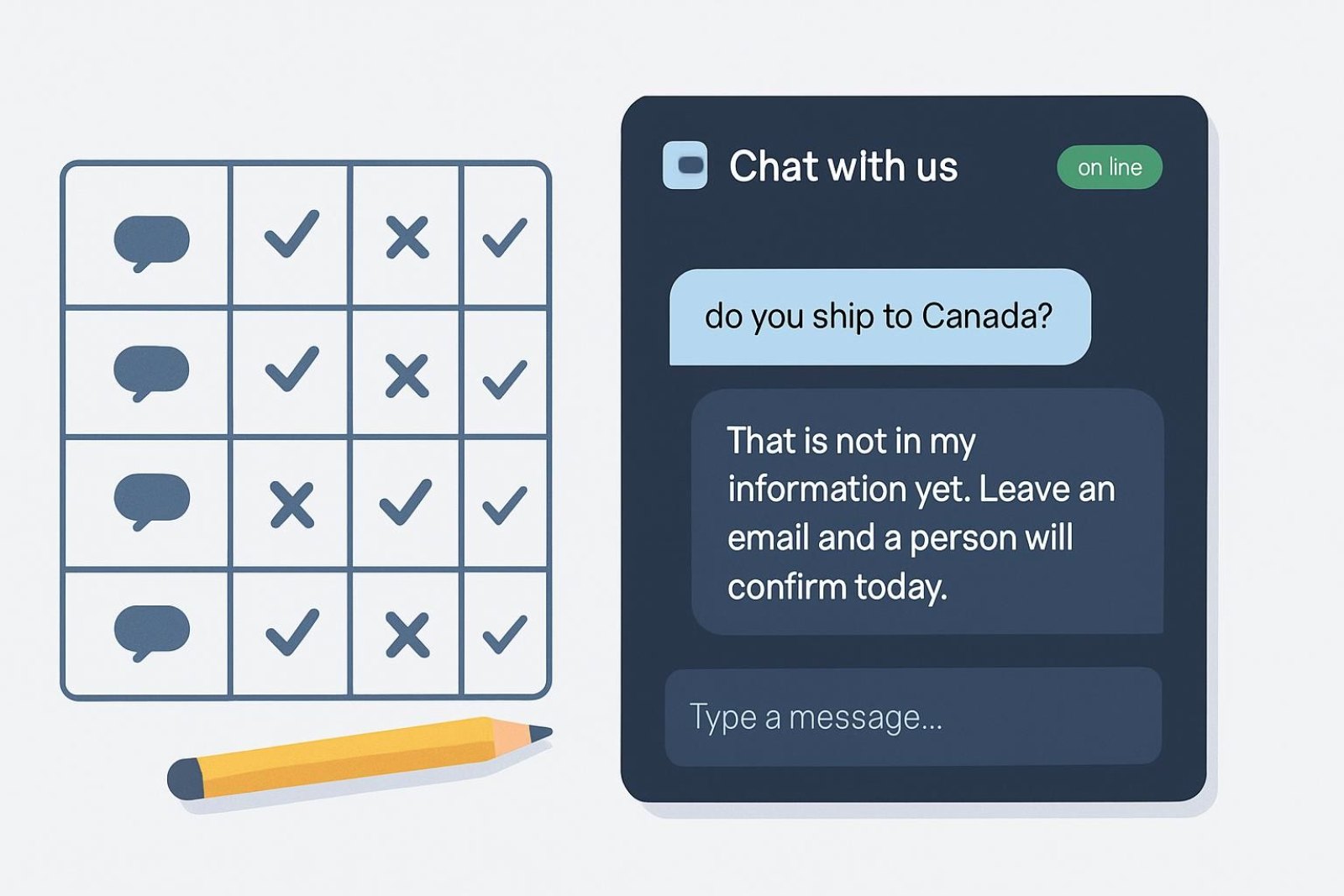
- Verify it declines what it does not know rather than guessing, which is the behaviour that makes the rest safe.
The content format is in how to write a chatbot knowledge base, and what to include overall in what to feed a store chatbot. This stage does the heavy lifting; the rest is tidying.
Stage two: routing
Routing is about who sees what, and with how much context. Three rules cover a small store: complaints and damaged goods go to a person immediately, anything the assistant cannot answer offers a person, and out-of-hours requests take an email with the transcript attached. Everything else stays automated. The failure mode to avoid is over-escalation, particularly the rule that sends every message containing "refund" to a human, which fills your inbox with policy questions. The details are in chatbot human handover.
Stage three: reporting
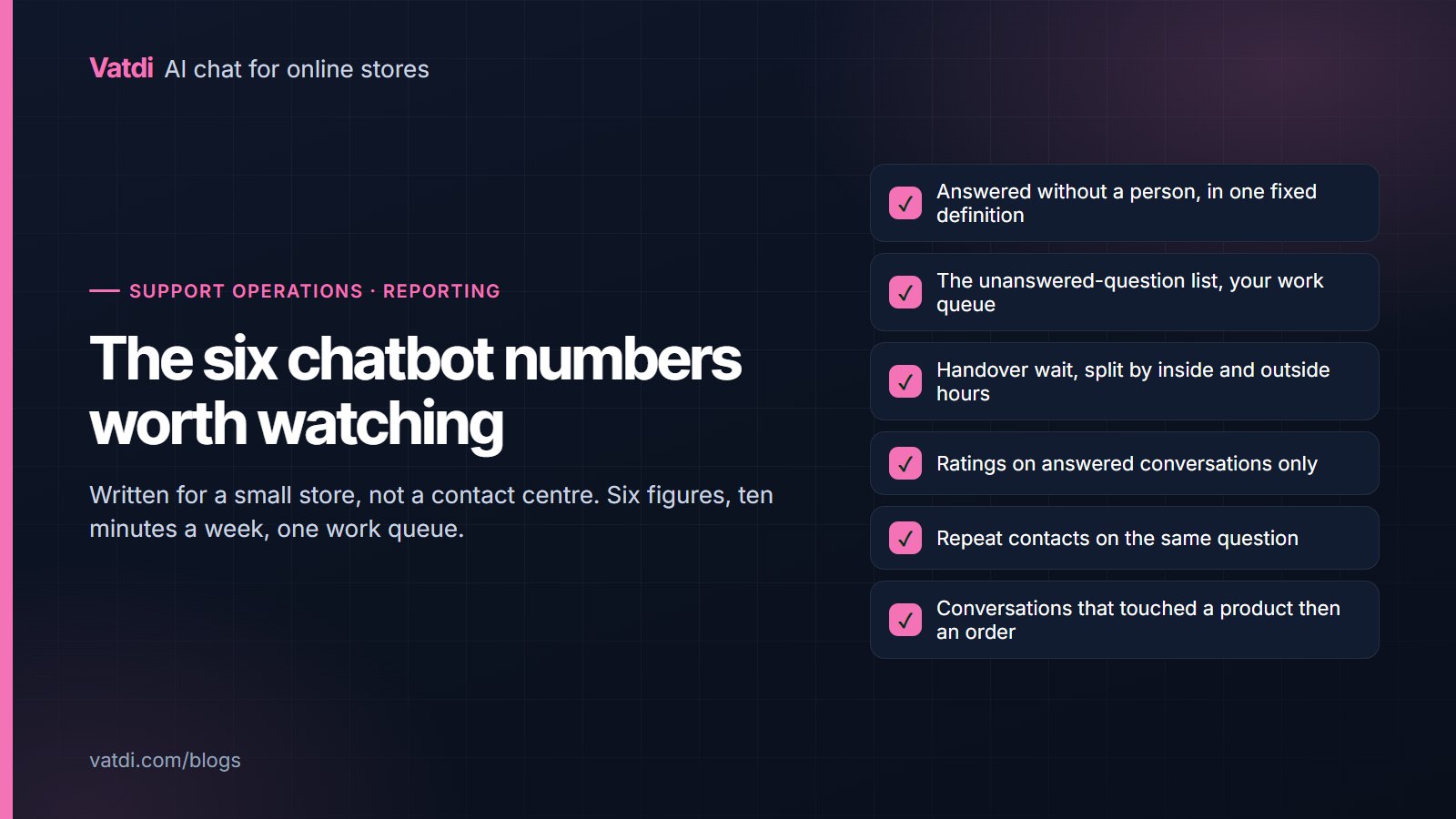
Keep it to six numbers and one list, reviewed weekly, as set out in the six chatbot KPIs worth watching. Reporting is last because there is no point measuring a process you have not changed yet.
The tools question, answered briefly
Stores often start by choosing software and end up with three systems that each hold part of the truth. For a store of this size, one chat assistant connected to the catalogue and order data, plus the shared mailbox you already have, is a complete stack. A ticketing system earns its place when several people need to own conversations at once and hand them between shifts, which is a headcount problem rather than a volume one. A separate knowledge-base product earns its place when the help content is big enough to need its own navigation, which for most stores it is not: five good pages on the storefront serve customers, search and the assistant simultaneously. Resist buying anything that requires your content to live in two places, because the second copy is the one that goes stale and starts contradicting the first.
Where automation goes wrong
Three failure patterns recur, and all three are self-inflicted. The first is automating before writing the content, which produces an assistant that declines everything and convinces the team that the technology does not work. The second is over-escalation, where cautious rules send routine policy questions to a person and the inbox looks exactly as it did before. The third is set-and-forget: an assistant that was accurate in March quietly drifts as policies change and nobody reads the unanswered list. None of these are expensive to avoid. They are avoided by doing the stages in order and spending ten minutes a week afterwards.
What not to automate
- Apologies. A generated apology for a real failure reads as indifference. Have a person say it.
- Goodwill decisions. Exceptions, partial refunds and gestures are business decisions with a cost.
- Anything legal. Statutory rights, disputes and formal complaints need a person and, sometimes, advice.
- Follow-up sequences to people who asked a support question. Marketing on the back of a support conversation is how you lose a customer and gain an unsubscribe.
- The route to a person. Never automate that away; hiding it is what people mean when they say they hate chatbots.
Who owns it when nobody has the title
In a store with two or three people, support automation has no obvious owner, which is how the weekly review quietly stops happening. Name someone anyway, even if the role is ten minutes on a Monday, and make the task concrete: read the unanswered list, fix three things, note anything odd. Concrete tasks survive busy weeks in a way that "keep an eye on the chatbot" does not. If the person who writes the content is not the person who reads the conversations, that gap will show up as the same question failing for months, so keep both jobs with one person while the volume allows it.
What it actually saves
Be honest with yourself about the shape of the gain. For most small stores it is not a headcount reduction, because there was no headcount. It is fewer interruptions during the day, fewer questions waiting each morning, and answers given at the moment a shopper was deciding rather than twelve hours later. That last one shows up in sales rather than in support metrics, and the mechanism is the same one Baymard documents when it lists unanswered delivery and returns questions among the reasons people abandon a checkout, in its research on cart abandonment. Our own conversation data across real stores shows how much of this traffic arrives outside working hours, with the method stated, in our ecommerce chatbot statistics.
A realistic first month
Week one: install, connect the catalogue and order lookup, rewrite the five pages. Week two: read every conversation, fix what the unanswered list names, tighten the escalation rules. Week three: add the FAQ entries your inbox produces and test the four questions you cannot answer. Week four: settle into the ten-minute weekly review and stop touching settings. That is the whole programme, and it costs a plan fee plus about two days of attention spread over a month. Vatdi includes every feature on every plan, with allowances on the pricing page, and the step-by-step order is in the AI chatbot implementation guide. The retrieval approach that makes stage one possible without scripting is described in Lewis et al., 2020.
Frequently asked questions
What should a small store automate first?
Answers, because that is where the volume is. The same twenty questions arrive constantly and most of them are already answered somewhere on your site. Automating routing or reporting before answers organises a queue that could largely have been removed, which is why the order matters more than the tooling.
Will automation make service feel worse?
Only if it hides the route to a person or guesses when it does not know. An assistant that answers accurately at midnight and hands complaints straight to a human improves the experience, because the alternative was waiting until morning for a fact that was on the site all along.
How much time does it actually save?
For most small stores the gain is fewer interruptions rather than fewer staff: the repetitive questions stop arriving one at a time through the day. The bigger effect is often on sales, because pre-purchase questions get answered while the shopper is still deciding rather than the next morning.
Do I need a helpdesk as well?
Not usually at this size. A chat assistant with handover and a shared mailbox covers a small store, and adding a ticketing system before the volume justifies it creates process without removing work. Revisit when several people need to own conversations at once.
What should never be automated?
Apologies for real failures, goodwill decisions, anything legal, marketing follow-ups to people who asked a support question, and the route to a person. Those five are where automation damages trust, and none of them are frequent enough to be worth automating anyway.
How do I know it is working?
Six numbers weekly and one list: the share answered without a person, the unanswered-question list, handover wait, ratings on answered conversations, repeat contacts monthly, and whether chat conversations precede orders. The unanswered list is the one that tells you what to do next.