Chatbot customer engagement on a store is not the number of chats. It is a shopper getting a correct answer at the moment of doubt: on the product page, just before checkout, after the order ships, and at 11 p.m. when nobody is at the desk. An AI chatbot changes those four moments by answering instantly from your own catalogue and policies. Below: what changes, which settings help, which mistakes hurt, and six metrics that show whether it worked.
What engagement means on a store
Support-team metrics such as "conversations handled" say nothing about whether a shopper bought. Engagement worth measuring is a short list of outcomes, each tied to a moment in the shopping journey:
- A pre-purchase question answered correctly (fit, compatibility, stock, delivery time).
- A product card shown that matches what the shopper asked for.
- An order-status question resolved without a person.
- A lead captured from a shopper who was not ready to buy.
- A handover completed, with the transcript, when the question needed judgement.
Everything below is about producing more of those and fewer dead ends. If a setting or a script does not move one of them, it is decoration.
The four moments where a chatbot changes behaviour
1. Product-page doubt
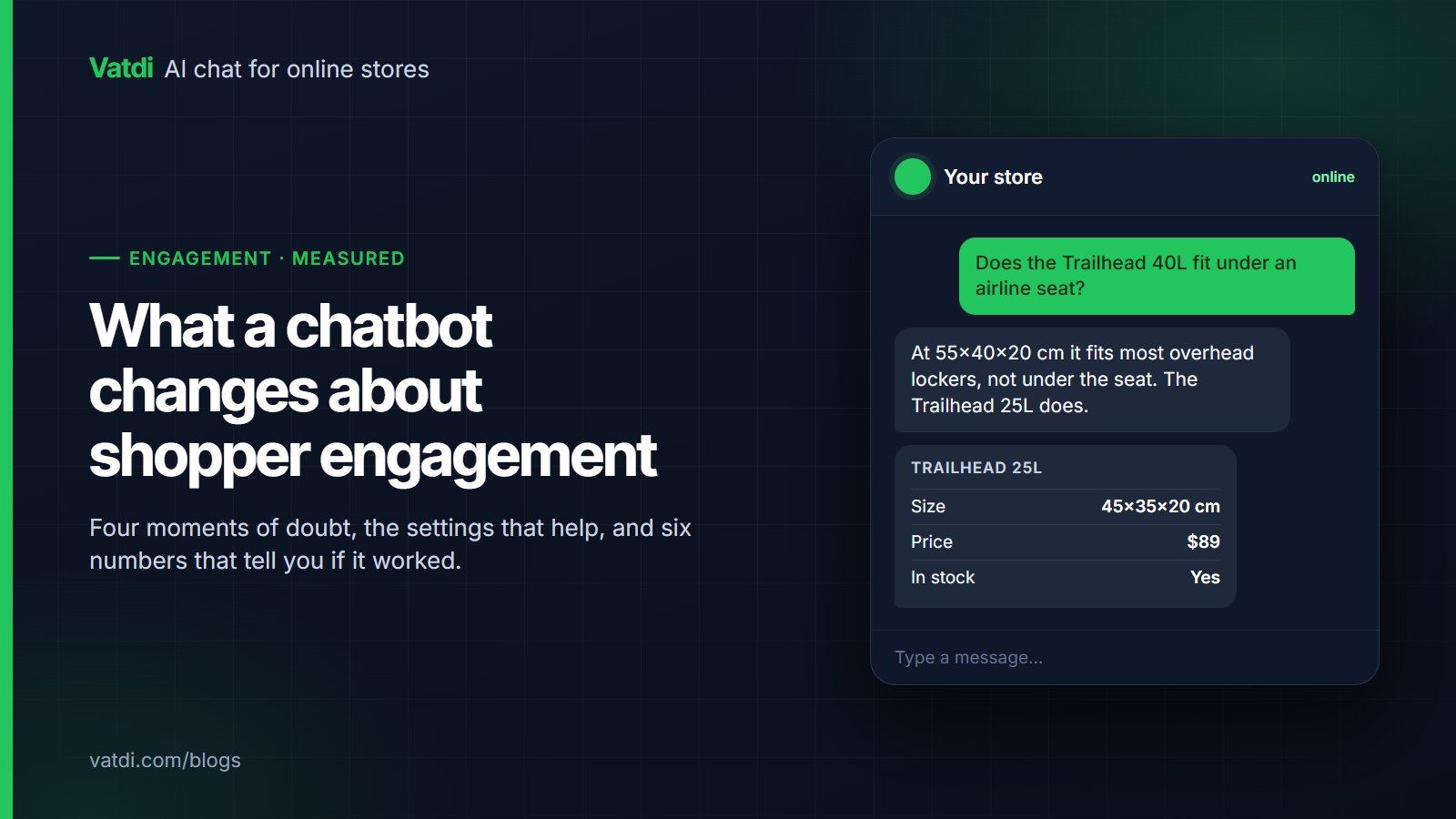
The shopper is comparing two items or checking one detail: does the 40L fit under an airline seat, is the jacket true to size, does this charger work with that phone. Without an answer they open a new tab or leave. A retrieval-based bot answers from catalogue attributes and shows the relevant product card; the difference is made in the catalogue, not the bot. Fill in the attributes shoppers ask about, and the bot can use them. See how catalogue sync feeds answers.
2. Shipping and returns before checkout
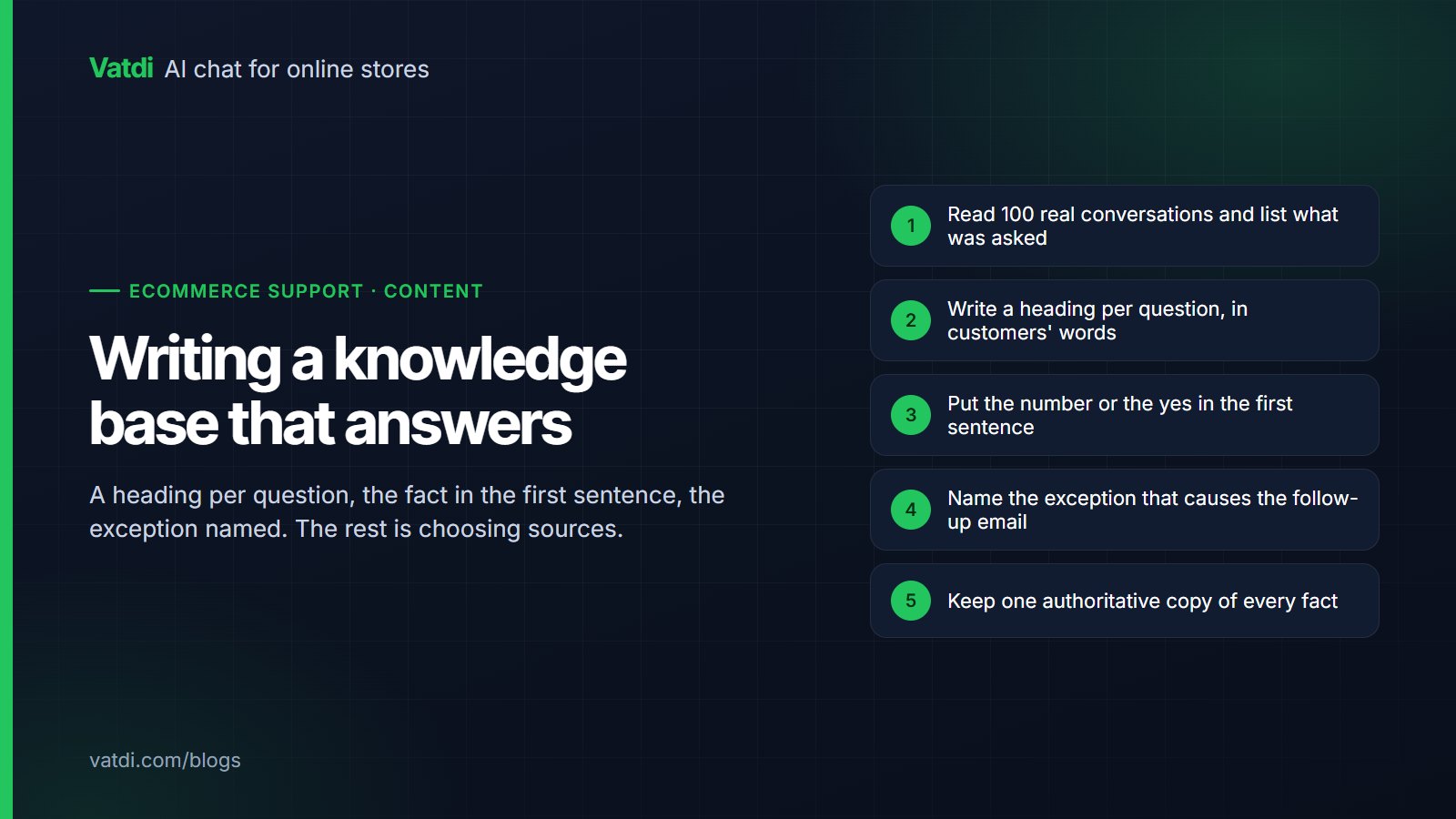
The Baymard Institute's running average puts cart abandonment at about 70% (Baymard), and unexpected shipping cost and unclear delivery are among the reasons shoppers give. A bot that answers "6–10 business days, $12, free over $80" from your shipping page, in the shopper's language, removes one reason to leave. The prerequisite is a shipping-zones table on one page and a returns page written one question per heading; our knowledge base guide shows the format.
3. Order status after purchase
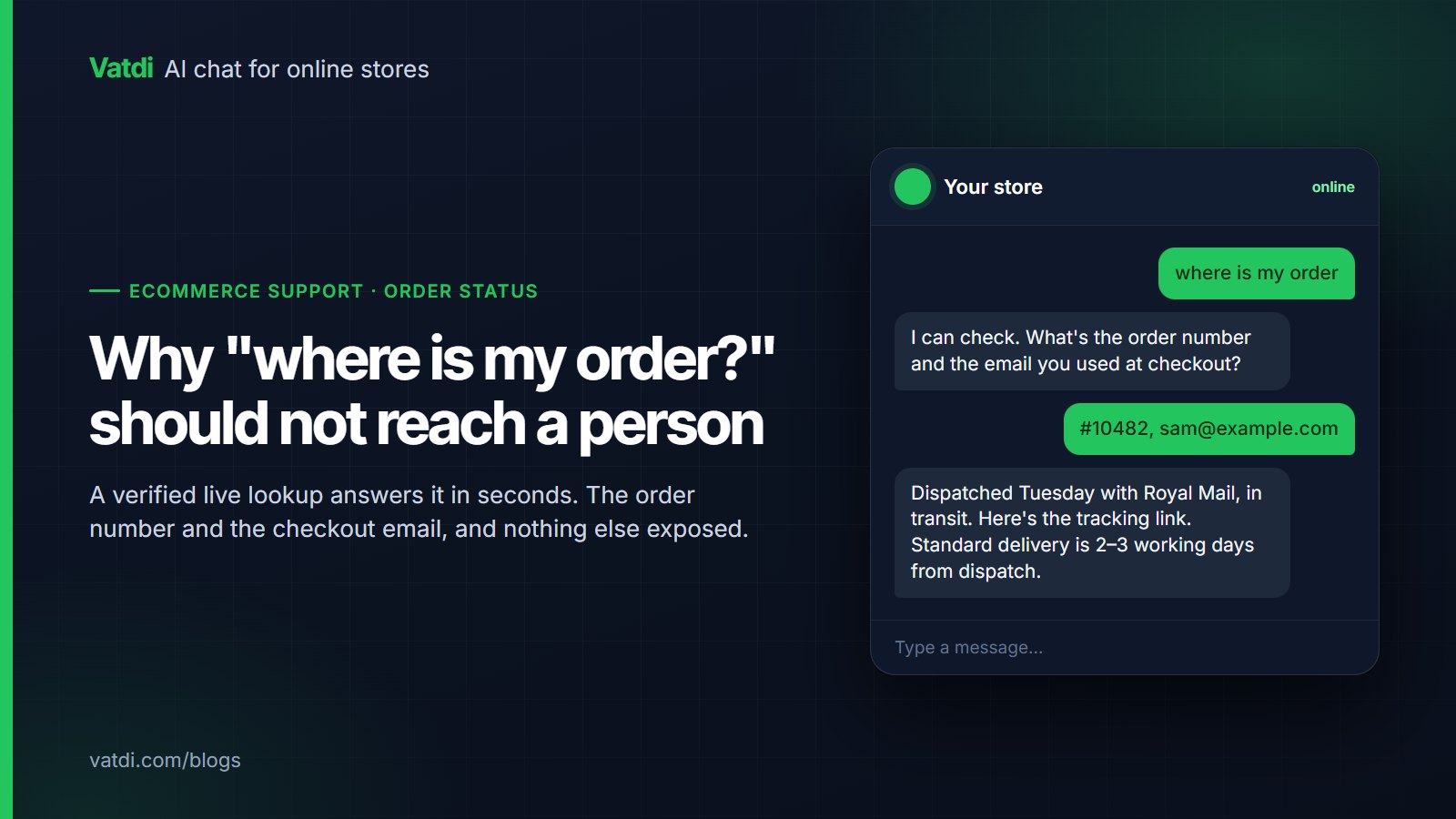
"Where is my order" is the most common post-purchase message and the easiest to automate safely: order number plus the email or phone on the order, verified, answered live. Every one resolved by the bot is an email your team does not write and a customer who did not have to wait until morning. Vatdi does this through its plugins for WooCommerce, OpenCart, PrestaShop, Magento, Shopware, Joomla and Drupal Commerce, and not on Shopify; the mechanics are in order tracking in chat.
4. Off-hours
A store is open at 11 p.m.; the team is not. Engagement here is the bot answering what it can and being honest about the rest: the offline notice says when a person will reply, and the widget collects contact details for the follow-up. The failure mode is a widget that says "we typically reply in a few minutes" at midnight. Agent hours are covered in AI chatbot for after-hours support.
Settings that raise engagement
| Setting | What to do | Why it works |
|---|---|---|
| Welcome message | Name three things the bot can do: "Ask me about shipping, returns or where your order is." | Shoppers ask answerable questions first |
| Quick replies | Your three most common questions as buttons | Removes the blank-box problem on mobile |
| Follow-up bubble | One prompt, shown after the page has been open a while, not on load | Catches the shopper at the doubt, not on arrival |
| Hide on checkout | Turn the widget off on the checkout page, desktop and mobile separately | Nothing competes with the pay button |
| Product cards | Keep prices and stock in the synced catalogue, never on crawled pages | The card is always current, so shoppers click it |
| Coupon conditions | Configure the conditions with the code | An offer that states its rule converts; one that fails at checkout does the opposite |
| Pre-chat form | Off, unless you genuinely need the email before answering | Every field before the first answer loses shoppers |
All of these are per-store settings in Vatdi's widget configuration; none requires a developer. The full list of appearance and behaviour controls is on the features page.
Mistakes that push shoppers away
- Gating the first answer behind a form. Ask for an email when you have a reason (a lead, a follow-up), not as a toll.
- Popping up on page load. The follow-up bubble should arrive after the shopper has shown doubt, not before they have read anything.
- Guessing. A bot that invents a delivery date engages the shopper right up to the complaint. Retrieval-based answers with a real "I don't know" avoid this; test the negative cases.
- Pretending someone is there. Set real agent hours. The honest offline notice keeps more customers than the optimistic one.
- Pushing discounts. A coupon offered to every visitor trains shoppers to wait for it. Offer it when the conversation fits and state its conditions.
- Ignoring accessibility. A widget that cannot be operated by keyboard or read by a screen reader excludes shoppers; the W3C's accessibility fundamentals are the baseline to ask a vendor about.
Six metrics that show whether it worked
| Metric | How to compute it | What a good trend looks like |
|---|---|---|
| 1. Conversations per 100 sessions | Conversations started ÷ sessions × 100, from your analytics and the chatbot report | Rises after quick replies and a specific welcome message; falls if the bubble annoys |
| 2. Answered without a person | Conversations that ended without handover ÷ all conversations | Rises as content improves; should not rise because handovers are being refused |
| 3. Product cards shown | Conversations in which at least one product card appeared | Rises when catalogue attributes are filled in |
| 4. Leads captured | Leads from chat and forms per week, with the automatic trust rating | Steady; a spike of low-rated leads means a form is placed too early |
| 5. Missed handovers | Handover requests nobody answered within agent hours | Falls to near zero; each one is a lost customer |
| 6. Conversation grade and visitor rating | Average 0–10 grade and 1–5 visitor rating, plus thumbs per answer | Grade stable or rising while volume grows; low-rated answers become the content backlog |
Vatdi's reports show conversations, leads, feedback and usage on every plan, and grade each conversation 0–10 with plain-English advice; the broader set of numbers is in AI chatbot KPIs to track.
A four-week measurement plan
- Week 0, baseline. Record sessions, support emails per week, and how many of them are the six repeat questions (order status, shipping, returns, stock, fit, payment).
- Week 1, launch with content only. Catalogue synced, shipping and returns pages crawled, quick replies set. No coupons, no forms.
- Week 2, add order lookup and agent hours. Watch metric 2 and metric 5.
- Week 3, review low-rated conversations. Fix the content behind each; re-ask the question the same day.
- Week 4, compare. Support emails on the six repeat questions should have fallen; conversations per 100 sessions should be stable or up; the grade should not have dropped as volume rose.
If the emails did not fall, the bot is not being found (check the widget position and the welcome message) or is not answering (check the content). Both are visible in the low-rated conversations, which is why the review in week 3 matters more than any setting.
Frequently asked questions
Does a chatbot increase engagement or just add another pop-up?
It depends entirely on timing and content. A widget that opens on page load with a form is a pop-up; a widget that answers "does this fit under an airline seat" from your catalogue at the moment the shopper wonders is engagement. Measure it with conversations per 100 sessions and the answered-without-a-person share; if the first rises while the second falls, you have added noise.
Which questions should the quick replies cover?
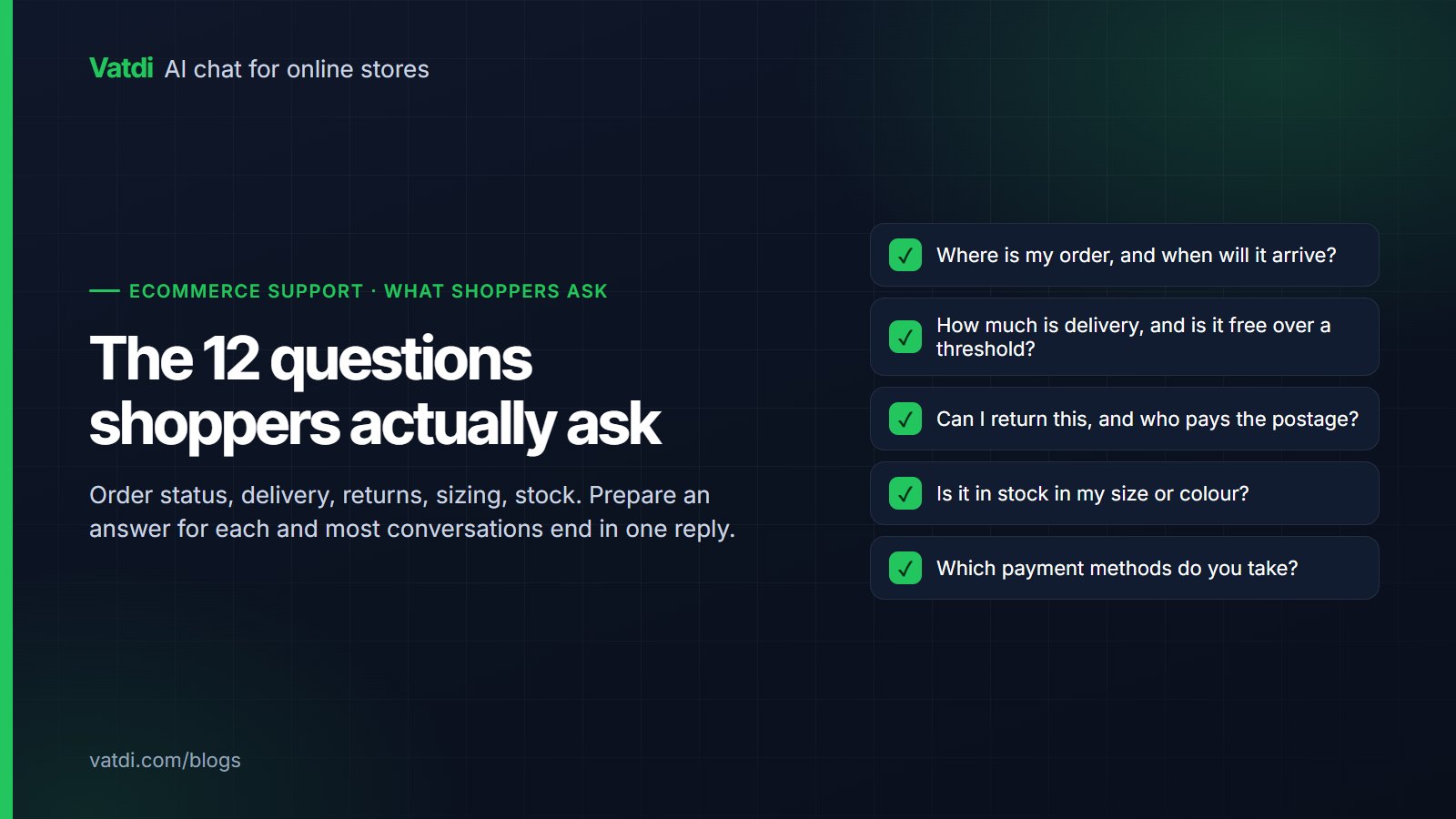
Your three most frequent, taken from last month's inbox rather than guessed. For most stores that is shipping time and cost, returns, and order status. Change one per month if a different question starts dominating the low-rated conversations. Keep them short enough to fit on a phone screen in the languages you serve; the labels translate per store.
How long should the follow-up bubble wait?
Long enough that the shopper has read the page. There is no universal number; start with the point where your analytics shows people leaving product pages, and test two values a week apart against conversations per 100 sessions and the visitor rating. A bubble that fires on load reliably lowers the rating even when it raises the count.
Can the chatbot show products the shopper did not ask for?
It should show products that answer the question, including alternatives: a smaller bag when the asked-for one does not fit, the compatible charger when the asked-for one is not. Best sellers appear when the plugin sends sales data and the question calls for a recommendation. Unsolicited promotions in the middle of a support question lower trust; keep recommendations tied to what was asked.
How do I know the bot is not just refusing handovers to look good?
Watch two numbers together: answered-without-a-person and missed handovers, alongside the visitor rating. If the first rises while the rating falls or shoppers rephrase the same question three times, the bot is stonewalling. Set the escalation rules explicitly, refunds in progress, damaged goods, payment disputes and any request for a person, and review a sample of "resolved" conversations weekly.
Does any of this need a paid plan?
On Vatdi, no. Widget settings, quick replies, product cards, coupon offers, lead capture, handover with agent hours, conversation grading and the reports are on every plan, including Free. As of September 2026 the plans differ only in monthly conversations (15, 150, unlimited) and whether the "Powered by Vatdi" badge can be removed; details on the pricing page.