A Shopify AI chatbot can be answering product and policy questions within an afternoon of installation, using your own catalogue and pages rather than a scripted tree. What differs between apps is narrower than the marketing suggests: whether order lookup is included, what the pricing unit is, how much of the answer comes from your store, and what happens when the assistant does not know.
What to expect on day one
| Capability | What is normal | What to check |
|---|---|---|
| Product questions | Answers from the synced catalogue: price, variants, specifications | Whether variants and stock sync, or only titles and prices |
| Policy questions | Answers from your shipping, returns and sizing pages | Which pages are read, and how they are chosen |
| Order lookup | Varies by app, and is the biggest functional difference | Whether it is included, extra, or absent |
| Handover | A route to a person, with the transcript | Whether the agent replies in the same thread |
| Languages | Replies in the language the shopper used | Whether widget labels are translated too |
| Pricing | Per conversation, per resolution, per seat or flat | The bill at your busiest month, not your quietest |
Vatdi's own position is worth stating plainly: the widget embeds on a Shopify storefront and answers from your content, and live order lookup is available through our plugins on WooCommerce, OpenCart, PrestaShop, Magento, Shopware, Joomla and Drupal. If order status is the question you most need answered automatically, ask every vendor, including us, exactly what they support on your platform before you commit.
The questions worth asking any app
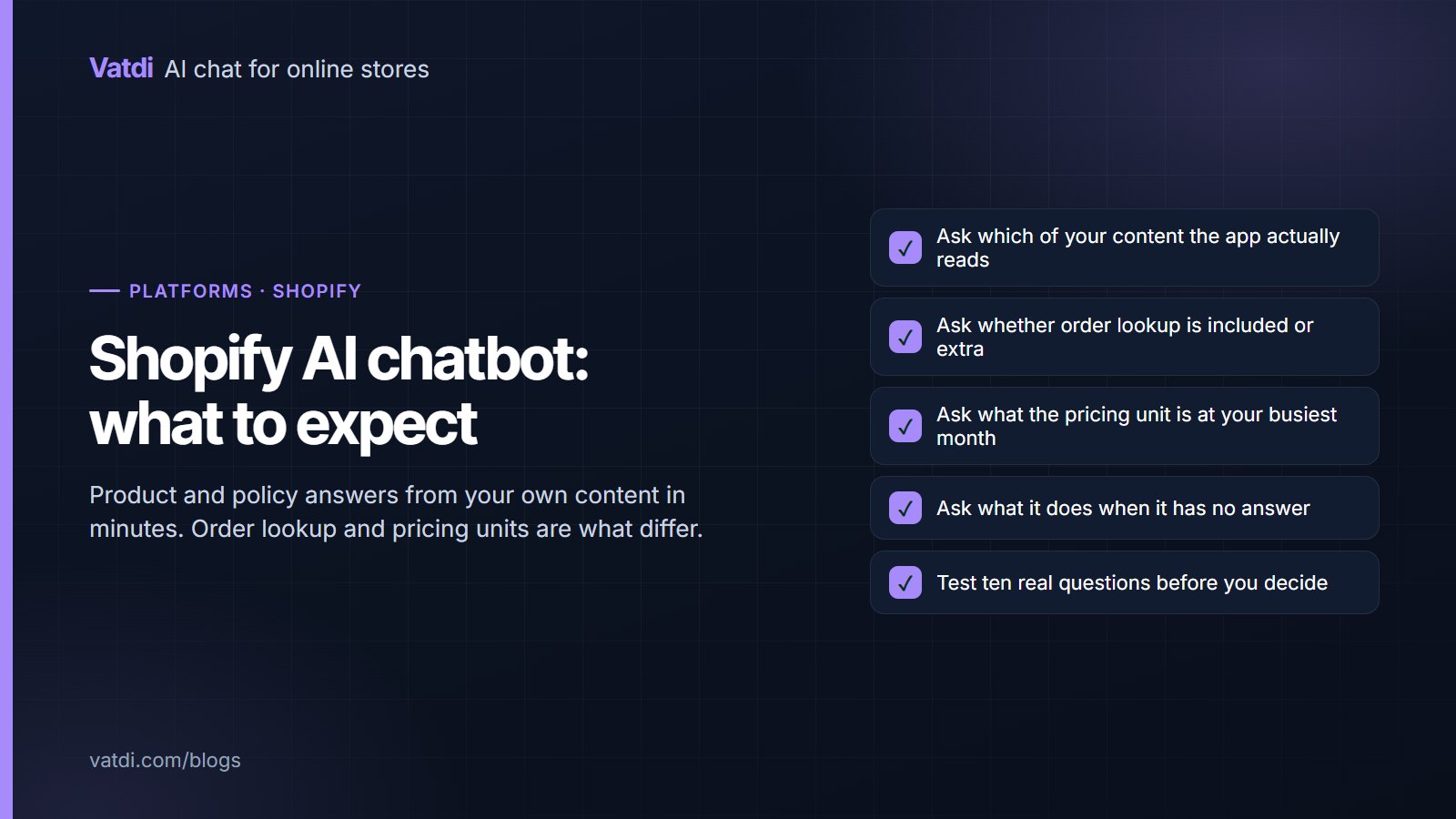
- Which of my content does it read? Products only, or products plus pages plus documents? An app that reads only the catalogue cannot answer a returns question.
- Is the answer grounded or generated? Ask what it does when your content is silent. "It answers anyway" is a warning.
- What is the pricing unit? Per resolution and per seat behave very differently from flat plans as volume grows; the models are compared in chatbot pricing models explained.
- What is gated behind higher tiers? Analytics, handover and languages are sometimes upsells.
- What happens at the plan ceiling? Does the widget stop, queue, or bill overage?
- Can I export my content and conversations? The knowledge you write should be yours to take.
Judging it in one afternoon
Install on a free plan or trial where one exists, connect the catalogue, add your five policy pages, then ask ten questions your customers actually send plus four you cannot answer. Score each reply as correct, incomplete, wrong or declined well; the method is in how to test AI chatbot accuracy. A confident wrong answer on one of the four is disqualifying, however good the rest looks. Use your real wording, typos included, rather than tidy sentences: shoppers write "does this run small" and "wheres my order", and an app that only handles well-formed questions will look better in your test than in production.
Where Shopify stores usually lose answers
- Size charts as images. Common in fashion, invisible to every assistant. Retype the measurements as text.
- Policies split across the theme and app pages, so two versions of the returns window exist.
- Empty product attributes, which make "is it waterproof?" unanswerable regardless of app.
- Shipping rules that live only in checkout settings, never written out as a customer-facing page.
- Apps competing for the same corner of the screen, so the chat launcher is hidden behind a popup.
Four of those five are content problems you fix once and keep, whichever app you choose. The format is in how to write a chatbot knowledge base, with worked entries in chatbot knowledge base examples.
Two weeks in: what actually changes
The first week is usually quieter than expected, because shoppers have to notice the widget before they use it. What arrives first is the order-status question, in whatever form the app supports, followed by delivery and returns. By the second week a pattern shows up in the unanswered list, and it is almost always the same three things: a sizing detail that lives in an image, a shipping rule that exists only in checkout settings, and a product attribute nobody filled in. Fixing those three moves more conversations than any change of tool. The second thing that changes is your own visibility: reading twenty real conversations tells you more about why people hesitate on a product page than a month of analytics, and several of those insights have nothing to do with chat at all.
Is the built-in option enough?
Shopify ships its own messaging product, and for a store whose questions are mostly "is anyone there?" it may be sufficient. The distinction to test is whether replies come from your catalogue and policies or from saved responses someone has to write and maintain. Shopify's own documentation on store pages is a reminder that your policy content is a first-class part of the storefront, which is exactly what a grounded assistant needs. The comparison between the two approaches is set out in no-code chatbot builder vs an AI trained on your own data.
Switching apps later
Assume you will change tools at some point, and set up so that it costs an afternoon rather than a rebuild. Two things make that true. Keep your knowledge on your own storefront pages wherever possible, so the content moves with the store rather than living inside a vendor's dashboard. And keep the assistant's configuration short, since a long instruction block full of hard-coded facts is the part that does not transfer. If a tool holds your content in a proprietary format with no export, treat that as a cost of the tool, not a detail. The same principle applies to conversations: being able to read last quarter's questions after a switch is what preserves the work queue you built.
What it should cost
Chat for a small Shopify store should be a few dollars a month, not a per-agent SaaS bill. As of September 2026 Vatdi is free for 15 conversations a month with every feature included, $4.49 for 150 and $7.49 for unlimited conversations, with badge removal the only paid extra; see pricing. Compare that with whatever unit an app store listing quotes, and do the arithmetic for your busiest month rather than an average one. The underlying method that lets any of these answer from your store rather than a script is described in Lewis et al., 2020, and the setup order that applies whichever tool you pick is in the AI chatbot implementation guide.
Frequently asked questions
What can a Shopify AI chatbot answer?
Product questions from the synced catalogue, and policy questions from your shipping, returns, sizing and payment pages. How well it does either depends more on your content than on the app: empty product attributes and image-only size charts produce weak answers in every tool on the app store.
Can it look up orders?
That varies by app and is the biggest functional difference between them, so ask directly rather than assuming. Vatdi provides live order lookup through its plugins for WooCommerce, OpenCart, PrestaShop, Magento, Shopware, Joomla and Drupal; if order status is your main need, confirm platform support with any vendor before committing.
How long does setup take?
Installation is minutes. The work that matters is content: an afternoon to rewrite five policy pages as questions and fill attributes on your best sellers. Stores that skip that step and then blame the app are describing a content problem, which no amount of switching tools resolves.
Is Shopify Inbox enough on its own?
For a store that mainly needs a way to be reachable, possibly. The test is whether answers come from your catalogue and policies automatically, or from saved replies your team writes and maintains. Ask the fourteen questions and the difference becomes obvious within twenty minutes.
What should I watch in the pricing?
The unit and the ceiling. Per-resolution and per-seat pricing scale with success and headcount respectively, which can be expensive in a busy month. Also check what happens when you hit a plan limit: stopping the widget mid-season is worse than a small overage charge you knew about.
Will it slow my storefront?
A well-built widget loads asynchronously and should not block rendering. Worth checking on a product page with your theme's other apps present, since the practical problem is usually several apps competing for the same screen corner rather than raw load time.