WooCommerce chatbot order tracking answers the question these stores receive most, and it is the one automation handles cleanly, because the answer is a lookup rather than a judgement. Setting it up takes minutes; setting it up safely takes a further twenty, and that is the part worth reading. Verification, status wording and tracking links are where implementations go wrong.
Connecting the plugin
Install the plugin from your WordPress admin, activate it, and connect the store from its settings screen. The catalogue begins syncing and order lookup becomes available without copying API keys by hand. Two checks before moving on: confirm the synced product count matches your published catalogue, and confirm the plugin reports the store as connected rather than merely installed. Downloads and the current platform list are on the integrations page.
Verification: two facts, not one
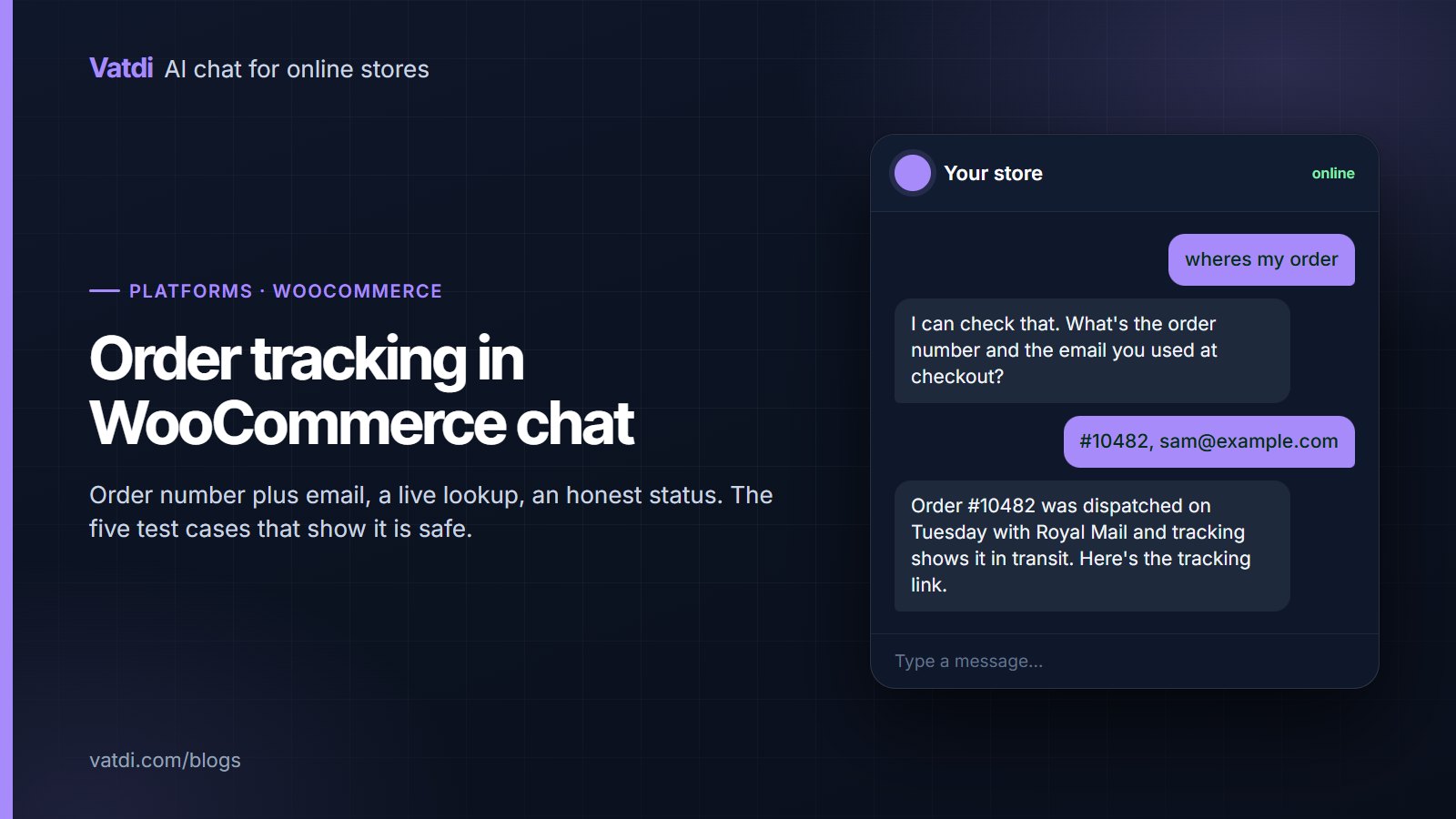
An order number alone is guessable, because WooCommerce numbers are sequential by default. Requiring the email used at checkout is the difference between a convenience and a data leak. When the pair does not match, the assistant should decline without saying which half was wrong, and offer a person. Treat this as a privacy control rather than a UX detail; for European customers the GDPR overview is useful orientation, and your own privacy policy governs what you publish about it.
Which statuses to expose, and how to word them
| WooCommerce status | What to tell the customer | What to avoid |
|---|---|---|
| Pending payment | "We haven't received payment yet, so it hasn't been prepared." | Implying the order is on its way |
| Processing | "Received and being prepared. Dispatch is usually within one working day." | Promising a specific dispatch time |
| On hold | "Paused, usually awaiting stock or payment confirmation. The team can explain." | Guessing the reason |
| Completed | "Dispatched. Here is the tracking link." | Saying "delivered" when completed only means dispatched |
| Cancelled | "Cancelled. If that's unexpected, I'll pass this to the team." | Explaining a cancellation you cannot verify |
| Refunded | "A refund was processed on that date; card refunds take a few working days to appear." | Asserting the money has arrived |
The "completed" row matters most. In WooCommerce that status usually means dispatched, not delivered, and an assistant that says delivered will generate complaints you did not have before. Word it from the customer's point of view, not from the admin's vocabulary.
When the order numbering is not the default
Plenty of WooCommerce stores run a sequential-order-numbers plugin, a prefix per store, or invoice numbers that differ from order IDs. That matters here, because the number a customer reads off their confirmation email must be the number the lookup accepts. Before launch, place a test order, open the confirmation email, and use exactly what appears there rather than what the admin screen shows. If the two differ, decide which one the assistant should ask for and word the prompt accordingly: "the order number from your confirmation email" is clearer than "your order ID" when those are not the same thing. The same check applies after installing any plugin that touches order numbering, since a silent change there breaks lookup for every customer at once while leaving the connection looking healthy.
Tracking links
If your store writes tracking numbers into the order, the assistant can pass them on. If tracking lives only in the courier's email, say so plainly rather than inventing a link. Two practical notes. First, make sure the tracking URL is complete and clickable, since a bare number is useless on a phone. Second, do not interpret courier scans: "in transit" and "awaiting collection" mean different things to different carriers, and a confident interpretation is exactly the kind of small fabrication that costs trust. When tracking has stalled, hand over with the order reference attached, as covered in chatbot human handover.
Five tests before you announce it
- A real order, with the matching email. Confirm the status wording reads correctly to a customer.
- A real order with the wrong email. Must decline, with no hint about which part failed.
- An order number that does not exist. Must decline cleanly rather than erroring.
- A guest-checkout order, since guest orders sometimes behave differently from account orders.
- An old order, beyond any lookup window your setup applies, to see what the customer is told.
Score each as correct, incomplete, wrong or declined well, using the method in how to test AI chatbot accuracy. These five take ten minutes and they are the only tests that matter for this feature.
What order tracking does not solve
- Late parcels. The assistant reports; a person chases. Set the escalation rule explicitly.
- Delivered but missing. Always a person, immediately, with the transcript attached.
- Address changes. A change request is an action, not a lookup, and belongs with your team.
- Refund timing disputes. Quote the policy, then hand over; the reasoning is in a chatbot for returns and refunds.
- Orders placed elsewhere. Marketplace orders are not in your store, so say so rather than searching in vain.
What customers should be told before they ask
Automated tracking works better when the store sets expectations in advance. Three small content changes help more than any setting. Put the dispatch cut-off on the shipping page with a time zone, so "ordered today" has a clear meaning. Say in the confirmation email that order status can be checked in the chat window, which converts a support email into a self-serve answer. And state on the shipping page what happens when tracking stops updating, because that is the question behind most "where is my order" follow-ups. With those three in place, a large share of tracking conversations end in one exchange rather than three.
Why this one feature earns its keep
Order status arrives constantly, mostly outside working hours, and each instance is a small interruption with no decision in it. Automating it removes the largest single category of routine contact and leaves your team the conversations that need judgement. Our own figures across real store conversations, with the method stated, are in our ecommerce chatbot statistics, and the wider WooCommerce setup sequence is in the WooCommerce setup guide. The retrieval approach that answers the surrounding policy questions from your pages is described in Lewis et al., 2020. Vatdi includes order lookup on every plan, with allowances on the pricing page.
Frequently asked questions
How does a chatbot check a WooCommerce order?
Through the plugin, which queries your store live when the customer supplies an order number and the email used at checkout. Nothing is stored in advance, so the status is current. Both facts must match before anything is returned, which is what keeps one customer from reading another's order.
Why does it ask for my email as well as the order number?
Because WooCommerce order numbers are usually sequential and therefore guessable. Requiring the checkout email turns a guessable reference into a pair that only the customer has. When the pair does not match, the assistant should decline without indicating which half was wrong.
Does "completed" mean delivered?
In WooCommerce it normally means dispatched, not delivered, which is why the wording matters. An assistant that reports completed as delivered creates complaints about parcels that are still in transit. Tell customers it has been dispatched and give the tracking link where one exists.
Can it give the tracking number?
Yes, when tracking is recorded against the order in your store. Give the full clickable link rather than a bare number. If tracking exists only in a courier email, say so plainly instead of guessing a URL, and offer to pass the question to a person.
What about guest checkout orders?
They work the same way, using the order number and the email entered at checkout. Test one deliberately before launch, since guest orders occasionally behave differently from account orders depending on your store's configuration and any order-numbering plugins you run.
What happens with a late or missing parcel?
The assistant reports the status and then hands over, because chasing a courier is a person's job. Set the rule so that "delivered but not received" escalates immediately with the order reference and transcript attached, rather than looping the customer through tracking they have already seen.