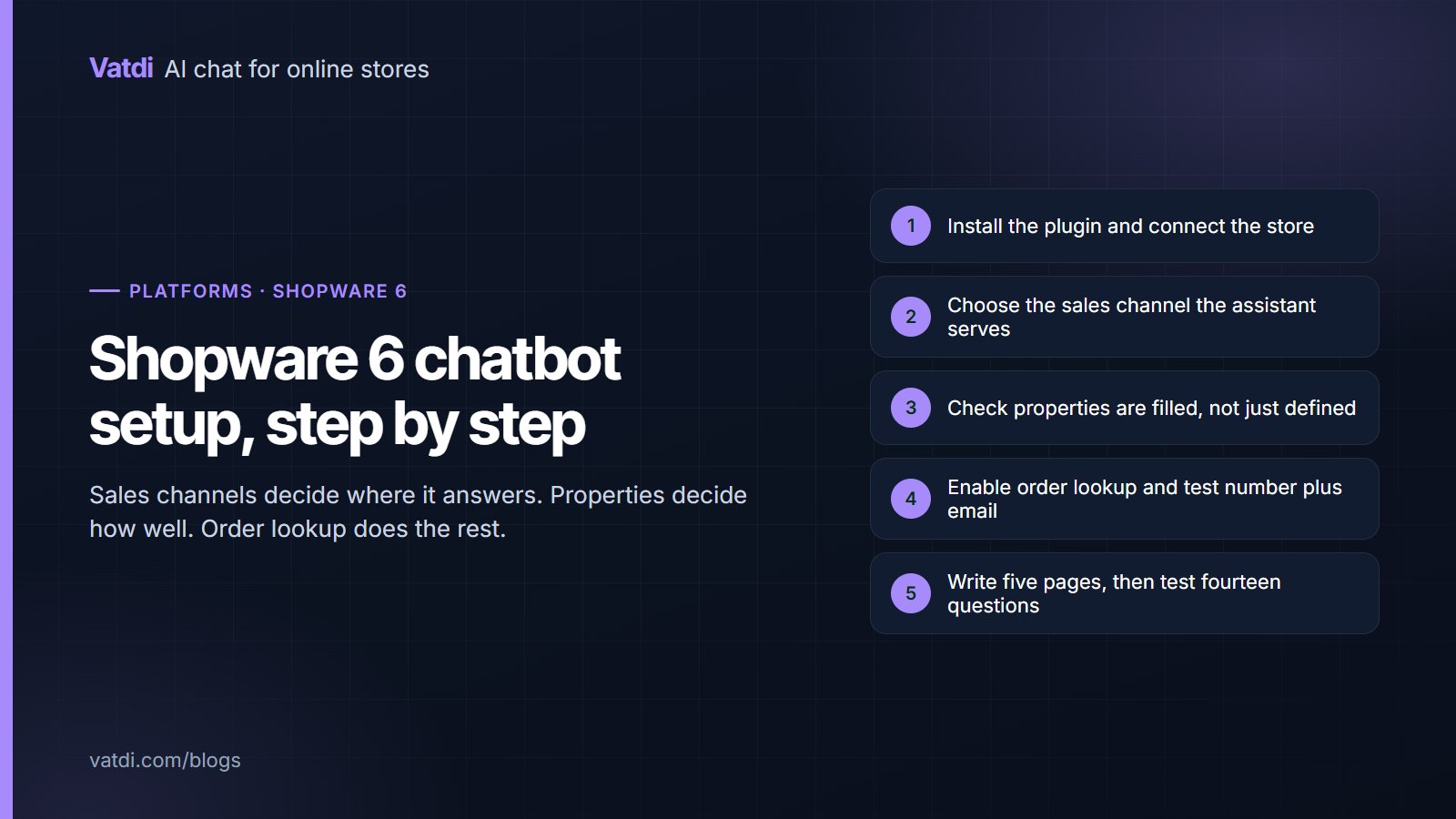
Five setup steps for a Shopware 6 AI chatbot from plugin install to tested answers
Platforms & integrations
68 views

Shopware 6 brings two specifics to chatbot setup: sales channels, which decide where the widget appears and which catalogue it answers from, and properties, which decide whether product answers are specific. This guide covers installation, the sales-channel decision, property coverage, order lookup verification, the content work and the tests to run before customers see it.
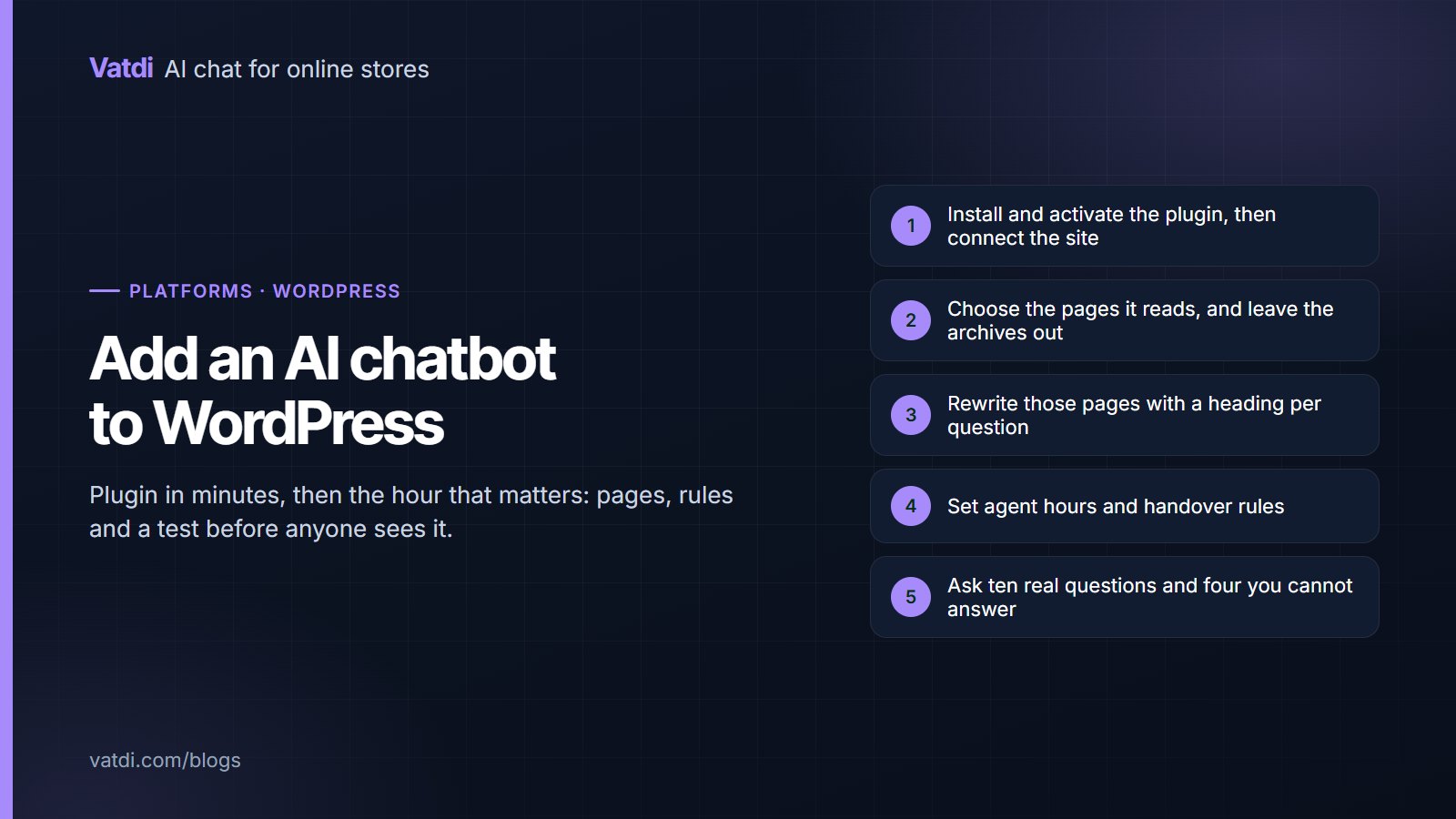
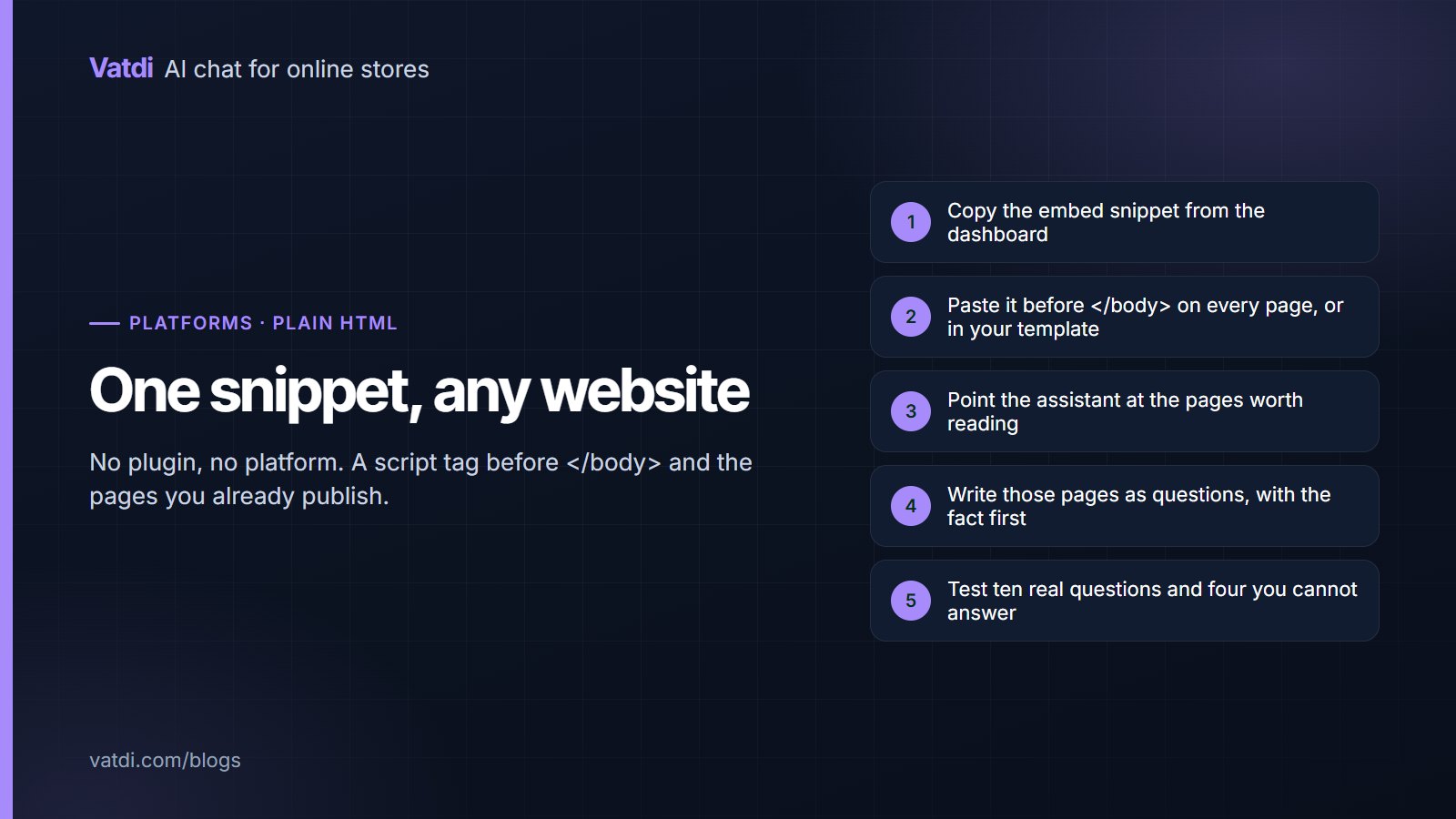
Five steps to add an AI chatbot to a WordPress site from plugin install to testing
Platforms & integrations
89 views

Adding an AI chatbot to WordPress takes minutes for the plugin and about an hour for the parts that decide whether it is any good: choosing the pages it reads, writing those pages as questions, setting handover rules and testing before anyone sees it. This guide walks through each step for both plain WordPress sites and WooCommerce stores, with the checks that catch problems early.

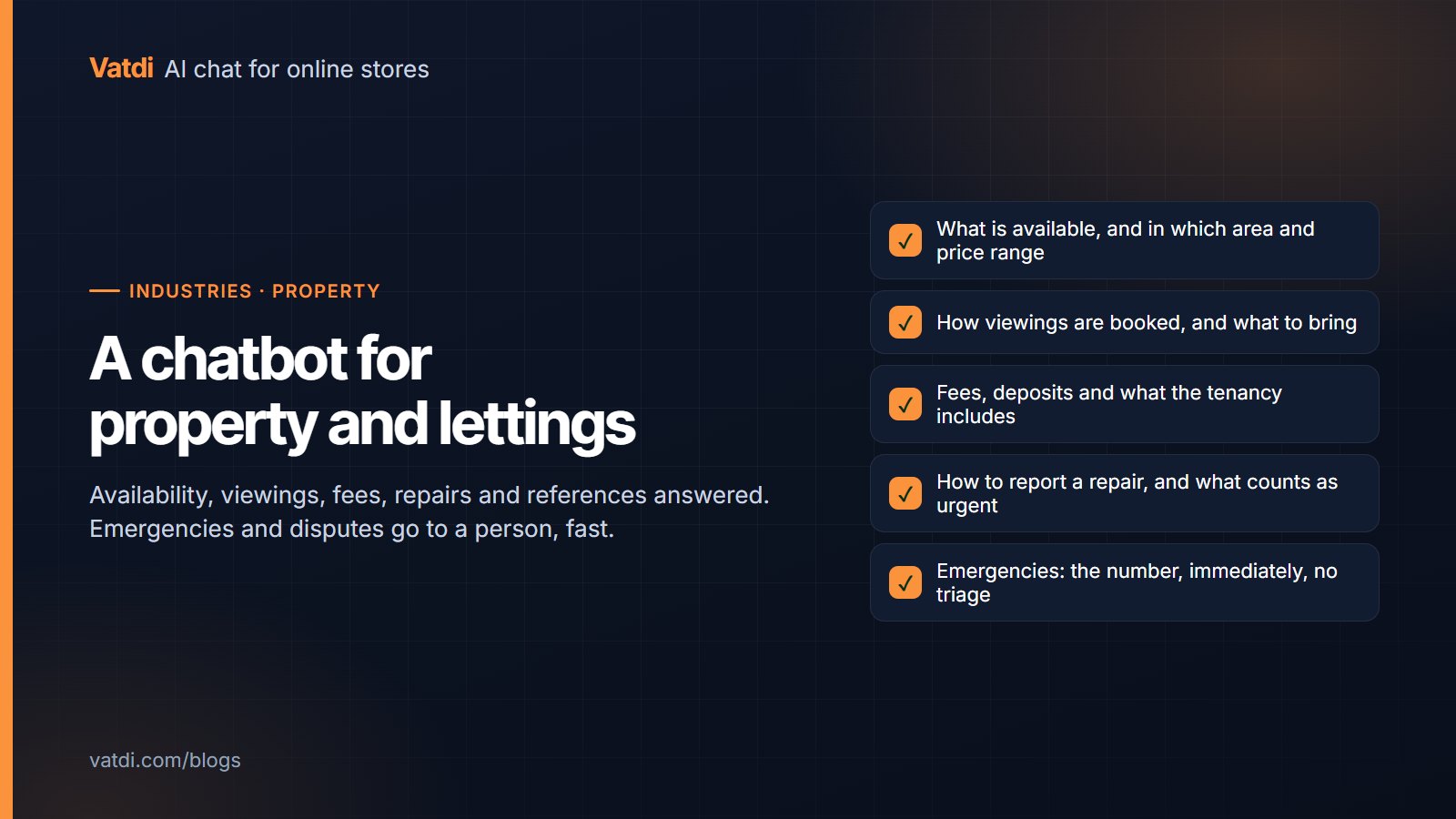
Question map for a property chatbot covering availability, viewings, fees, repairs and references
Industry guides
108 views

A property management chatbot handles the questions that arrive constantly and rarely need judgement: what is available, how viewings work, what the fees are, how to report a repair and what references you need. Emergencies and disputes go straight to a person. This guide covers the content to publish, the escalation rules that matter most in property, and what to avoid saying.

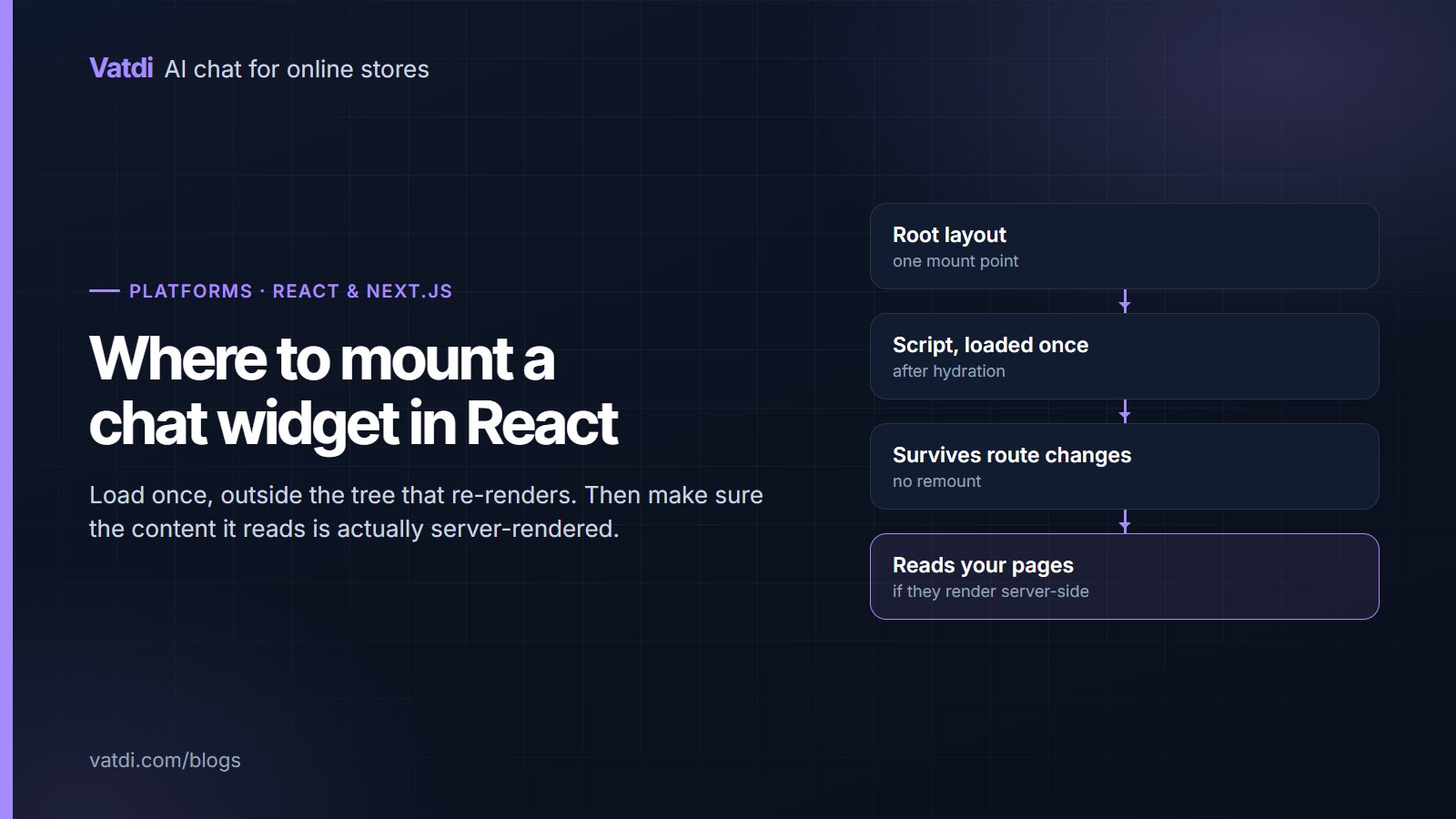
Diagram showing where to mount a chat widget script in a React or Next.js application
Platforms & integrations
116 views

Adding a chatbot for React or Next.js sites is a mounting question, not an integration project: one script, loaded once, outside the component tree it should not re-render with. This guide covers where to put it in the app router and the pages router, the hydration and route-change pitfalls, and why client-side rendering changes what content the assistant can read.

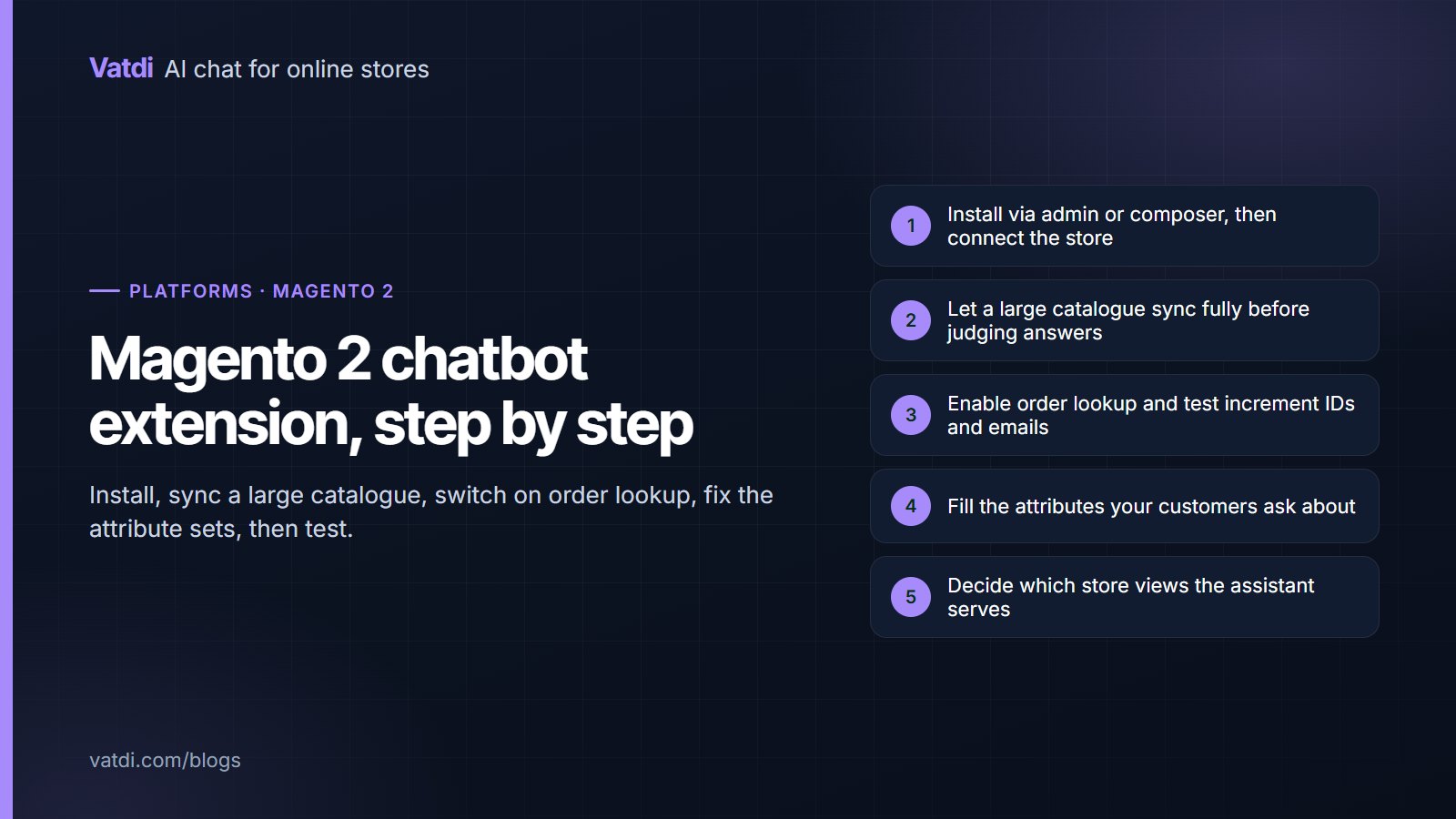
Five setup steps for a Magento 2 chatbot extension from install to tested answers
Platforms & integrations
120 views

A Magento 2 chatbot extension installs through the admin or composer and connects without hand-copied keys, but Magento stores bring two specifics: large catalogues that take longer to sync, and attribute sets that decide whether product answers are any good. This guide covers installation, the sync checks, order lookup, the content work and the store-view questions multi-site merchants need to settle first.

Ready to Add AI Chatbot to Your Store?

Join thousands of ecommerce stores using Vatdi for 24/7 customer support, lead capture, and sales automation.

Free plan available No credit card required 5-minute setup